
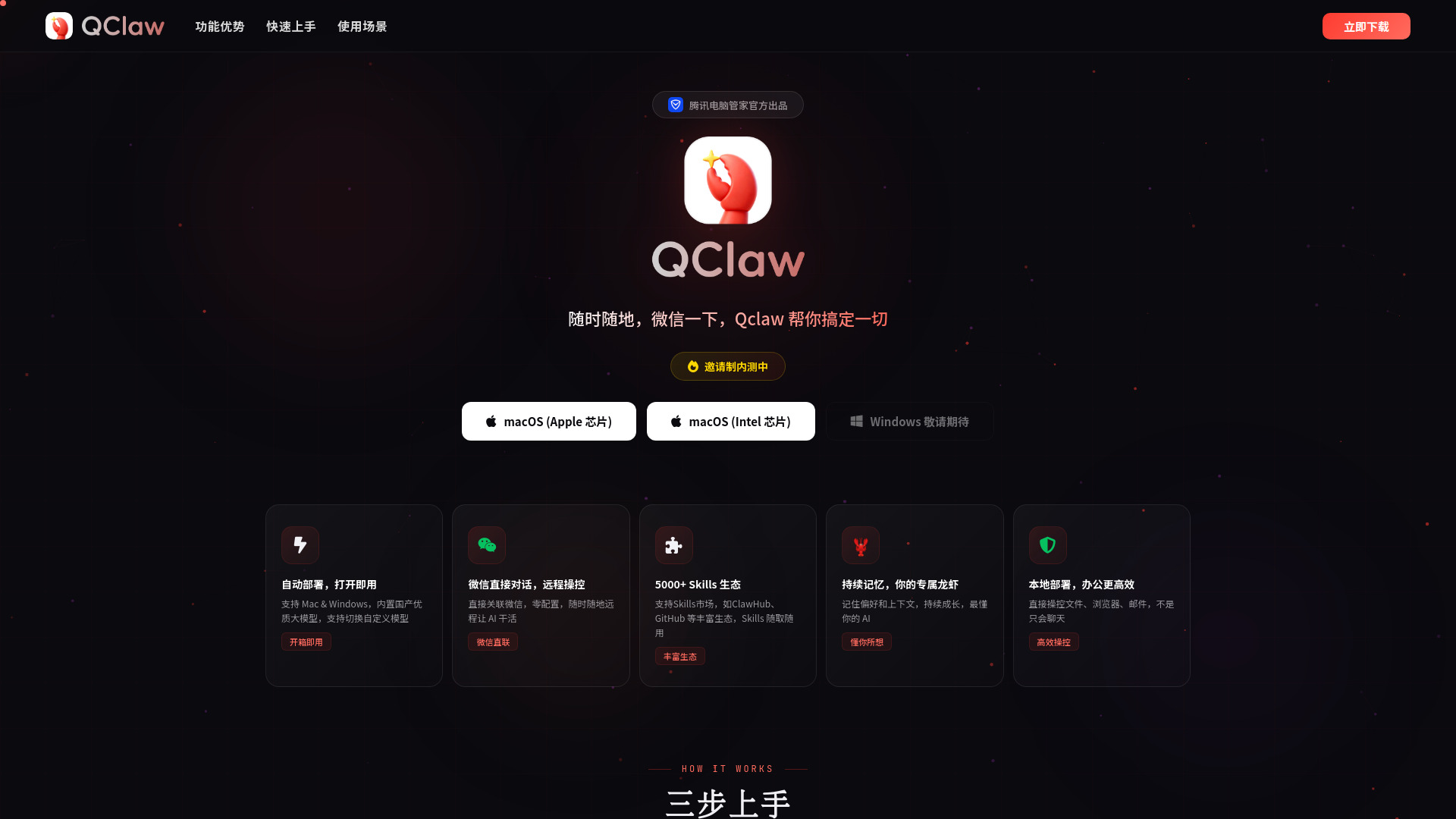
Qclaw
AI tool for remote PC control and task automation via WeChat.
Verdict
A quick read before you dig into the full page.
- Best if
- AI tool for remote PC control and task automation via WeChat
- Pick this when
- AI tool for remote PC control and task automation via WeChat
Overview
Qclaw is an AI-powered remote control and automation tool developed by Tencent PC Manager. It allows users to control their computers (Windows or Mac) directly through WeChat. By integrating built-in large language models (LLMs) and a vast ecosystem of over 5,000 skills, Qclaw can perform complex tasks like file manipulation, social media management, automated software development, and academic research via simple chat commands. It functions as a bridge between mobile messaging and desktop productivity, enabling users to manage their work remotely without needing to be at their desks.
Access & connections
Where you can use Qclaw, and what it plugs into.
Platforms
Integrations
Capabilities
What this tool accepts, produces, and is strongest at.
Highlights
- WeChat Direct Integration: Control your PC via mobile chat messages without complex setup.
- 5000+ Skills Ecosystem: Supports various plugins and skills from markets like ClawHub and GitHub.
- Local File & Browser Control: Directly open, edit, and process local files or web pages.
- Persistent AI Memory: Remembers user preferences and context for more personalized assistance.
- Multi-Model Support: Built-in domestic LLMs with the ability to switch to custom models.
