
pybrain.org
Free AI photo editor for automatic photo editing with object removal, enhancement, and upscaling.
Source rating 5.0
(57)
0 views
0 saves
Unknown
Verdict
A quick read before you dig into the full page.
- Best if
- Free AI photo editor for automatic photo editing with object removal, enhancement, and upscaling
- Pick this when
- Free AI photo editor for automatic photo editing with object removal, enhancement, and upscaling
Overview
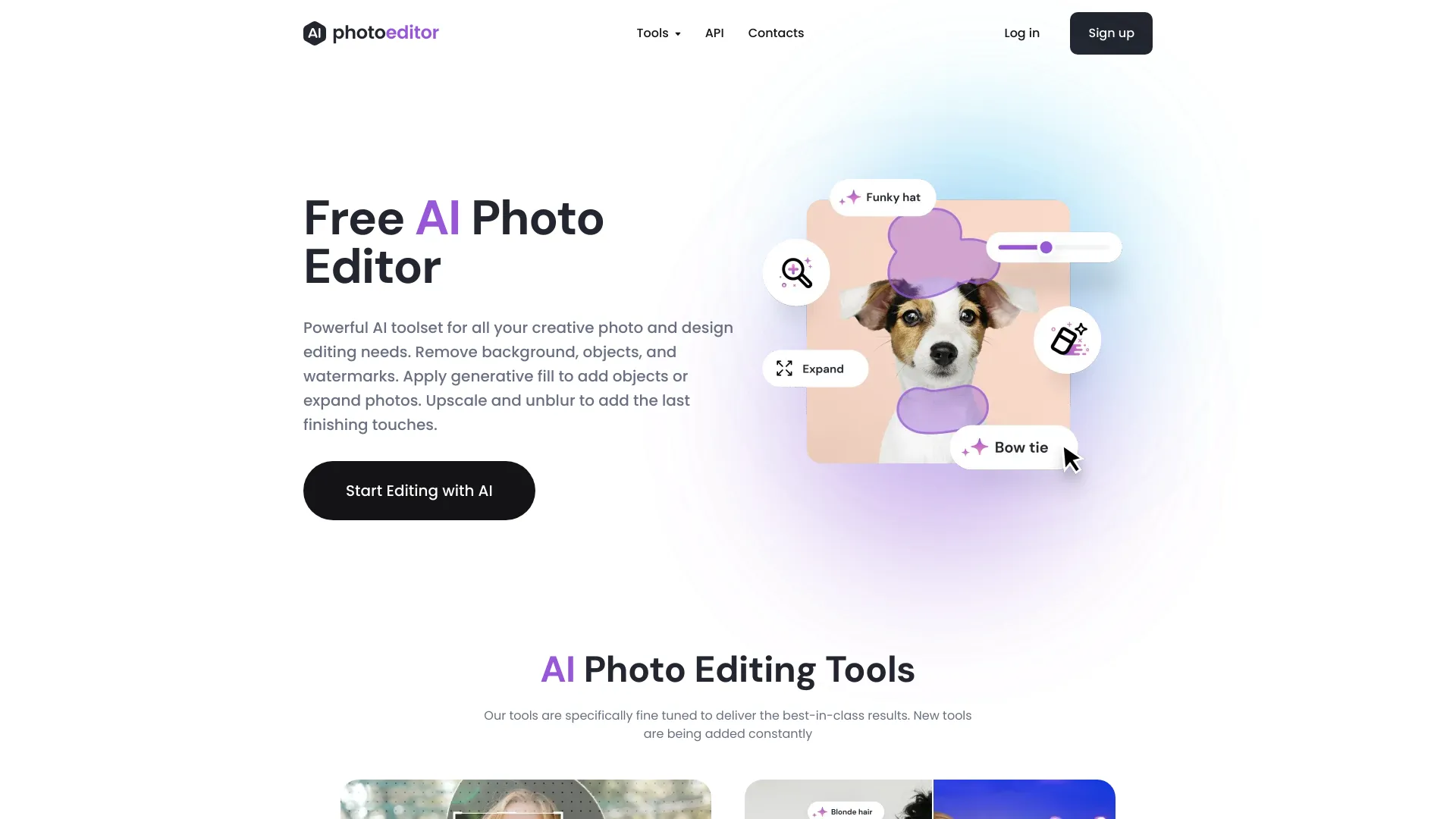
PhotoEditor.ai is a free AI photo editor that uses advanced AI to automatically edit photos. It allows users to remove objects, enhance quality, upscale resolution, and more without requiring signup. The platform offers a powerful AI toolset for creative photo and design editing needs, enabling users to transform text into stunning AI images, add details, uncrop photos, inpaint, remove backgrounds, cleanup images, enhance photos, and upscale resolution.
Access & connections
Where you can use pybrain.org.
Platforms
Capabilities
What this tool accepts, produces, and is strongest at.
Highlights
- AI Image Generator
- AI Detailer
- AI Object Remover
- AI Generative Expand
- AI Generative Fill
- AI Background Remover
- AI Enhance
- AI Upscale
FAQ 9
What is PhotoEditor.ai?
PhotoEditor.ai is a free AI photo editor that uses advanced AI to automatically edit photos. It allows users to remove objects, enhance quality, upscale resolution, and more without requiring signup. The platform offers a powerful AI toolset for creative photo and design editing needs, enabling users to transform text into stunning AI images, add details, uncrop photos, inpaint, remove backgrounds, cleanup images, enhance photos, and upscale resolution.
How to use PhotoEditor.ai?
To edit a photo with PhotoEditor.ai, upload your photo or image in any format (JPG/PNG/HEIC/WEBP up to 15mb). Then, select the appropriate tool for your task and make edits. The processing starts automatically, and you can download the result instantly. Standard image quality is free, while HD quality requires signup.
What is PhotoEditor.ai?
PhotoEditor.ai is a cutting-edge visual AI platform powered by Artificial Intelligence that completely changes the way we edit photos. With our technology, you can easily remove unwanted objects, text or people from images. Add objects with generative fill or use different tools like Upscale, Unblur to achievie exceptional results compared to traditional methods. It is similar to Photoshop but provides way better results and easier to use.
What technologies do you exactly use?
PhotoEditor.ai is powered by a modular neural networks that utilise powerful Artificial Intelligence algorithms & Machine Learning. It contains algorithms for graphics editing, reinforcement learning (and the combination of the two), for unsupervised learning, and evolution. All our tools are specifically fine-tuned by our in-house AI engineers to deliver the best results compared to other solutions.
What resolution does PhotoEditor.ai supports?
You can upload and edit any kind of image JPG/PNG/WEBP/HEIC up to 15mb. The downloads size is limited to 720px on free plans but this is usually more than enough for common use cases. For bigger resolutions and HD image quality we offer PhotoEditor PRO subscription
Is it really free?
Yes, most of our current features are free and forever will be. Free plans are limited to 720px image size downloads, but PhotoEditor PRO does not have this limitation
Do you support iOS and Android devices?
Yes, it works on iOS (iPhone) and Android devices without any additional apps to install or download.
Is my data and privacy safe when using the AI Photo Editor?
Yes. We prioritize user privacy and security. All uploaded photos are encrypted and processed securely. All uploaded images are deleted within 1 hour after processing. We do not share or resell your data to third parties.
Can I use your AI Photo Editor for commercial purposes?
Yes, you can use it for commercial purposes. However, you are responsible for ensuring that you have the necessary rights and permissions to use the source images and the resulting images.
Related tools
Recommended


pybrain.org