
PureCode AI
AI copilot for speeding up UI development with codebase context.
Source rating 5.0
(68)
6k views
6k/mo traffic
0 saves
Freemium
Free + from $20/per month
Verdict
A quick read before you dig into the full page.
- Best if
- You are front-end developers and need: Generating UI components from scratch
- Skip if
- You need enterprise SLAs or a fully managed team plan right away
- Pick this when
- Freemium · Free + from $20/per month
Overview
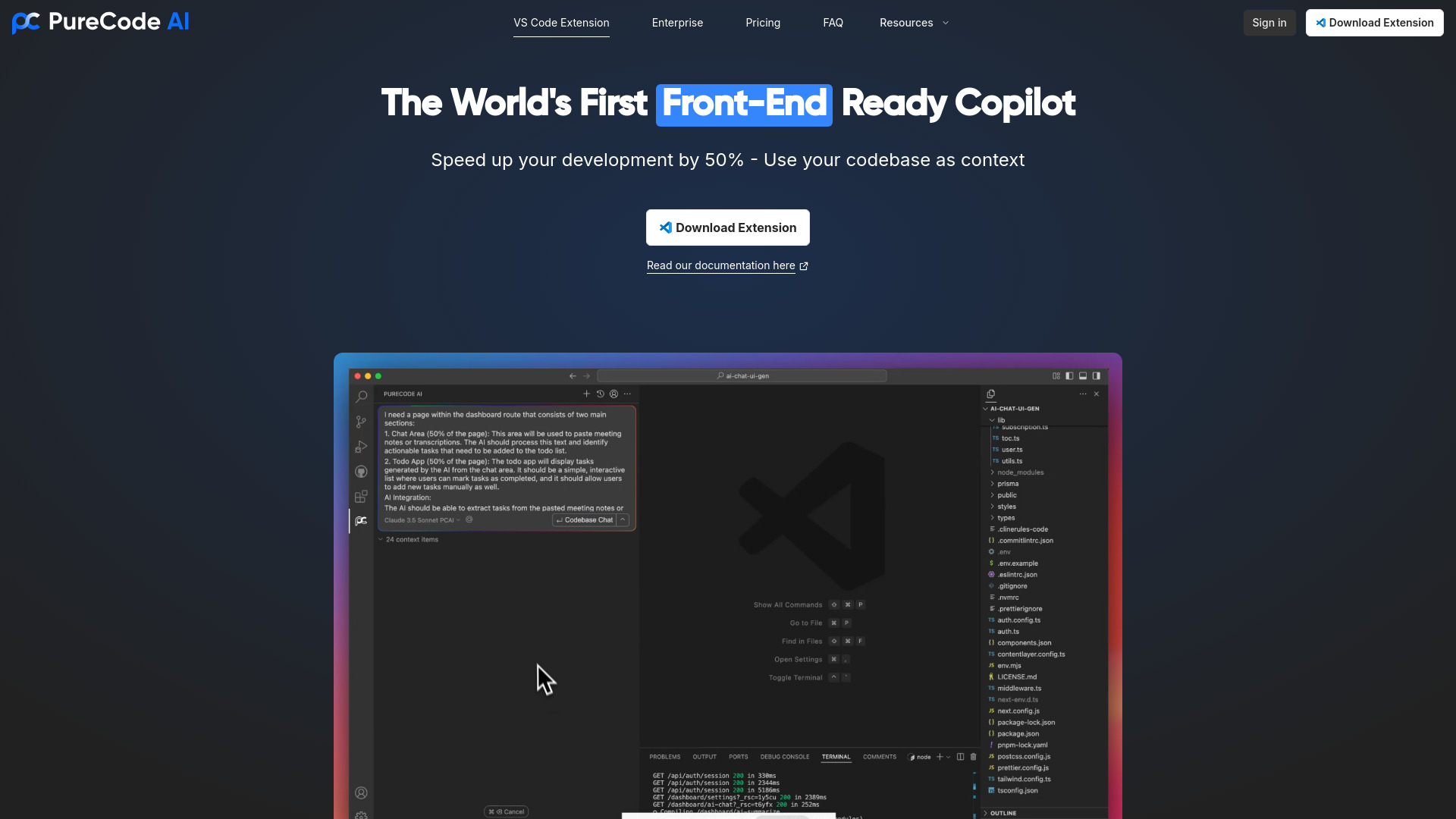
PureCode AI is an AI-powered copilot designed to speed up UI development by 50%. It uses your codebase as context to generate UI components, understand your codebase, and plan implementations.
Best for
Short scenarios where PureCode AI tends to shine.
-
Generating UI components from scratch
Best for Front-end developers
-
Understanding and navigating large codebases
Best for Full-stack developers
-
Planning and implementing new features
Best for UI/UX engineers
-
Debugging and improving existing code
Best for Software engineers
Example outputs 1
Sample generations and before/after results for PureCode AI.
Access & connections
Where you can use PureCode AI.
Platforms
Capabilities
What this tool accepts, produces, and is strongest at.
Highlights
- UI component generation
- Codebase understanding
- Intelligent implementation planning
- AI code completion
- Contextual codebase outline
- Multi-file edits
People also view
Tools that often show up alongside PureCode AI in collections and comparisons.


FAQ 11
What is PureCode AI?
PureCode AI is an AI-powered copilot designed to speed up UI development by 50%. It uses your codebase as context to generate UI components, understand your codebase, and plan implementations.
How to use PureCode AI?
Install the PureCode AI VS Code extension, and use it to generate UI components, get codebase overviews, and plan implementations.
How does the autocomplete feature work?
PureCode AI offers fast, real-time autocomplete as you type. It suggests code snippets, function names, and variable completions. To accept a suggestion, press Tab; to reject it, press Esc. You can also accept word-by-word suggestions by pressing Cmd/Ctrl + →.
How does PureCode AI improve over time with my project?
PureCode AI learns from your coding patterns and adapts to your specific development style. The more you use it, the better it becomes at providing relevant, context-aware suggestions tailored to your coding preferences and project needs.
How can I customize the behavior of PureCode AI?
PureCode AI automatically adapts to your coding style, preferences, and project needs. You can also manually add custom instructions in Settings > Advanced > Project Preferences to guide the AI’s suggestions and behavior.
How do I use Inline Editing to make quick changes to my code?
Highlight the section of code you want to modify. Press Cmd/Ctrl + I to enter Inline Editing mode. Provide a brief description of the changes you'd like to make, and PureCode AI will handle the rest (e.g., adding comments, refactoring, generating tests).
What is the difference between Normal Mode and Agent Mode?
Normal Mode is best for quick interactions, such as chat-based suggestions and code modification. Agent Mode gives PureCode AI more control over your workflow, perfect for tasks like research, ideation, and architecture planning. Agent Mode enables advanced tools, such as interactive planning, which evolves with each project
How does PureCode AI understand my codebase?
PureCode AI index your whole codebase and store it locally and whenever you make chat request with @codebase we search for relevant code and attach it to context.In addition to that PureCode AI uses advanced embeddings to summarize your entire codebase and for each file, allowing it to perform improved natural language contextual retrieval from your codebase to fulfill your query. To use this you can enable Advance indexing feature from bottom of the extension window to enable it for project.
How do I generate UI components with PureCode AI?
Simply type @UI followed by the component name and the URL to your UI documentation. Additionally If you have specific examples or a set of props in your design system, include those for more accurate results
Does PureCode AI consider code style guides and conventions?
Yes! PureCode AI is capable of understanding and adapting to various style guides and coding conventions. You can configure it to align with specific style rules (such as ESLint for JavaScript or PEP8 for Python) to ensure consistency across your codebase.
Can I add custom documentation to PureCode AI ?
Yes, you can! You can reference popular libraries using the '@docs → LibraryName' feature or add your own custom documentation with the '@Docs → Add new doc' option, making it easier to integrate your own project-specific references.
Related tools
Recommended
PureCode AI
Free + from $20/per month