
ProductGo
AI-powered agile project management tools for Jira and Confluence.
Source rating 5.0
(83)
3.8k views
3.8k/mo traffic
0 saves
Unknown
Verdict
A quick read before you dig into the full page.
- Best if
- AI-powered agile project management tools for Jira and Confluence
- Pick this when
- AI-powered agile project management tools for Jira and Confluence
Overview
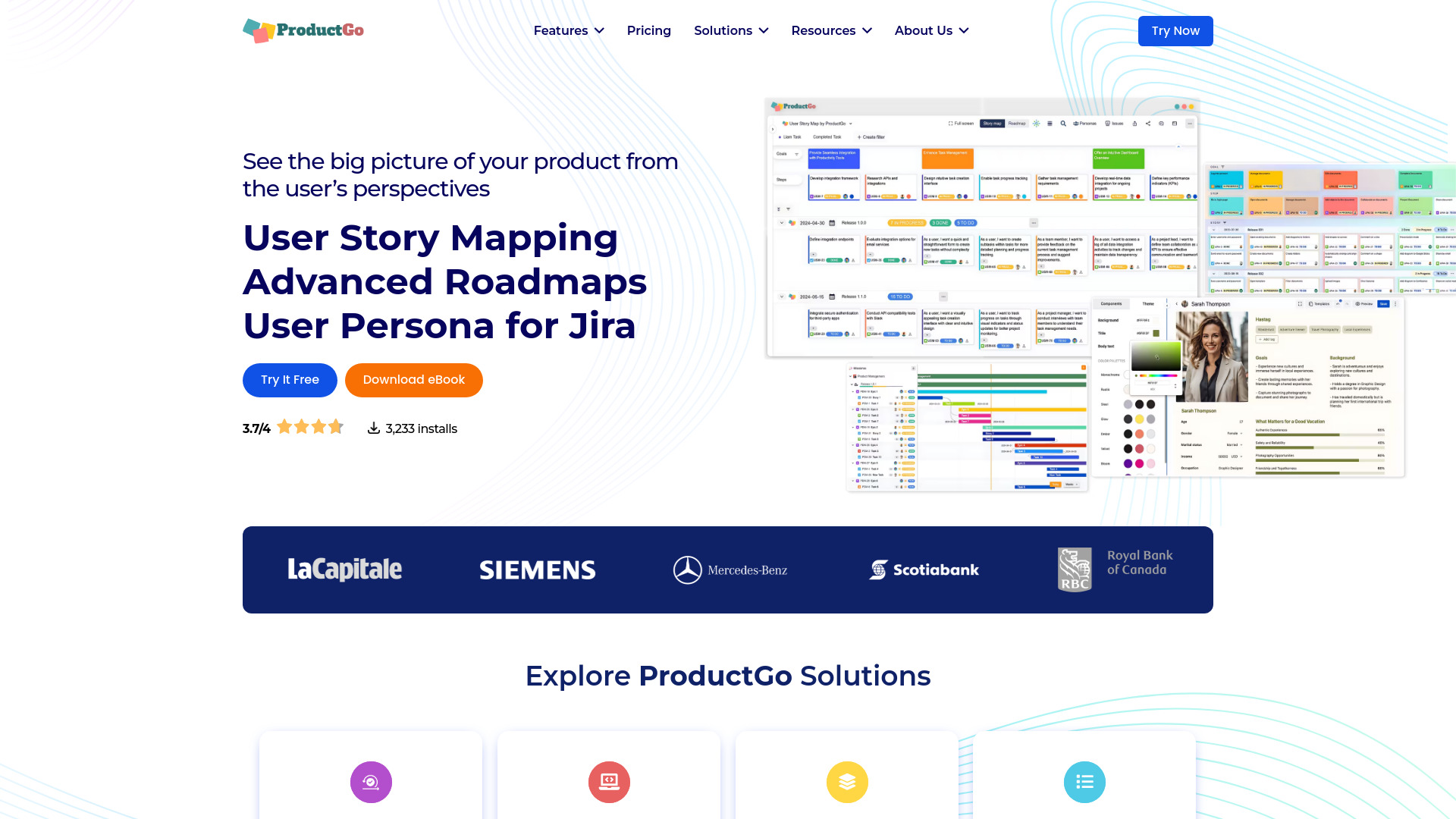
ProductGo is a suite of AI-powered tools designed to enhance agile project management within Jira and Confluence. It offers features such as user story mapping, advanced roadmaps, portfolio boards, and user personas to support product owners and teams in managing product backlogs and planning development tasks. ProductGo aims to provide a visual and dynamic technique that empowers Agile teams to plan, prioritize, and execute projects with precision.
Access & connections
Where you can use ProductGo, and what it plugs into.
Platforms
Integrations
Capabilities
What this tool accepts, produces, and is strongest at.
Highlights
- Agile User Story Map for Jira
- Roadmap for Jira
- Advanced Personas for Jira
- Portfolio Board for Jira
- User Story Map for Confluence
FAQ 5
What is ProductGo?
ProductGo is a suite of AI-powered tools designed to enhance agile project management within Jira and Confluence. It offers features such as user story mapping, advanced roadmaps, portfolio boards, and user personas to support product owners and teams in managing product backlogs and planning development tasks. ProductGo aims to provide a visual and dynamic technique that empowers Agile teams to plan, prioritize, and execute projects with precision.
How to use ProductGo?
ProductGo integrates with Jira and Confluence, allowing users to access its features directly within these platforms. Users can create user story maps, roadmaps, and personas to visualize project requirements, track progress, and manage stakeholder engagement. The app offers intuitive drag-and-drop features and customizable workspaces.
Can I extend my evaluation?
No for Jira Cloud. For Jira Server and Data Center you can extend 5 times.
How can I pay, yearly or monthly?
Server and Data Center can only be purchased yearly.
I don’t have many users need story map, Why do I pay per user?
Not exactly pay per user. According to Atlassian policy, you pay the pricing tier you fall into. Example for the server version if you have 25 users you pay the pricing tier for 25 users (11-25 users). But add one more user, which makes your total 26, and you pay the pricing tier for 50 users (26-50 users).
Related tools
Recommended


ProductGo