
PowerPost
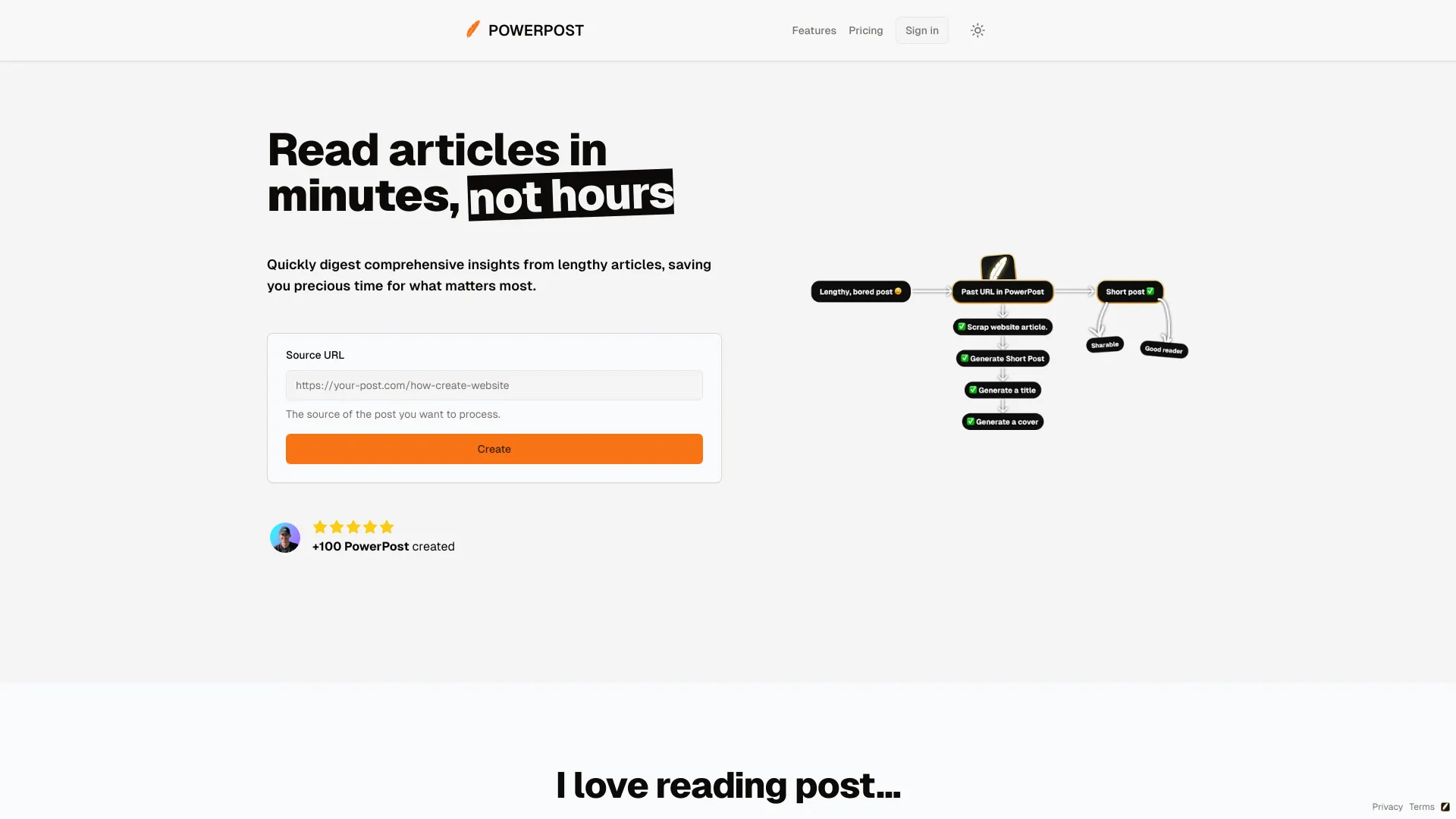
PowerPost summarizes, translates, and allows chatting with articles for quick insights.
Source rating 5.0
(53)
0 views
0 saves
Paid
From $9 USD
Verdict
A quick read before you dig into the full page.
- Best if
- PowerPost summarizes, translates, and allows chatting with articles for quick insights
- Skip if
- You need a free plan with no credit card
- Pick this when
- Paid · From $9 USD
Overview
PowerPost helps you turn lengthy reads into quick insights. It allows you to bookmark, summarize, translate, and chat with posts in your preferred language and style. It's designed to help you create content and learn faster by extracting the most important information from articles.
Access & connections
Where you can use PowerPost.
Platforms
Capabilities
What this tool accepts, produces, and is strongest at.
Highlights
- Summarization of lengthy articles
- Translation of posts into different languages
- Chat functionality for interacting with posts
- Customizable reading styles (colors, fonts, size)
- Bookmark posts for later reading
- Content creation assistance
FAQ 7
What is PowerPost?
PowerPost helps you turn lengthy reads into quick insights. It allows you to bookmark, summarize, translate, and chat with posts in your preferred language and style. It's designed to help you create content and learn faster by extracting the most important information from articles.
How to use PowerPost?
To use PowerPost, simply provide the source URL of the post you want to process. PowerPost will then allow you to bookmark, summarize, translate, and chat with the post. You can also choose different post styles and reading preferences.
What is a PowerPost?
A PowerPost is a summarized, translated, and interactive version of an article created using PowerPost's features.
Why not just use ChatGPT?
PowerPost offers a tailored reading experience, content creation tools, and specific features beyond basic summarization, such as bookmarking and custom styles.
What about copyright?
The website does not provide specific information about copyright, but it is important to respect the copyright of the original content when using PowerPost to create new content.
Can I test it for free?
The website does not explicitly mention a free trial, but the Starter plan allows for 19 PowerPosts per month.
Can I get a refund?
The website does not provide specific information about refunds.
Related tools
Recommended

PowerPost
From $9 USD