
PopAir
Native macOS AI copilot for multi-model chat, image generation, and meeting summaries.
Free + from $8 / month
Verdict
A quick read before you dig into the full page.
- Best if
- Native macOS AI copilot for multi-model chat, image generation, and meeting summaries
- Skip if
- You need enterprise SLAs or a fully managed team plan right away
- Pick this when
- Freemium · Free + from $8 / month
Overview
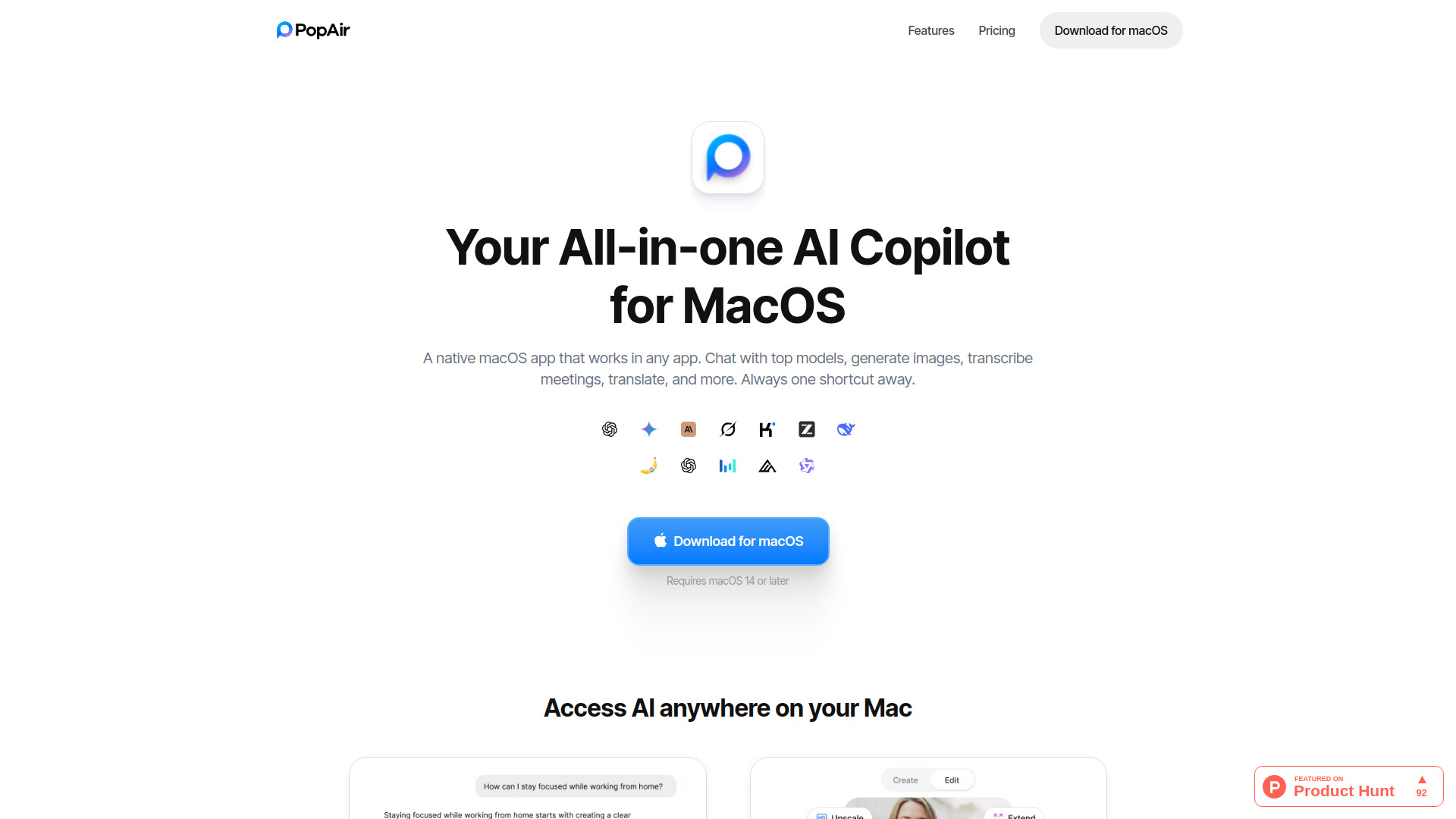
PopAir is a native macOS AI copilot designed for speed and seamless system-wide integration. Built with SwiftUI to consume significantly less RAM than Electron-based apps, it serves as a unified hub for leading AI models including GPT, Claude, Gemini, and DeepSeek. The platform features an Image Studio for generating and editing visuals, a Meeting Summarizer for recording and transcribing calls, and a suite of productivity tools like instant OCR and translation accessible via a 'Magic Panel' (double-tap Option shortcut). It functions as a lightweight, privacy-focused AI superpower that works inside any Mac application.
Access & connections
Where you can use PopAir.
Platforms
Capabilities
What this tool accepts, produces, and is strongest at.
Highlights
- Unified AI Hub (GPT-5.2, Claude 4.5, Gemini 3 Pro, DeepSeek)
- Native SwiftUI Performance (3x less RAM usage)
- System-wide Magic Panel (Double-tap Option shortcut)
- AI Image Studio (Generate, Edit, Upscale with Flux/Seedream)
- Smart Meeting Summarizer & Multi-language Transcription
- Productivity Tools (OCR, Sidebar, Screenshot-to-Ask)
- Auto-Learning Memory for personalized responses
FAQ 5
What is PopAir?
How to use PopAir?
Why use PopAir instead of the standalone ChatGPT or Gemini apps?
Do I need my own API keys?
Is my data safe?
Related tools
Recommended

Chatbot App
PaidMulti-Model AI Chat Platform that lets you switch between 30+ leading AI models instantly or run them side by…

iDox.ai Guardrail ✓
Free TrialStop sensitive data leaks to AI tools.

Nextbrowser ✓
FreemiumAI Browser Agent that automates professional tasks through chat.

Qoder ✓
FreemiumAgentic Coding Platform for Real Software