
Ponder AI
AI thinking and research space that helps you organize ideas visually, research smarter, and create work you can stand behind.
From 10
Verdict
A quick read before you dig into the full page.
- Best if
- You are students and need: Researching complex topics and synthesizing multiple sources
- Skip if
- You need a free plan with no credit card
- Pick this when
- Paid · From 10
Overview
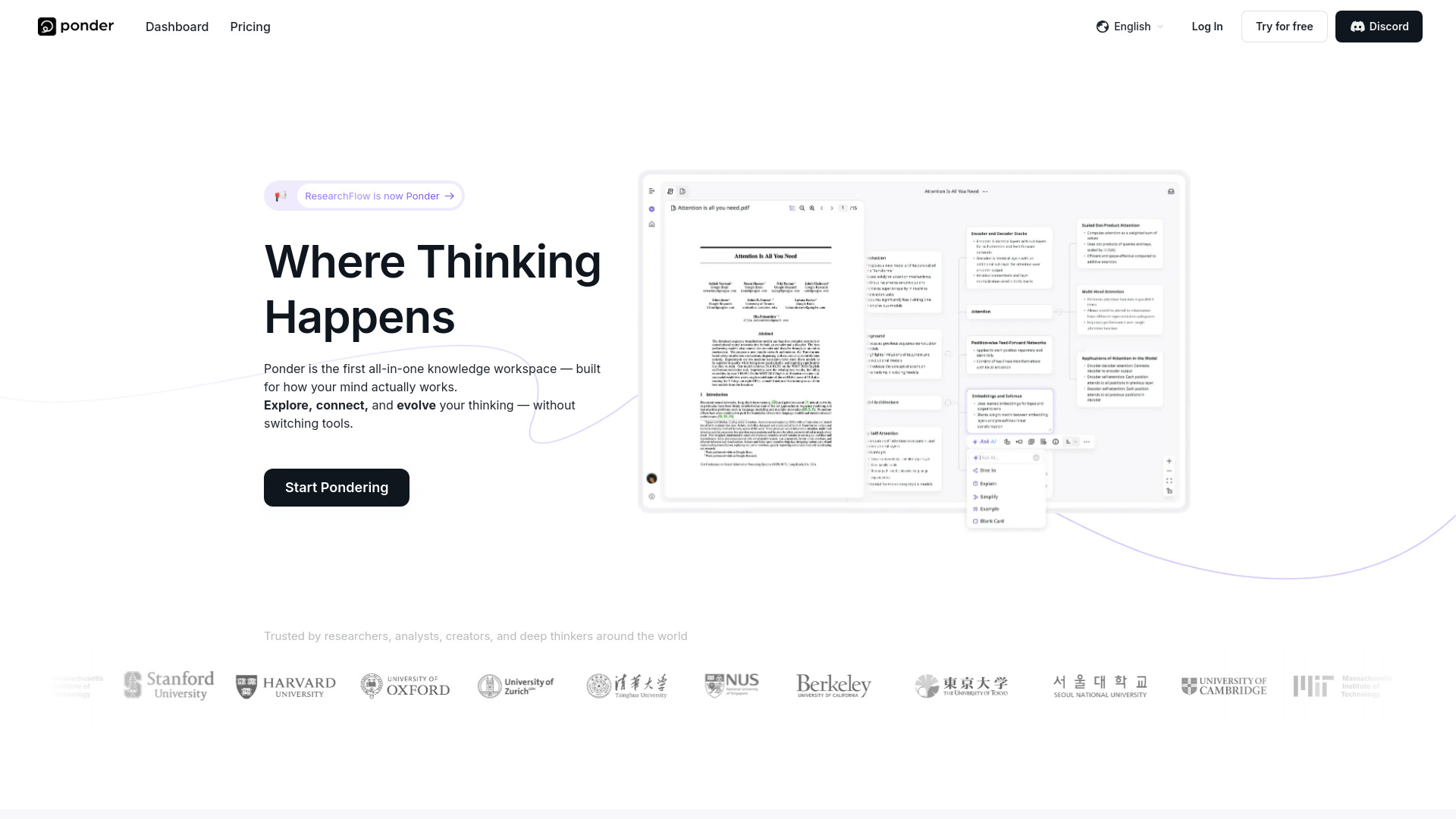
Ponder is an AI-powered thinking space that helps knowledge workers turn scattered ideas into clear, organized insights. Instead of jumping between ChatGPT, Notion, and other tools, Ponder brings everything together in one visual workspace where you can research, brainstorm, and build knowledge maps—all in one place.
Think of it as your AI thinking partner. You can ask questions, upload documents, and watch your ideas connect visually on an infinite canvas. The built-in AI assistant (Ponder Agent) helps you explore different angles, find connections you might miss, and dig deeper into complex topics—without just handing you generic answers.Perfect for anyone who needs to do serious thinking: analysts building recommendations, consultants preparing client presentations, researchers synthesizing sources, or professionals making high-stakes decisions. Ponder helps you move from "I have a bunch of information" to "I understand this and can explain it confidently."
Backed by $6M+ in seed funding. Available worldwide.
Best for
Short scenarios where Ponder AI tends to shine.
-
Researching complex topics and synthesizing multiple sources
Best for Students
-
Preparing client presentations with solid, organized thinking
Best for Analysts
-
Building investment theses or strategic recommendations
Best for Researchers
-
Academic research and literature review organization
Best for Knowledge Workers
-
Brainstorming and exploring new business ideas
Best for Content Creators
-
Making sense of large amounts of information quickly
Best for Entrepreneurs
Example outputs 1
Sample generations and before/after results for Ponder AI.
Access & connections
Where you can use Ponder AI, and what it plugs into.
Platforms
Integrations
Capabilities
What this tool accepts, produces, and is strongest at.
Highlights
- Smart Research Assistant – Ask questions, get answers, and see how everything connects
- AI-Powered Mind Mapping – Visualize ideas on an infinite canvas that grows with your thinking
- Ponder Agent – AI companion that guides exploration and suggests new directions
- All-in-One Workspace – No more switching between research, notes, and chat tools
- Visual Knowledge Maps – See the big picture while diving into details
- File & Document Support – Drop in PDFs, docs, and notes to build on existing work
People also view
Tools that often show up alongside Ponder AI in collections and comparisons.



FAQ 7
What is Ponder AI?
Think of it as your AI thinking partner. You can ask questions, upload documents, and watch your ideas connect visually on an infinite canvas. The built-in AI assistant (Ponder Agent) helps you explore different angles, find connections you might miss, and dig deeper into complex topics—without just handing you generic answers.Perfect for anyone who needs to do serious thinking: analysts building recommendations, consultants preparing client presentations, researchers synthesizing sources, or professionals making high-stakes decisions. Ponder helps you move from "I have a bunch of information" to "I understand this and can explain it confidently."
Backed by $6M+ in seed funding. Available worldwide.
How to use Ponder AI?
2. Watch your ideas appear as visual nodes on an infinite canvas
3. Chat with the AI to explore angles, ask follow-ups, and challenge assumptions
4. Let Ponder connect related ideas and surface insights you might have missed
5. Organize your thinking into a clear knowledge map
6. Export or create deliverables directly from your workspace