
Plae
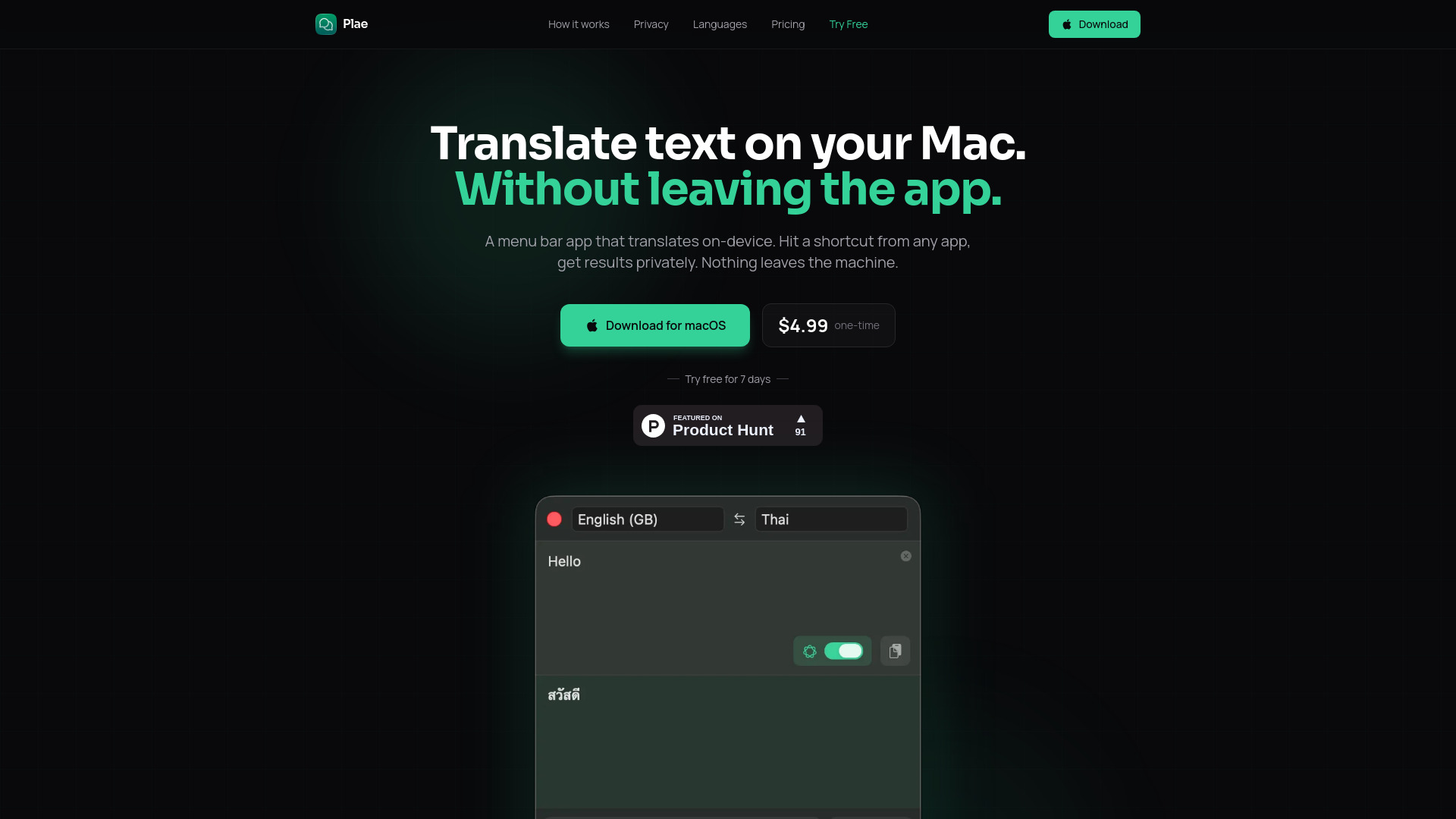
Privacy-focused macOS menu bar app for fast, on-device translation without internet requirements.
Free + from $4.99
Verdict
A quick read before you dig into the full page.
- Best if
- Privacy-focused macOS menu bar app for fast, on-device translation without internet requirements
- Skip if
- You need enterprise SLAs or a fully managed team plan right away
- Pick this when
- Freemium · Free + from $4.99
Overview
Plae is a macOS menu bar application designed for fast, private, and on-device translation. It allows users to translate text instantly using a global keyboard shortcut without leaving their current application. The app stands out by performing all translations locally on the machine, ensuring no data ever leaves the computer. It offers three distinct translation engines: the native Apple Translation, context-aware Apple Intelligence, and an independent built-in AI model based on Google's TranslateGemma. Key features include a full-screen presentation mode for sharing translations, translation history, and complete offline functionality.
Access & connections
Where you can use Plae.
Platforms
Capabilities
What this tool accepts, produces, and is strongest at.
Highlights
- On-device translation for 100% privacy
- Global keyboard shortcut (Cmd+Shift+T) for instant access
- Three translation engines: Apple Translation, Apple Intelligence, and Independent AI
- Full-screen presentation mode for easy reading
- Works completely offline after initial setup
- Translation history with the ability to star favorites
FAQ 5
What is Plae?
How to use Plae?
Does Plae collect any of my translation data?
Does it work without an internet connection?
What is the difference between the three translation engines?
Related tools
Recommended

MenuForma ✓
FreemiumYour restaurant menu, digital and instant.

Palabra.ai ✓
Free TrialReal-time AI speech translator with near-zero latency.

Wondershare Filmora ✓
PaidEdit smarter, faster and easier with Filmora’s powerful AI video tools.

Mexty ✓
FreemiumAI-native interactive learning platform with LMS and SCORM