
Pixvify AI
Free online AI photo generator for realistic images, face swaps, and enhancements.
Source rating 5.0
(70)
0 views
0 saves
Unknown
Verdict
A quick read before you dig into the full page.
- Best if
- Free online AI photo generator for realistic images, face swaps, and enhancements
- Pick this when
- Free online AI photo generator for realistic images, face swaps, and enhancements
Overview
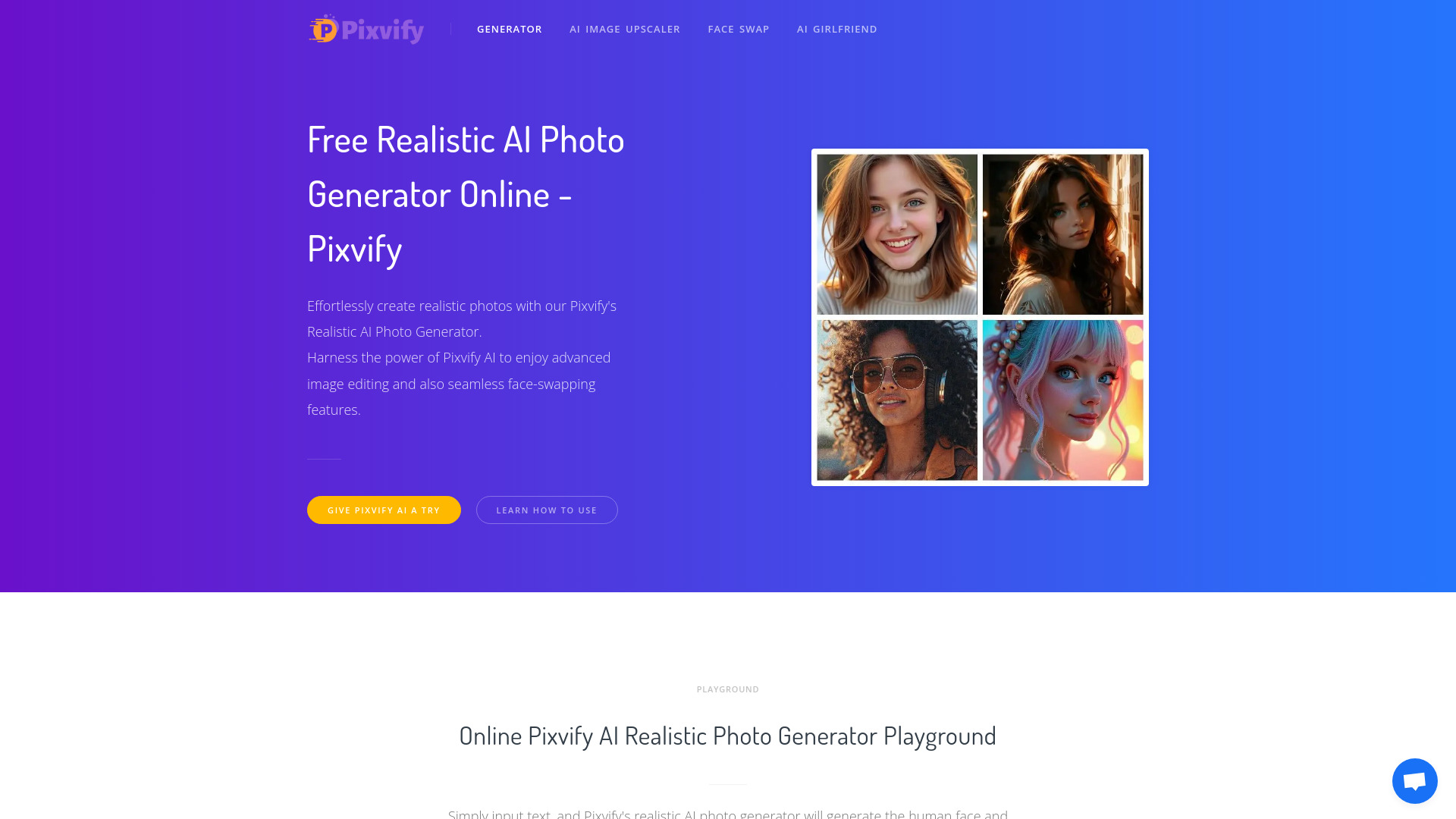
Pixvify is a free online realistic AI photo generator platform that helps create images, do face swaps, and more. It uses advanced AI algorithms and powerful computing capabilities to generate high-quality, realistic art. It also offers tools for image enhancement, face swaps, and over 100 AI photo filters to create lifelike photos without needing Photoshop skills.
Access & connections
Where you can use Pixvify AI.
Platforms
Capabilities
What this tool accepts, produces, and is strongest at.
Highlights
- Realistic AI photo generation from text
- Face swap AI
- Image Upscaler AI
- AI Headshot Generator (Coming Soon)
- Live Portrait (Coming Soon)
- Photo to Anime (Coming Soon)
- Background Remover (Coming Soon)
FAQ 7
What is Pixvify?
Pixvify is a free online realistic AI photo generator platform that helps create images, do face swaps, and more. It uses advanced AI algorithms and powerful computing capabilities to generate high-quality, realistic art. It also offers tools for image enhancement, face swaps, and over 100 AI photo filters to create lifelike photos without needing Photoshop skills.
How to use Pixvify?
To create a realistic image with Pixvify AI, go to the playground, enter a description of the desired photo including details about the face, head, and hair, optionally select character or visual styles, and wait 5-8 seconds for the AI to generate the photo.
What is Pixvify?
Pixvify is an all-in-one AI-powered platform designed to generate, edit, and enhance photos with advanced AI tools. It specializes in creating realistic images, performing face swaps, and offering over 100 different filters to produce high-quality, customized results.
What is Pixvify's Realistic AI Photo Generator?
Pixvify's realistic AI photo generator uses advanced artificial intelligence to create realistic and unique images. It enables users to generate stunning photos that look natural and lifelike, offering a variety of facial features, expressions, and styles.
How to Create Lifelike Human Faces and Bodies with Pixvify?
Pixvify uses advanced artificial intelligence and machine learning techniques to create realistic human faces and bodies. It analyzes and combines features from a vast dataset of real faces and bodies to generate unique, lifelike images based on user preferences, all in real time.
How to download photos generated by Pixvify AI?
On a PC, right-click on the generated image and select "Save Image" to save it. On a mobile device, long-press the generated image and choose "Save to Photos" to save it to your gallery.
Is your Pixvify AI free?
Of course, it is completely free, has no watermarks, and does not require login.
Related tools
Recommended

Pixvify AI