
PinMy
Pin voice, photo and video notes onto plans, site photos and 3D models — construction site reporting from your phone.
Verdict
A quick read before you dig into the full page.
- Best if
- Pin voice, photo and video notes onto plans, site photos and 3D models — construction site reporting from your phone
- Skip if
- You need enterprise SLAs or a fully managed team plan right away
- Pick this when
- Freemium · Free
Overview
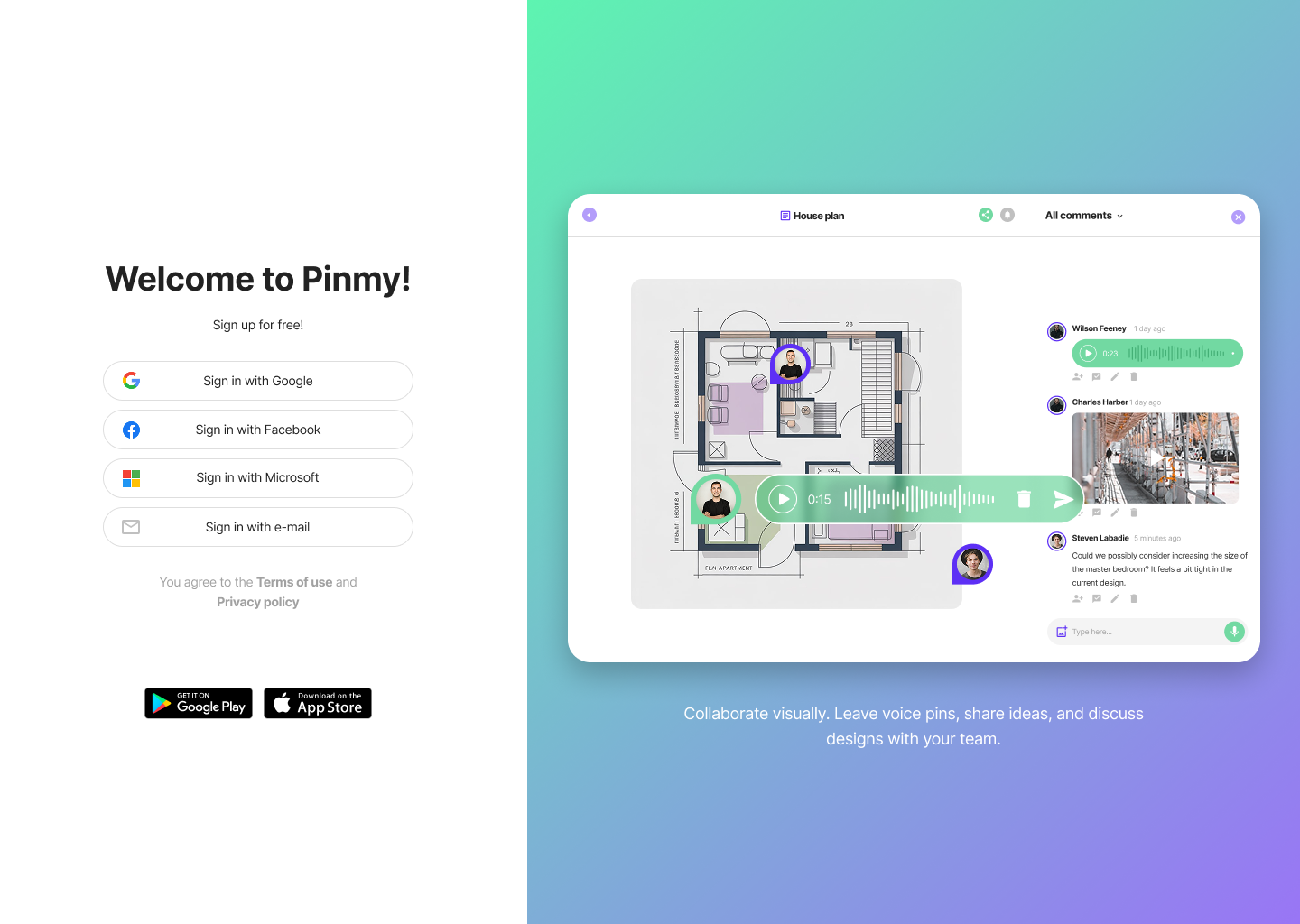
PinMy is a mobile-first visual collaboration app for construction and AECO teams. Open a PDF plan, a site photo, a walkthrough video or a 3D IFC model, tap the exact spot where the issue is, and leave a voice note, photo, video or text right there. Voice notes are transcribed automatically and become searchable — so the person who wasn't on site can still find what was said, and exactly where.
Everything captured on site exports as a PDF report in one tap: all of it, or filtered by status, assignee or day. Issues also move in and out of the BIM stack through BCF 2.1 import and export, so PinMy extends the tools the office already runs instead of replacing them. Uploaded IFC models are converted to a lightweight format that actually performs on a phone or tablet.
PinMy replaces the chain most site teams still live with — camera roll, WhatsApp groups, paper markups and a spreadsheet typed up at night. Every note becomes a dated, located, attributed record: which defect, on which plan, at which point, said by whom. That matters on the day a dispute starts.
No training, no desktop CAD, no BIM license. If someone can send a voice message, they can use PinMy. Free forever for individuals; Premium is €8.99/month + VAT. Available in 8+ languages on iOS, iPadOS, Android, the web and as a Chrome extension. EU-hosted, GDPR-aligned, encrypted in transit and at rest — your content is never used for AI training and never sold.
Access & connections
Where you can use PinMy, and what it plugs into.
Platforms
Capabilities
What this tool accepts, produces, and is strongest at.
Highlights
- Pin anything onto anything — voice, text, photo, video or PDF pinned to PDF plans, site photos, videos and 3D IFC models, with the same one-tap gesture on every file type
- Voice-first capture with automatic transcription — speak instead of typing, and every note becomes searchable. Works with gloves on, in noise, in bad light
- 3D IFC models on a phone — uploads are auto-converted to a lightweight format that actually performs on a phone or tablet
- BCF 2.1 import and export — issues flow between PinMy and your BIM/CDE stack in both directions
- OCR on site photos — pull text straight off labels, panels and serial numbers (Premium)
- Video annotation — mark the exact frame and the exact spot inside it (Premium)
- Threads, statuses, assignees and mentions — the conversation stays attached to the pin, not buried in a chat scroll
- One-tap PDF reports — export everything, or filter by open/done, by assignee, or by day
Show 2 more
- Freehand sketching on plans and photos, plus a geolocated map of every project
- iOS, iPadOS, Android, web and Chrome extension — EU-hosted, GDPR-aligned, encrypted in transit and at rest
FAQ 8
What is PinMy — Construction Site Collaboration?
Everything captured on site exports as a PDF report in one tap: all of it, or filtered by status, assignee or day. Issues also move in and out of the BIM stack through BCF 2.1 import and export, so PinMy extends the tools the office already runs instead of replacing them. Uploaded IFC models are converted to a lightweight format that actually performs on a phone or tablet.
PinMy replaces the chain most site teams still live with — camera roll, WhatsApp groups, paper markups and a spreadsheet typed up at night. Every note becomes a dated, located, attributed record: which defect, on which plan, at which point, said by whom. That matters on the day a dispute starts.
No training, no desktop CAD, no BIM license. If someone can send a voice message, they can use PinMy. Free forever for individuals; Premium is €8.99/month + VAT. Available in 8+ languages on iOS, iPadOS, Android, the web and as a Chrome extension. EU-hosted, GDPR-aligned, encrypted in transit and at rest — your content is never used for AI training and never sold.
How to use PinMy — Construction Site Collaboration?
2. On site, open the file and tap the exact spot where the issue is. A pin drops there.
3. Leave the note the fastest way available to you: hold to record a voice message, snap a photo, shoot video, type text, or attach a PDF. Voice notes are transcribed automatically and become searchable.
4. Assign it. Give the pin a status, an assignee and a due context, then @mention whoever needs to see it. Replies stay threaded on the pin instead of scrolling away in a chat.
5. Export before you leave. One tap produces a PDF report — everything, or filtered by open/done, by assignee, or by day.
6. Send it onward. Export as BCF 2.1 to open the same issues in your desktop BIM tool or CDE, and import BCF back into PinMy when the office responds.
Works on iPhone, iPad, Android, any browser, and as a Chrome extension for capturing screenshots. No training, no CAD, no BIM licence.


