

Pinbot ✓
Privately search your browser history using AI.
Verdict
A quick read before you dig into the full page.
- Best if
- You are researchers and need: Managing bookmarks with AI-powered summaries and tags
- Skip if
- Limited customization options
- Pick this when
- Private browsing history search
Considering Perplexity instead? Compare side by side
Overview
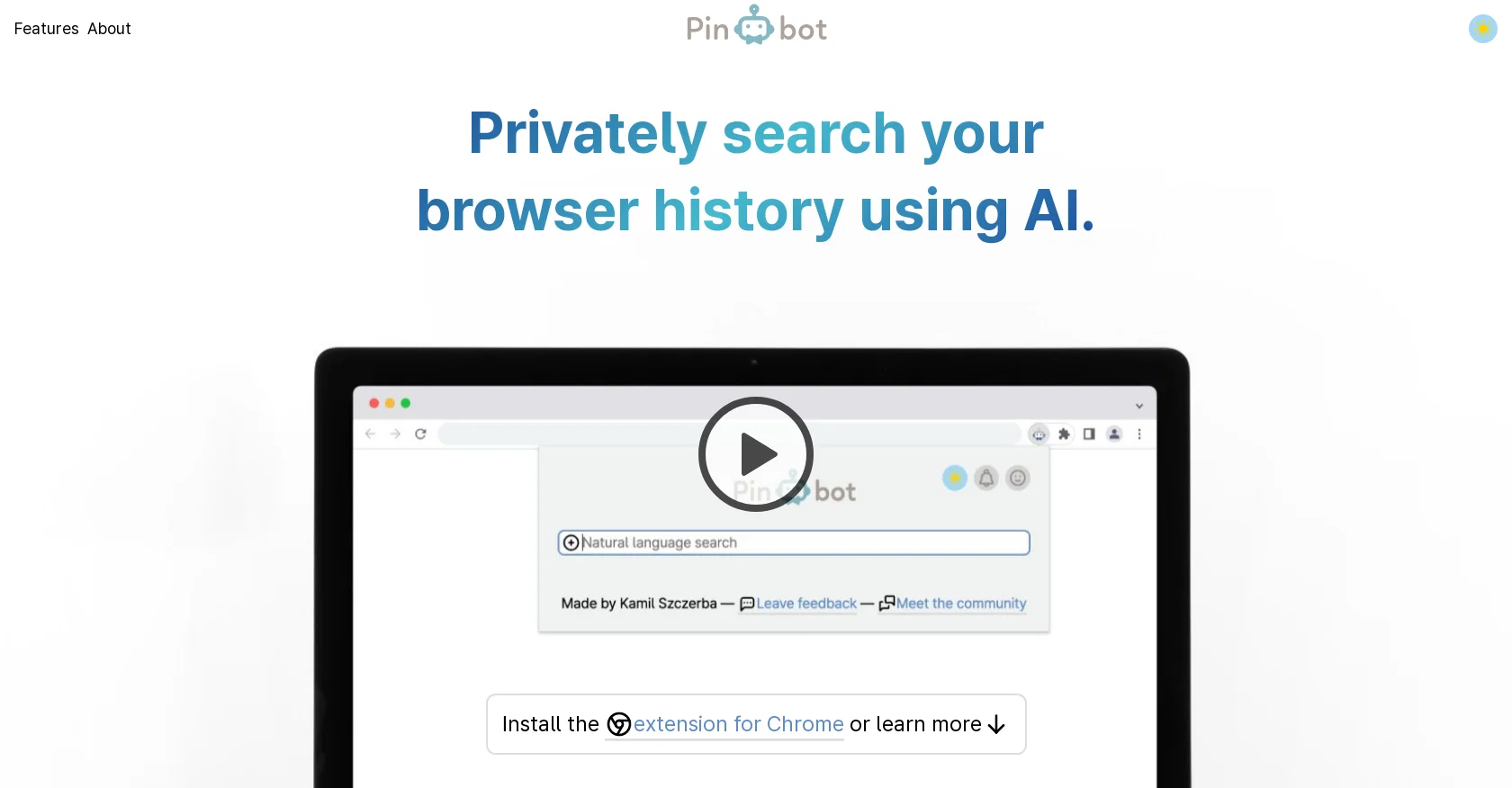
Pinbot is a browser extension for Chrome that uses artificial intelligence (AI) to help users privately search their browser history. It is designed to find matches even when users do not use the exact words, making it an accurate search tool.
The extension allows users to filter their results by specifying a date range, a URL, or both. To protect user privacy, Pinbot works offline with everything running on the user's device.
Additionally, Pinbot provides a user-first experience with dark mode and plans to introduce more features in the future. The creator of Pinbot, Kamil, aims to make AI developments available to everyone without compromising privacy.
This extension is just the beginning of his plan, and he hopes to make Pinbot's development self-sustainable while remaining faithful to user interests.
Users can share their feedback with Kamil, and he is open to discussing Pinbot's development with users on the Pinbot Discord server. Overall, Pinbot aims to give users control over their browser history search while leveraging AI for accuracy and privacy.
With Pinbot, users can easily locate relevant information in their browsing history and have a user-friendly, private experience.
Best for
Short scenarios where Pinbot tends to shine.
-
Managing bookmarks with AI-powered summaries and tags.
Best for Researchers
-
Searching bookmarks using approximate words and natural language.
Best for Students
-
Using Pinbot as a to-do list or knowledge database.
Best for Knowledge workers
Example outputs 1
Sample generations and before/after results for Pinbot.
Access & connections
Where you can use Pinbot, and what it plugs into.
Platforms
Capabilities
What this tool accepts, produces, and is strongest at.
Input
- Text
Output
- Text
Pros & cons
Pros
- Private browsing history search
- Precise non-exact word search
- Date range filter
- URL filter
- Works offline
- Data runs on device
- Dark mode feature
- Open to user feedback
Show 8 more
- Dedicated community platform
- User-friendly experience
- Upcoming new features
- Customizable search parameters
- Privacy-oriented tool
- Data resides on user's device
- Creator is accessible
- Future self-sustainable development plans
Cons
- Only for Chrome
- Offline limited functionality
- Not open-source
- Limited features currently
- No API provided
- Dependent on browser history
- Requires extension installation
- No enterprise version
Show 2 more
- Limited customization options
- Lacks multi-browser support
Compare alternatives
Similar tools in the catalog — with a clear reason to open each one.

Perplexity ✓
FreemiumAI-powered answers to any question, instantly.
Why look Offers a public API
Full comparison
AI Findr ✓
Free TrialConversational AI search & product discovery
Why look Offers a public API
Full comparison
You ✓
FreemiumAn AI-built search engine for customized, private searches.
Why look More privacy-focused
Full comparison
Komo AI ✓
FreemiumAI-powered search: Private, fast, ad-free.
Why look More privacy-focused
Full comparison
Yutori ✓
FreemiumAI agents that monitor the web for you.
Why look Higher community rating
Full comparisonPeople also view
Tools that often show up alongside Pinbot in collections and comparisons.
Yutori ✓
FreemiumAI agents that monitor the web for you.
You ✓
FreemiumAn AI-built search engine for customized, private searches.
Perplexity ✓
FreemiumAI-powered answers to any question, instantly.

MemFree ✓
FreemiumAI-powered search for your digital knowledge
Komo AI ✓
FreemiumAI-powered search: Private, fast, ad-free.
AI Findr ✓
Free TrialConversational AI search & product discovery

MIAPI ✓
FreemiumCheapest AI answers grounded in real-time web search.

Learn Earth ✓
FreemiumAI-First Adaptive Learning Platform
Releases 1
In the news
Launch coverage and community mentions for Pinbot.
FAQ 12
What is Pinbot?
How does Pinbot work?
Is there a specific browser I need to use Pinbot?
How does the AI in Pinbot help me precisely search my browser history?
Does Pinbot require me to use exact search phrases?
What filters can be applied using Pinbot?
Is Pinbot a privacy-conscious tool?
Does Pinbot work offline?
What additional features does Pinbot provide for a user-first experience?
Is dark mode available in Pinbot?
Who is the creator of Pinbot?
What is the ultimate goal of the creator with the Pinbot extension?
Related tools
Recommended

Fabric ✓
FreemiumYour self-organizing digital workspace.

LearningStudioAI ✓
Free TrialAI-powered authoring tool for effortless online course creation.

Stratup.ai ✓
FreemiumInnovative idea generation for businesses.

Hyperis ✓
FreemiumOrganized task prioritization.

AI search VIP ✓
FreeAI-powered search without ads or SEO junk.

CrowdView ✓
FreeFind discussions that matter