
Picbolt
Online tool to transform screenshots into stunning visuals and mockups.
Free + from $49
Verdict
A quick read before you dig into the full page.
- Best if
- You are educators and need: Create professional device mockups for App Store, Google Play, and portfolio websites
- Skip if
- You need enterprise SLAs or a fully managed team plan right away
- Pick this when
- Freemium · Free + from $49
Overview
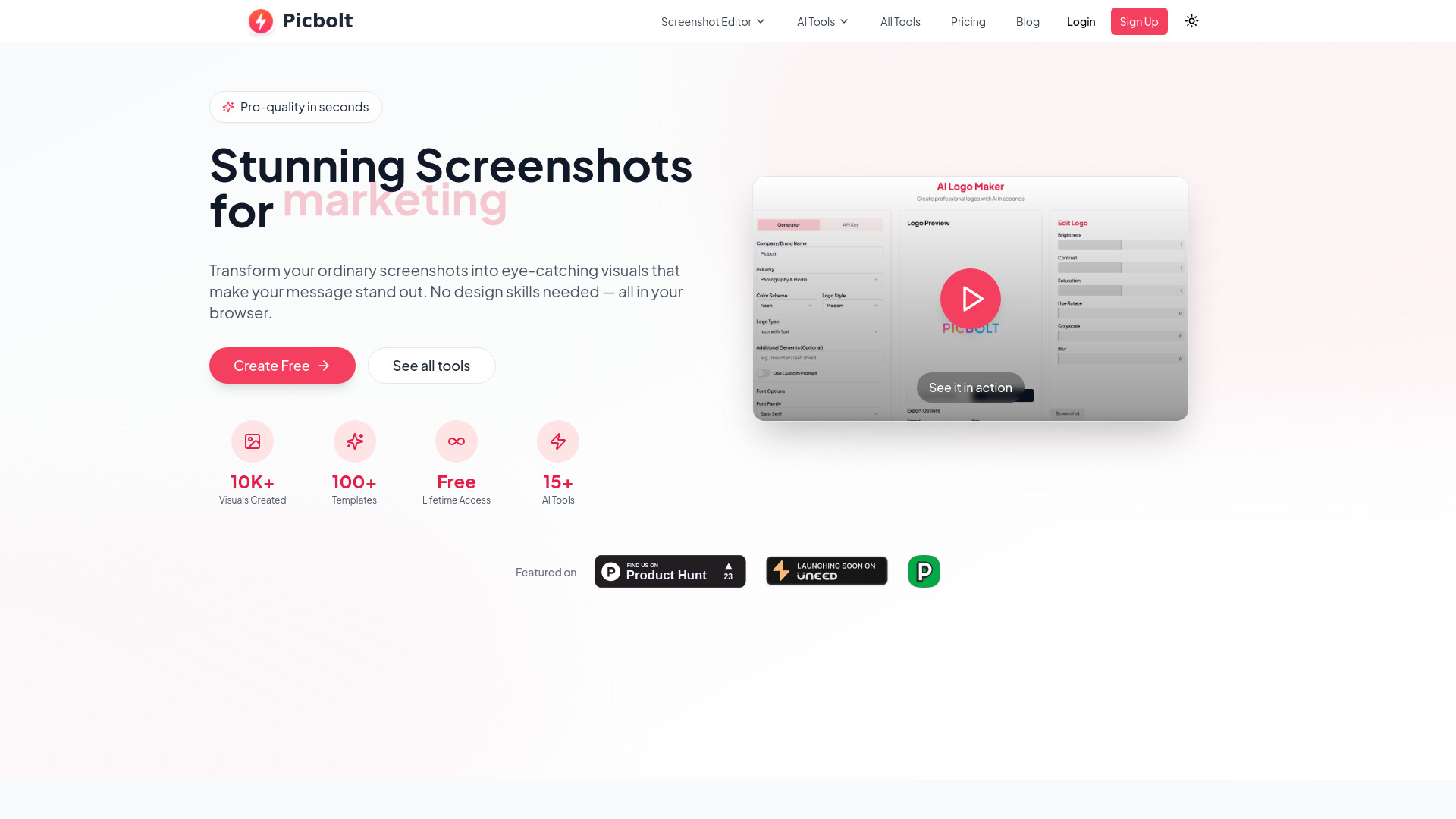
Picbolt is an all-in-one online design platform and screenshot editor that transforms ordinary screenshots into eye-catching visuals, mockups, and designs. It allows users to add beautiful backgrounds, device frames, and professional effects without requiring any design skills, all directly in their browser.
Best for
Short scenarios where Picbolt tends to shine.
-
Create professional device mockups for App Store, Google Play, and portfolio websites.
Best for Educators
-
Generate beautiful code snippets with customizable themes and syntax highlighting.
Best for Content Creators
-
Design tweet screenshots and testimonials that boost social proof.
Best for Small Business Owners
-
Build product demos and marketing materials that convert better.
Best for Researchers & Academics
-
Enhance research presentations and papers with annotated screenshots.
Best for Community Managers
-
Create engaging visual tutorials and class materials for educators.
Best for Creative Professionals
Example outputs 1
Sample generations and before/after results for Picbolt.
Access & connections
Where you can use Picbolt.
Platforms
Capabilities
What this tool accepts, produces, and is strongest at.
Highlights
- Screenshot Editor
- Mockup Generator (Device, Social Media, Website)
- Code Snippet Styling
- Testimonial Generator
- Image Customization (backgrounds, frames, shadows, effects)
- AI Tools (requires API key for full access)
- Smart cropping and auto-resizing
People also view
Tools that often show up alongside Picbolt in collections and comparisons.
