
Photoshift
AI tool to blend product photos into realistic scenes for enhanced presentation.
Source rating 5.0
(83)
0 views
0 saves
Freemium
Free + from $20 per month
Verdict
A quick read before you dig into the full page.
- Best if
- AI tool to blend product photos into realistic scenes for enhanced presentation
- Skip if
- You need enterprise SLAs or a fully managed team plan right away
- Pick this when
- Freemium · Free + from $20 per month
Overview
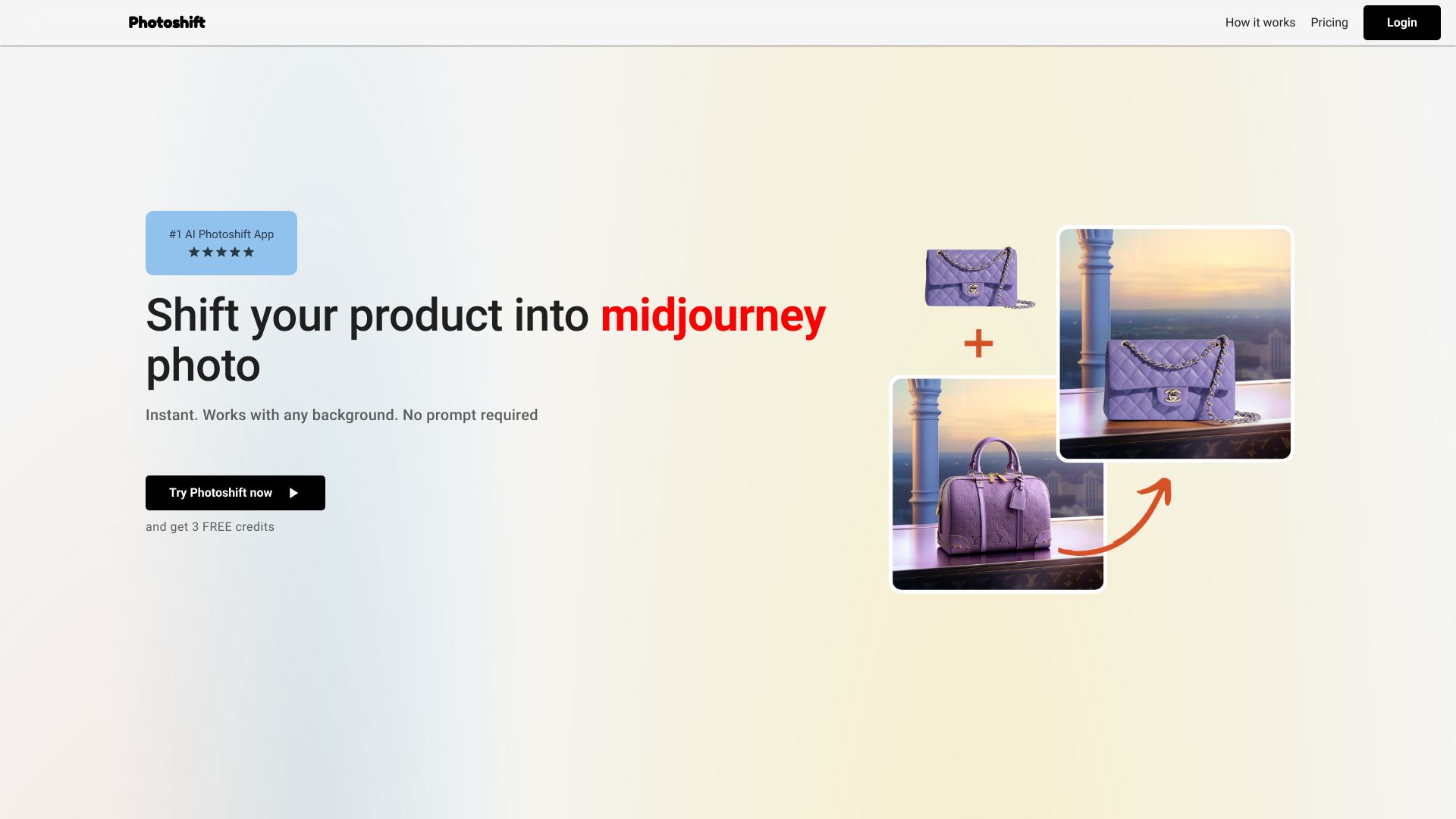
Photoshift is an AI-powered tool designed to effortlessly transform product photos by seamlessly blending them into mid-journey or any backdrop scene for stunning, realistic imagery. It elevates product presentation by allowing users to integrate their product into stock images or MidJourney scenes, providing instantaneous transformations without the need for prompts.
Access & connections
Where you can use Photoshift.
Platforms
Capabilities
What this tool accepts, produces, and is strongest at.
Highlights
- Seamless product photo integration into various scenes
- Automatic background removal
- AI-powered lighting and shadowing adjustments
- Adaptable composition features for angle and size adjustments
FAQ 12
What is Photoshift?
Photoshift is an AI-powered tool designed to effortlessly transform product photos by seamlessly blending them into mid-journey or any backdrop scene for stunning, realistic imagery. It elevates product presentation by allowing users to integrate their product into stock images or MidJourney scenes, providing instantaneous transformations without the need for prompts.
How to use Photoshift?
To use Photoshift, upload a background scene, then upload your product image. The tool automatically removes the background and seamlessly shifts your product into the uploaded scene with just one click.
Can I use my product images regardless of the product type?
Absolutely! Photoshift is designed to be compatible allowing you to use any product images seamlessly.
Can I use any stock photo or backdrop?
Yes! Photoshift integrates effortlessly with any stock photo or backdrop, giving you unlimited possibilities for creating engaging scenes.
Can I adjust the angle, composition, and size of my product within the scene?
Definitely! Photoshift is built with adaptable composition features allowing you to adjust the angle, composition, and size to make your product look natural within any scene.
How does the software adjust the lighting and shadowing?
Our AI intelligently adjusts lighting and shadowing to match the backdrop and product.
Can I use product images with transparent backgrounds?
Yes, images with transparent backgrounds are supported and recommended for best results.
Who owns the pictures?
You do. We grant you full commercial licence and ownership over your photos.
Is there a trial period available?
Yes, we offer free credits. Please sign up on our website to try now.
Do I need a subscription?
Photoshift works with a monthly subscription that auto-renews. You can cancel your subscription at any time.
Can I get an Invoice?
Yes, you can get an invoice for your purchase.
Can I cancel my subscription at any time?
Yes, you can cancel your subscription whenever you want.
Related tools
Recommended


Photoshift
Free + from $20 per month