What is PhotoGov?
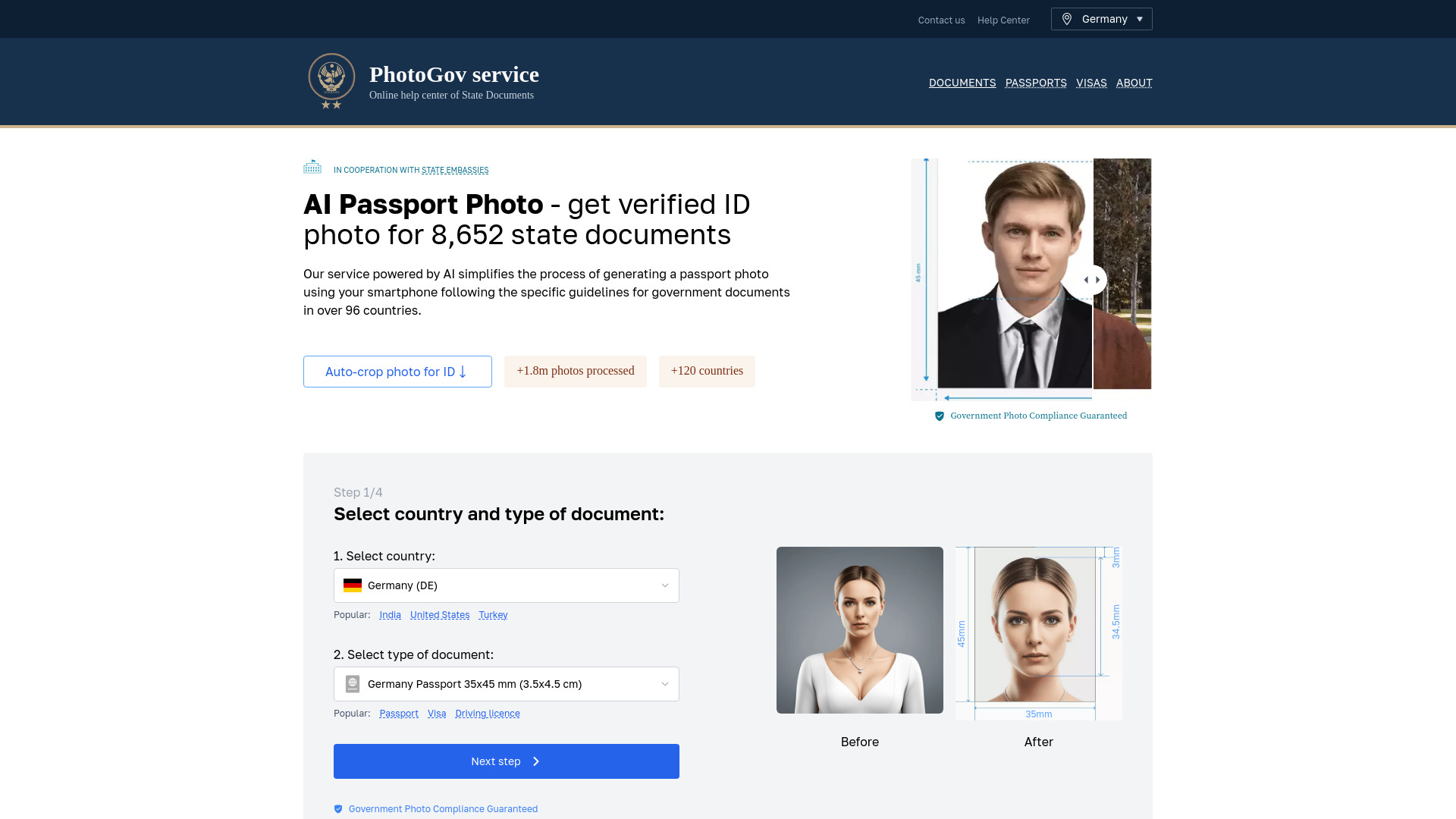
PhotoGov is an AI-powered online service that helps users create passport, visa, and ID photos that comply with government requirements. It automatically crops photos to the correct dimensions, fixes white backgrounds, and provides printable sheets or digital JPEGs. PhotoGov supports 96 countries and over 1,000 document types, ensuring compliance with official state requirements for passports, visas, work permits, and other government documents.
How to use PhotoGov?
To use PhotoGov, users upload a photo, select the country and document type, and let the AI automatically crop, resize, and adjust the photo to meet government regulations. The final result can be downloaded as a printable sheet or digital file.
What’s the Best Place to Make a Passport Photo?
The best place to create a head and shoulders portrait depends on your comfort level and budget. Popular options include:* At home using PhotoGov’s generator: Our advanced software makes it easy and affordable. Simply click a snapshot with your phone in a well-lit area and let our AI fix it to meet all official requirements. The US Department of State has verified that digital versions can be used for official purposes, underscoring the reliability of our service tool.* In-store services: Get your passport photo clicked on-site at places like Walmart, CVS, Walgreens, or AAA centers. These services are typically quick and convenient, with staff experienced in specifications.
What Image Formats Are Supported?
PhotoGov’s software supports all common formats, such as JPEG, PNG, and HEIF. These are the types most modern phones and cameras use. Our passport photo AI software is designed to handle various file types, making it easy to import files from any device.Whether you’re using an iPhone, Android phone, or digital camera, our software processes your image to meet official regulations. This ensures your portrait is acceptable for government forms.
Can I Try PhotoGov for Free?
Yes, our app is free to use for over 1,000 types of documents. So, upload your file and see how it looks after processing. Once you’re satisfied with the result, you can download it. All this is done free of charge.However, some governments may apply fees, which may mean slight charges from PhotoGov. Businesses may opt for a custom plan.
Are My Personal Information and Photos Secured?
Have full confidence in the security of your personal information with us. Our top-notch encryption protocols keep all your data safe, and our strict policy guarantees that your information will never be shared with third parties. Our servers automatically delete your uploads after you have finished using our service to protect your data per privacy laws like the GDPR.
How Can I Take Baby Passport Photos?
Taking baby pictures for personal ID portraits can be challenging, but our AI ID photo generator can help. Here are some tips:1. Lay the baby on a white sheet for a clean backdrop.2. Click from directly above the baby keeping a distance of 5 feet.3. Try to capture a moment when the baby’s eyes are open.4. Ensure the baby is looking straight at the camera.5. Remove any toys, pacifiers, or other objects from the frame.6. Make sure the baby’s head and shoulders are visible.
How Can I Make Sure That My AI Passport Photo Is Acceptable?
To ensure your passport photo is acceptable:1. Verify that your entire face is visible in the frame.2. Check that the background is plain and light-colored, with no pattern or shadow.3. Ensure the lighting is even across your face, with no harsh shadows.4. Confirm that your expression is neutral - no smiling or frowning.5. Remember to go accessory-free by removing hats, jewelry, or glasses.
Can You Smile in an AI Visa Photo?
Generally, smiling is not allowed in a visa photo, even when using an automated photo tool. Most countries require a neutral expression, meaning no smiling, frowning, or other expressions.Your mouth should be closed, your eyes should be open, and you should look directly at the camera. The US State Department specifies that a “neutral facial expression” is required for such pictures.