
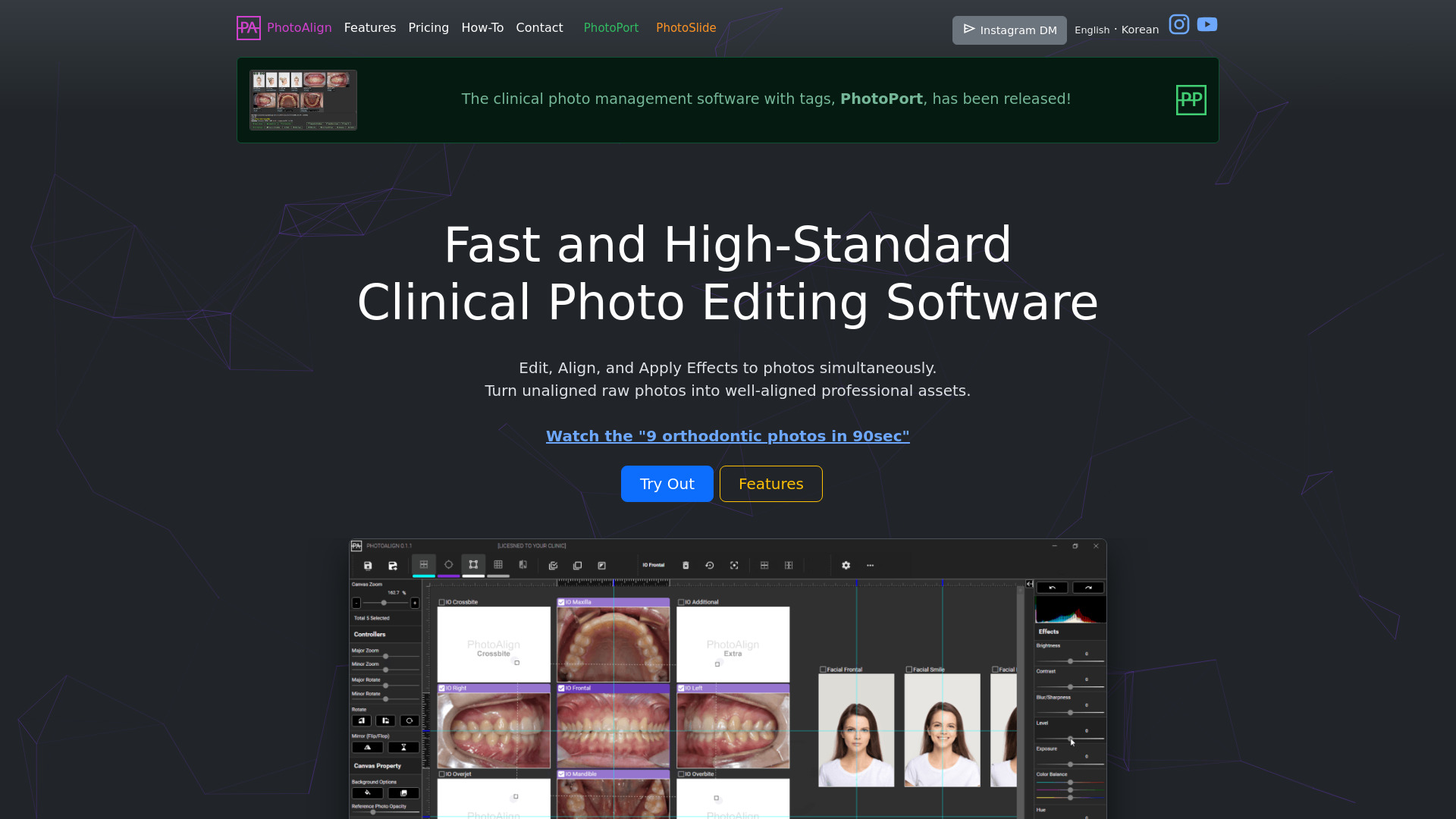
PhotoAlign Studio
AI-powered software for editing and aligning clinical photos.
Source rating 5.0
(84)
2.3k views
2.3k/mo traffic
0 saves
Paid
From $10.99 / mo
Verdict
A quick read before you dig into the full page.
- Best if
- AI-powered software for editing and aligning clinical photos
- Skip if
- You need a free plan with no credit card
- Pick this when
- Paid · From $10.99 / mo
Overview
PhotoAlign is an advanced clinical photograph editing software powered by Artificial Intelligence. It allows users to effortlessly rotate, resize, and align multiple clinical photos, bringing a professional touch to their cases. It standardizes and aligns clinical photos with ease on a single screen. PhotoAlign Studio includes PhotoPort for clinical photo management and PhotoSlide.
Access & connections
Where you can use PhotoAlign Studio.
Platforms
Capabilities
What this tool accepts, produces, and is strongest at.
Highlights
- AI-powered automatic photo allocation
- Batch editing and alignment of multiple photos
- Various templates for different clinical images
- Reference photo setting for superimposition
- LiveWatch for real-time photo import
- Image editor for adjusting brightness, contrast, and more
- Extra guides for precise alignment
- Rotate, resize, and crop photos with precision
Show 3 more
- Automatic maximum resolution saving
- Toggle between original and edited states
- Pre-actions automation
FAQ 7
What is PhotoAlign?
PhotoAlign is an advanced clinical photograph editing software powered by Artificial Intelligence. It allows users to effortlessly rotate, resize, and align multiple clinical photos, bringing a professional touch to their cases. It standardizes and aligns clinical photos with ease on a single screen. PhotoAlign Studio includes PhotoPort for clinical photo management and PhotoSlide.
How to use PhotoAlign?
Use PhotoAlign to edit clinical photos by rotating, resizing, and aligning them. Use PhotoPort for managing clinical photos with tagging features. Choose from various templates, set reference photos, and utilize AI allocation for efficient photo placement.
Can I use a single license on more than two computers?
No, a single license will be tied to a specific computer and cannot be simultaneously used on another device. You need to purchase two licenses if you wish to use the software on both a PC and a laptop or on two separate PCs.
Can I transfer the license key to another computer after activation?
Yes, you can transfer the valid license from one computer to another. However, please note that this process only begins upon manual deactivation of the license (Settigns - Others - Deactivate) on the current computer.
Can I request a refund and cancel the plan?
Generally, as an electronic software, PhotoAlign does not refund purchases or transfer to other users once the payment goes through. In a few exceptional cases, we can refund purchases made by customers who have verified their identity within the first 7 days, provided that the software has not been registered with the license. After 7 days, it is no longer eligible for a refund.
Can I use it on macOS?
This software is developed to run on Microsoft Windows. However, it can be used on macOS through virtualization features such as VirtualBox, BootCamp, Parallels, etc.
Can I buy only a certain software? What is the Studio?
PhotoAlign Studio is a subscription package that includes PhotoAlign, PhotoPort, and PhotoSlide. Currently, all three software programs are available under a single plan. Individual products are not sold separately. If you subscribe during the limited period, you can use these programs for the price of one.
Related tools
Recommended


PhotoAlign Studio
From $10.99 / mo