
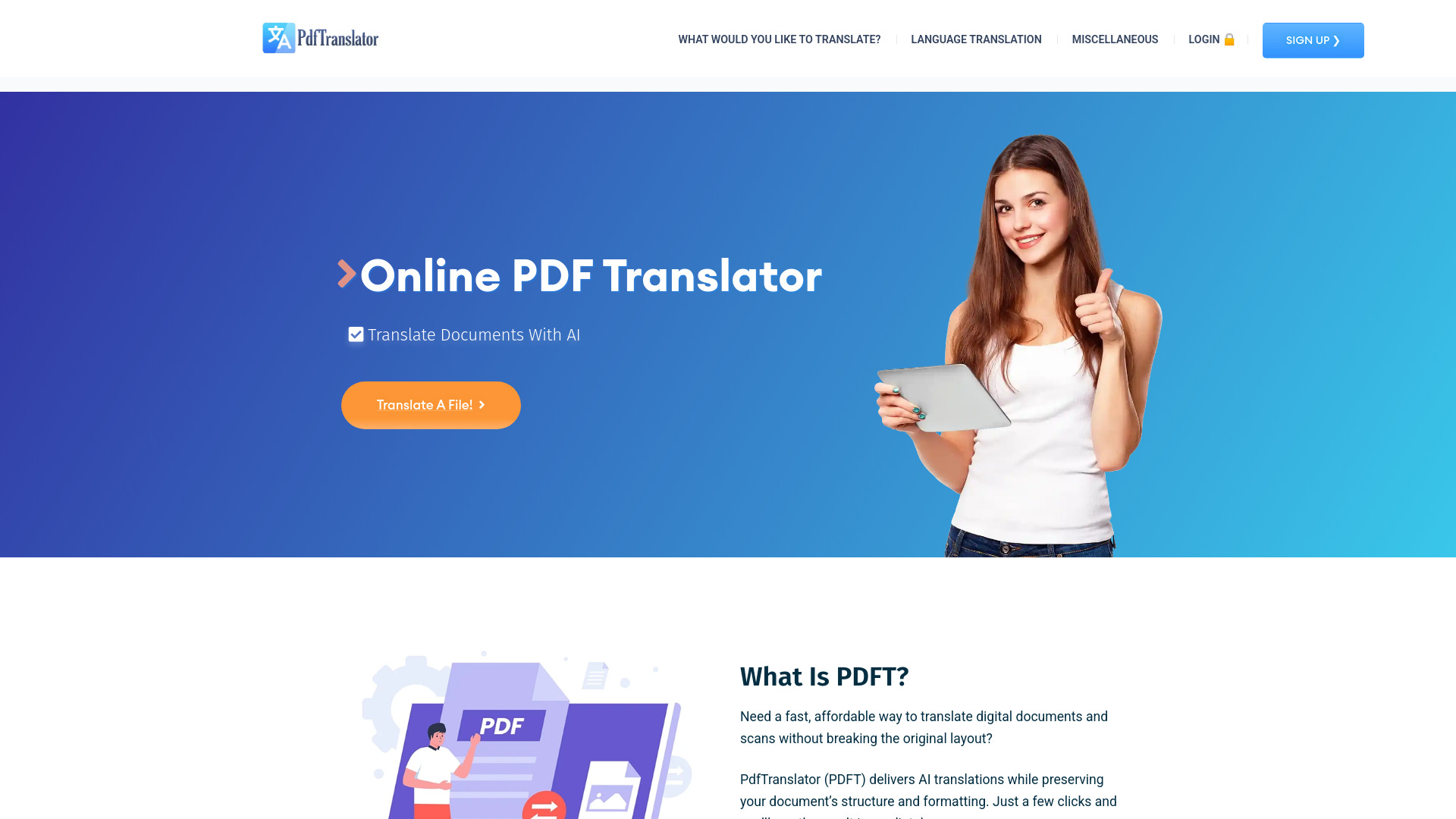
PDFT.AI: Online PDF Translator
Translate PDF documents with a free AI-powered online translator.
Verdict
A quick read before you dig into the full page.
- Best if
- You are students and need: Best for Students
- Skip if
- You need enterprise SLAs or a fully managed team plan right away
- Pick this when
- Free · Free
Overview
PDFT.AI is a free AI document translator for PDF, Office files, images, and data formats (PDF, DOCX, PPTX, XLSX, JPG/PNG, CSV, TXT, XML, JSON, HTML).
Translate full documents in many languages with layout-aware output that retains fonts, tables, and page structure.
Best for
Short scenarios where PDFT.AI: Online PDF Translator tends to shine.
-
Best for Students
Best for Students
-
Best for Teams
Best for Teams
-
Best for Business professionals
Best for Business professionals
-
Best for Translators
Best for Translators
-
Best for Researchers
Best for Researchers
-
Best for Legal professionals
Best for Legal professionals
Example outputs 1
Sample generations and before/after results for PDFT.AI: Online PDF Translator.
Access & connections
Where you can use PDFT.AI: Online PDF Translator.
Platforms
People also view
Tools that often show up alongside PDFT.AI: Online PDF Translator in collections and comparisons.


FAQ 7
What is PDFT.AI: Online PDF Translator?
Translate full documents in many languages with layout-aware output that retains fonts, tables, and page structure.
How to use PDFT.AI: Online PDF Translator?
1. Upload your file.
Click the “Translate a file” button to begin the file upload process. Upload your file in the form that opens.
2. Choose languages.
Set the source and target languages.
3. Enter your email.
Complete a quick registration using your Google account or email.
4. Translate.
Click Translate button to generate a layout-aware translation for the entire file.
5. Download.
Download the result in the same format as the original.