What is PDFChatto?
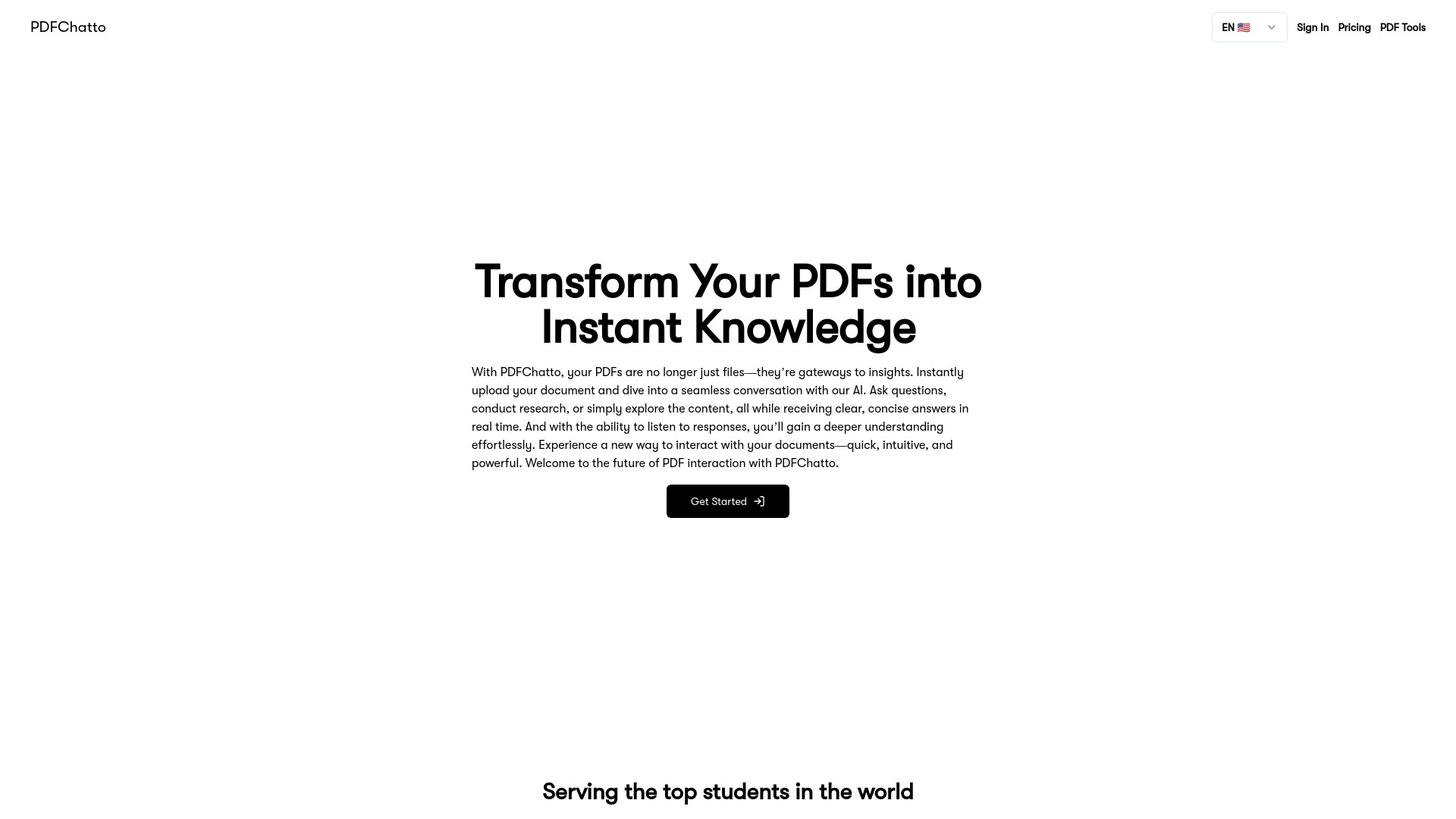
PDFChatto is an AI-powered web application designed to streamline workflows by allowing users to instantly summarize PDFs and get answers to their questions for free. It is suitable for students, researchers, and professionals looking to enhance productivity. Users can upload documents and engage in seamless conversations with the AI to ask questions, conduct research, or explore content, receiving clear and concise answers in real-time. The platform also offers text-to-speech capabilities for a deeper understanding of the documents.
How to use PDFChatto?
Users can upload a PDF document to PDFChatto and then ask questions related to the content. The AI will provide summaries and answers based on the document's information.
What is PDFChatto?
PDFChatto is an innovative web app that allows users to upload their PDF documents and engage in interactive conversations with them using AI. The app helps you extract insights, conduct research, ask questions, and even listen to answers provided by the AI.
How does PDFChatto work?
PDFChatto is designed for anyone who regularly works with PDF documents, including students, researchers, professionals, and anyone looking to extract valuable insights from their PDFs quickly and efficiently.
Is there a limit to the number of PDFs I can upload?
PDFChatto offers two plans, Free and Plus. Free allows for 1 PDF upload per week with a maximum file size of 10 MB. PDFChatto Plus Plan offers unlimited PDF uploads, unlimited questions, text-to-speech capabilities, and more, with a maximum file size of 100 MB (150 MB for the year plan).
Who can benefit from using PDFChatto?
PDFChatto is designed for anyone who regularly works with PDF documents, including students, researchers, professionals, and anyone looking to extract valuable insights from their PDFs quickly and efficiently.
How do I upload a PDF to PDFChatto?
Uploading a PDF is simple! After logging into your account, click on the upload section, select your file, and wait for it to upload. Once uploaded, you can immediately start interacting with the document.
What types of questions can I ask the AI?
You can ask any questions related to the content of the PDF. This can range from specific details within the document to more general queries about the overall content. The AI is designed to provide clear and concise answers based on the PDF’s information.
Can I listen to the AI’s responses?
Yes! PDFChatto includes a feature that allows you to listen to the AI’s responses, making it easier to absorb information on the go or for those who prefer auditory learning.
How accurate are the AI’s responses?
The AI is highly accurate in providing responses based on the content of the PDF. However, the accuracy can depend on the clarity and quality of the information within the PDF itself.
Can I interact with multiple PDFs at once?
Currently, you can interact with one PDF at a time. However, we plan add this feature very soon.
What file formats does PDFChatto support?
As the name suggests, PDFChatto supports PDF file formats. Support for additional file types may be added in future updates.