
PDF To Test
AI-powered tool to generate tests and exams from PDFs instantly.
Source rating 5.0
(63)
0 views
0 saves
Paid
From 4,99 €
Verdict
A quick read before you dig into the full page.
- Best if
- AI-powered tool to generate tests and exams from PDFs instantly
- Skip if
- You need a free plan with no credit card
- Pick this when
- Paid · From 4,99 €
Overview
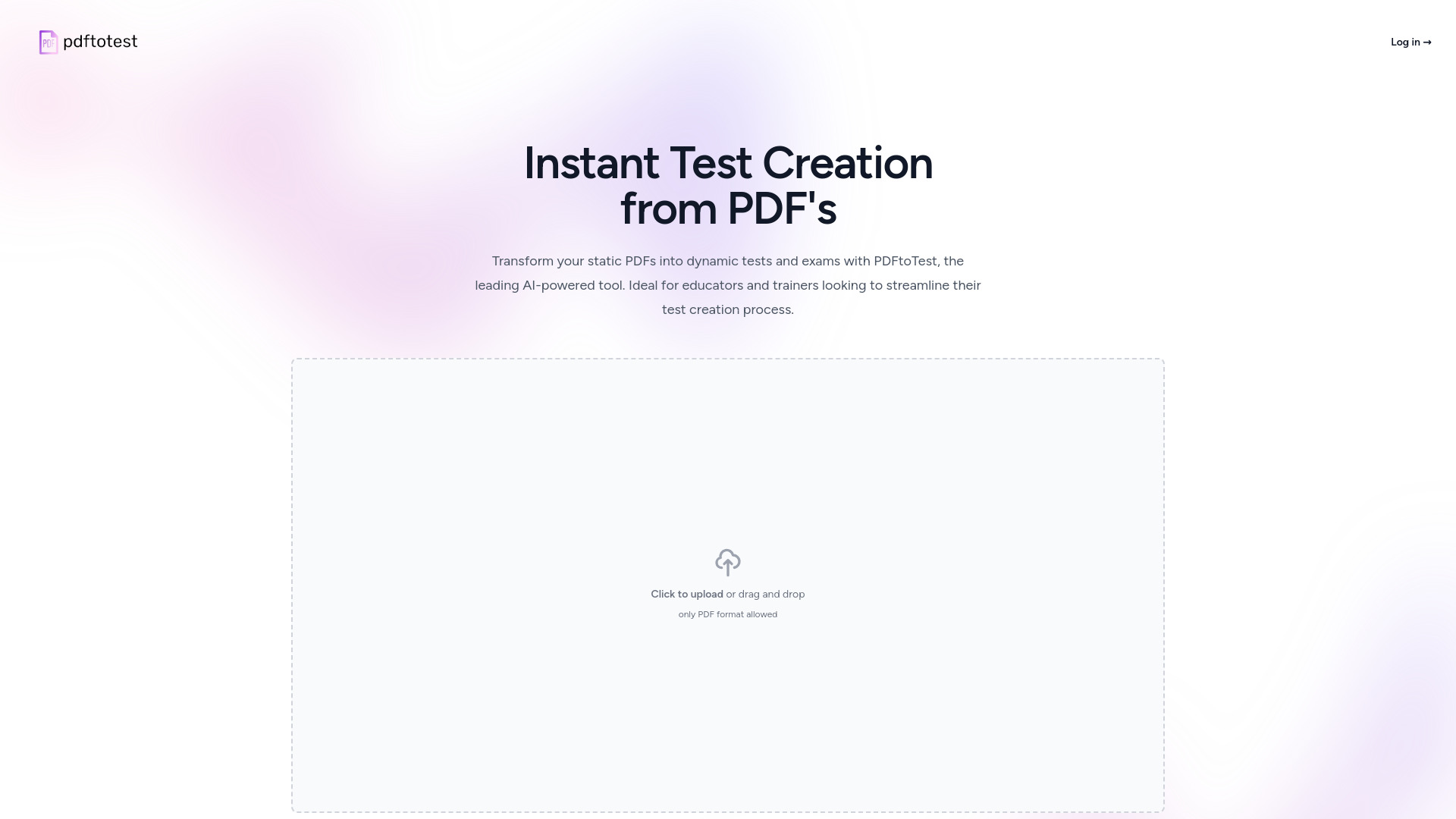
PDFtoTest is an AI-powered tool designed to help educators, trainers, and students create tests and exams from PDF documents instantly. It streamlines the test creation process, saving time and effort. Users can upload a PDF, customize the test settings, and let the AI generate questions based on the content.
Access & connections
Where you can use PDF To Test.
Platforms
Capabilities
What this tool accepts, produces, and is strongest at.
Highlights
- AI-powered test generation from PDFs
- Customizable test settings (difficulty, question type, quantity)
- Secure and reliable PDF processing
- Multiple question types (multiple choice, true/false, short answer, fill-in-the-blank)
- Export to PDF
FAQ 11
What is PDFtoTest?
PDFtoTest is an AI-powered tool designed to help educators, trainers, and students create tests and exams from PDF documents instantly. It streamlines the test creation process, saving time and effort. Users can upload a PDF, customize the test settings, and let the AI generate questions based on the content.
How to use PDFtoTest?
To use PDFtoTest, upload a PDF document, select the desired number and types of questions, and let the AI process the information to generate a test based on your specifications. You can then review and edit the generated questions before finalizing the test.
What is PDFtoTest?
PDFtoTest is an AI-powered tool that converts PDF documents into structured tests and exams automatically. Users can upload a PDF and customize their exam with desired settings such as the number of questions and types of questions.
How do I use PDFtoTest to create a test?
To create a test, simply upload your PDF document, select the number of questions, choose the type of questions you want (multiple choice, true/false, short answer, etc.), and let PDFtoTest process the information. The platform will generate a test based on your specifications.
Can I customize the difficulty level of the questions generated?
Yes, PDFtoTest allows you to customize the difficulty level of the questions generated to suit the target audience of the exam, ensuring the test is appropriate for your specific educational needs.
What types of questions can PDFtoTest generate from a PDF?
PDFtoTest can generate multiple types of questions, including multiple choice, fill-in-the-blank, short answer, and true/false, based on the content of your PDF.
Is PDFtoTest suitable for all educational levels?
Absolutely! PDFtoTest is designed to be a versatile tool that can be used by educators at all levels—from elementary school teachers to university professors—to create tests tailored to their students’ specific levels and needs.
How do I ensure that the test content is secure?
PDFtoTest uses advanced security protocols to ensure that all documents uploaded to the platform are kept secure and confidential. Data encryption and secure server hosting are used to protect your files.
Can PDFtoTest handle PDFs with images and diagrams?
Yes, PDFtoTest can process PDFs containing images and diagrams. However, be aware that the current version primarily generates text-based questions. Handling of images within questions may require manual editing.
What happens if the generated test needs revisions?
You can review and edit the generated test questions before finalizing it. PDFtoTest provides a flexible interface for making necessary adjustments to ensure the test meets your expectations.
How can I access the tests created with PDFtoTest?
Once a test is created, you can download it in various formats, such as Word or PDF, or directly print it from the platform. This allows easy distribution and use in a variety of educational settings.
Related tools
Recommended

PDF To Test
From 4,99 €