
Verdict
A quick read before you dig into the full page.
- Best if
- PDFTalker analyzes PDF documents, especially bank statements, providing insights and saving time
- Pick this when
- PDFTalker analyzes PDF documents, especially bank statements, providing insights and saving time
Overview
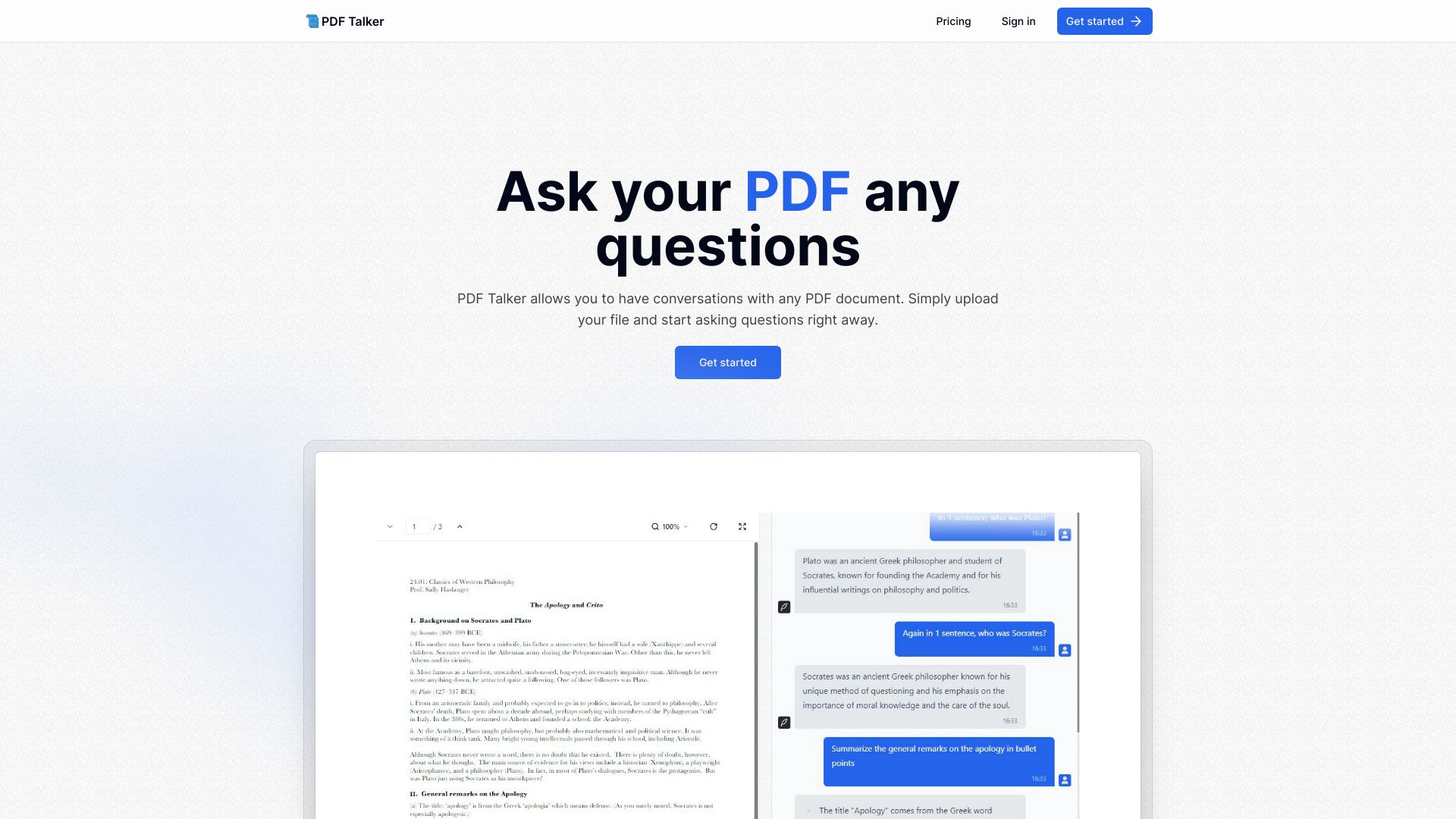
PDF Talker allows you to have conversations with any PDF document. Simply upload your file and start asking questions right away. It helps analyze bank statements by extracting and analyzing data from PDF bank statements, saving time, reducing errors, and gaining valuable financial insights.
Access & connections
Where you can use PDF Talker.
Platforms
Capabilities
What this tool accepts, produces, and is strongest at.
Highlights
- Accurate data extraction from PDF bank statements
- Automated analysis of financial data
- Secure and confidential document processing
FAQ 5
What is PDFTalker?
PDF Talker allows you to have conversations with any PDF document. Simply upload your file and start asking questions right away. It helps analyze bank statements by extracting and analyzing data from PDF bank statements, saving time, reducing errors, and gaining valuable financial insights.
How to use PDFTalker?
1. Upload your PDF bank statement. 2. The system analyzes the document and extracts key financial data. 3. Download the extracted data in a structured format (CSV, JSON) or view the analysis online.
What does PDF Talker do?
PDF Talker allows you to have conversations with any PDF document and extract and analyze data from PDF bank statements.
How does PDF Talker ensure my privacy?
Your documents are processed securely and deleted after processing.
What file formats does PDF Talker accept?
PDFTalker accepts PDF files with a maximum size of 5MB.
Related tools
Recommended

PDF Talker