
PayMeForMyAI
Platform to create, launch, and monetize custom AI apps without code.
Source rating 5.0
(72)
0 views
0 saves
Freemium
Free + from $15
Verdict
A quick read before you dig into the full page.
- Best if
- Platform to create, launch, and monetize custom AI apps without code
- Skip if
- You need enterprise SLAs or a fully managed team plan right away
- Pick this when
- Freemium · Free + from $15
Overview
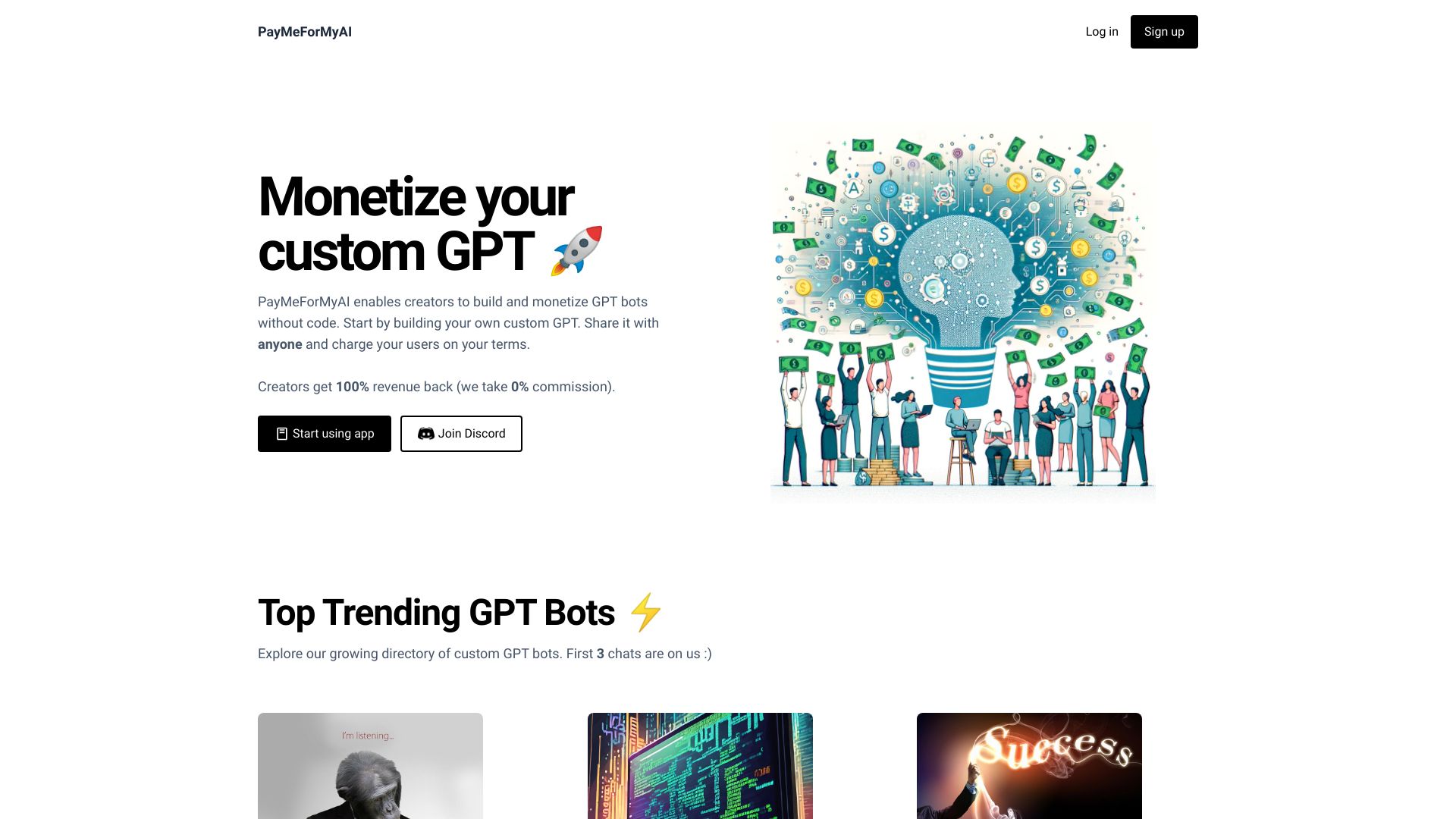
Pmfm.ai enables creators to create and launch their custom AI in minutes without code. It allows users to build and monetize GPT bots without code, charging users per chat and keeping 100% of the profits. No ChatGPT Plus is needed, and there are no restrictions on the number of chats. It also provides tools to deploy AI bots, host AI chatbots on websites, monetize AI chatbots, and collect user emails.
Access & connections
Where you can use PayMeForMyAI.
Platforms
Capabilities
What this tool accepts, produces, and is strongest at.
Highlights
- No-code AI app creation
- Monetization tools (charge per chat)
- Website embedding
- User analytics
- Access control
- White-labeling
FAQ 12
What is Pmfm.ai?
Pmfm.ai enables creators to create and launch their custom AI in minutes without code. It allows users to build and monetize GPT bots without code, charging users per chat and keeping 100% of the profits. No ChatGPT Plus is needed, and there are no restrictions on the number of chats. It also provides tools to deploy AI bots, host AI chatbots on websites, monetize AI chatbots, and collect user emails.
How to use Pmfm.ai?
Create an account, design your AI app using the no-code interface, set your monetization terms, and deploy it to your website or through Pmfm.ai's hosting.
How can I create my AI app on Pmfm.ai?
You will need to login and then click on the 'Create App' button. A form will then open up where you can provide your app details. If you plan to monetize, you will need to connect your bank account or debit card with Stripe.
Can I use my own website or subdomain?
Absolutely! You can publish your app to your website or subdomain by making a simple DNS change. Once you've launched your app, you will see this option available in your dashboard.
What models can I use to build my AI app on Pmfm.ai?
As per our last update, we support AI models from: OpenAI, Anthropic, Meta, Google, Mistral, and Stability AI.
Can I restrict access to my app?
Yes, you can add an access code for your app. Only users with the correct access code will be granted permission to use your app.
Do I need an API Key?
No, you don't need any API Key to build your app. We take care of all the API expenses so all you have to do is focus on your Pmfm.ai apps 😇
Can I embed the AI app on a website?
Yes, once you have created your app, you will see an option for embedding it to your any website on the dashboard. We also provide hosting options so you can choose what works best for your needs.
Can I use my OpenAI Assistant for building the app?
Yes, you can use your OpenAI assistant id to create your app. However, you will need to provide your OpenAI API key to make it work.
I am from a country where Stripe is not available. Can I monetize my app?
We provide a list of countries where monetization is supported before you subscribe. If your country is on our supported list, you can use Stripe through our platform regardless of local Stripe availability rules.
Can I push my app to SMS or WhatsApp?
Yes, you can do this by connecting your Twilio account. You will need to be on the Pro plan for this.
Where can I see the payments received for my product?
To access your connected Stripe account for payments, please login to Pmfm.ai. From your dashboard, please click on the top right drop down menu with your name. You will find an option called 'Stripe Access'. Clicking on this will redirect you to your connected Stripe account.
Related tools
Recommended


PayMeForMyAI
Free + from $15