
Parity
AI-powered email scheduling assistant for automated meeting coordination and calendar management.
Source rating 5.0
(94)
0 views
0 saves
Unknown
Verdict
A quick read before you dig into the full page.
- Best if
- AI-powered email scheduling assistant for automated meeting coordination and calendar management
- Pick this when
- AI-powered email scheduling assistant for automated meeting coordination and calendar management
Overview
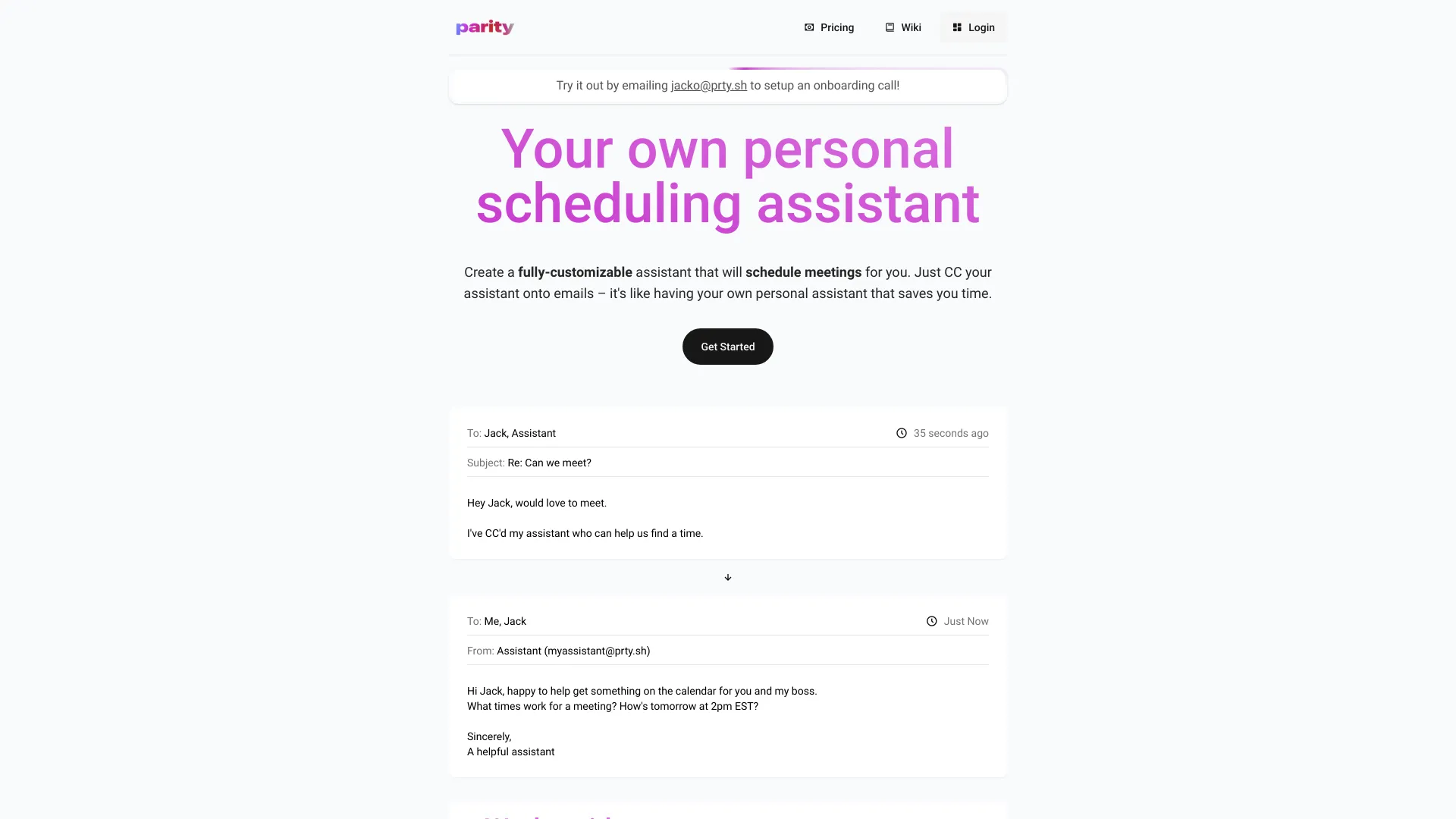
PRTY is an AI-enabled, email-based scheduling assistant that integrates with your existing calendar. It allows users to create a customized personal assistant that can be CC'd on email threads to handle scheduling, onboarding, support, and other tasks. PRTY aims to streamline communication and save time by automating meeting coordination and calendar management.
Access & connections
Where you can use Parity, and what it plugs into.
Platforms
Integrations
Capabilities
What this tool accepts, produces, and is strongest at.
Highlights
- Automated meeting scheduling
- Calendar integration (Google and Outlook)
- Customizable assistant personality
- Event coordination
- Briefings on your schedule
- Event forwarding to calendar
- Event rescheduling
FAQ 6
What is PRTY?
PRTY is an AI-enabled, email-based scheduling assistant that integrates with your existing calendar. It allows users to create a customized personal assistant that can be CC'd on email threads to handle scheduling, onboarding, support, and other tasks. PRTY aims to streamline communication and save time by automating meeting coordination and calendar management.
How to use PRTY?
To use PRTY, customize your assistant, then CC it on email threads. The assistant will automatically coordinate scheduling with other participants based on your preferences and calendar availability.
How does PRTY schedule meetings?
You simply CC your PRTY assistant on an email thread, and it will coordinate with the other participants to find a suitable time based on your calendar availability and preferences.
What calendar platforms does PRTY support?
PRTY is compatible with Google and Outlook calendars.
What meeting platforms does PRTY support?
PRTY supports Zoom, Google Meet, and Microsoft Teams.
How do I add an event to my calendar using PRTY?
Just forward the email about the event to your PRTY assistant, and it will automatically add it to your calendar with all the relevant details.
Parity