
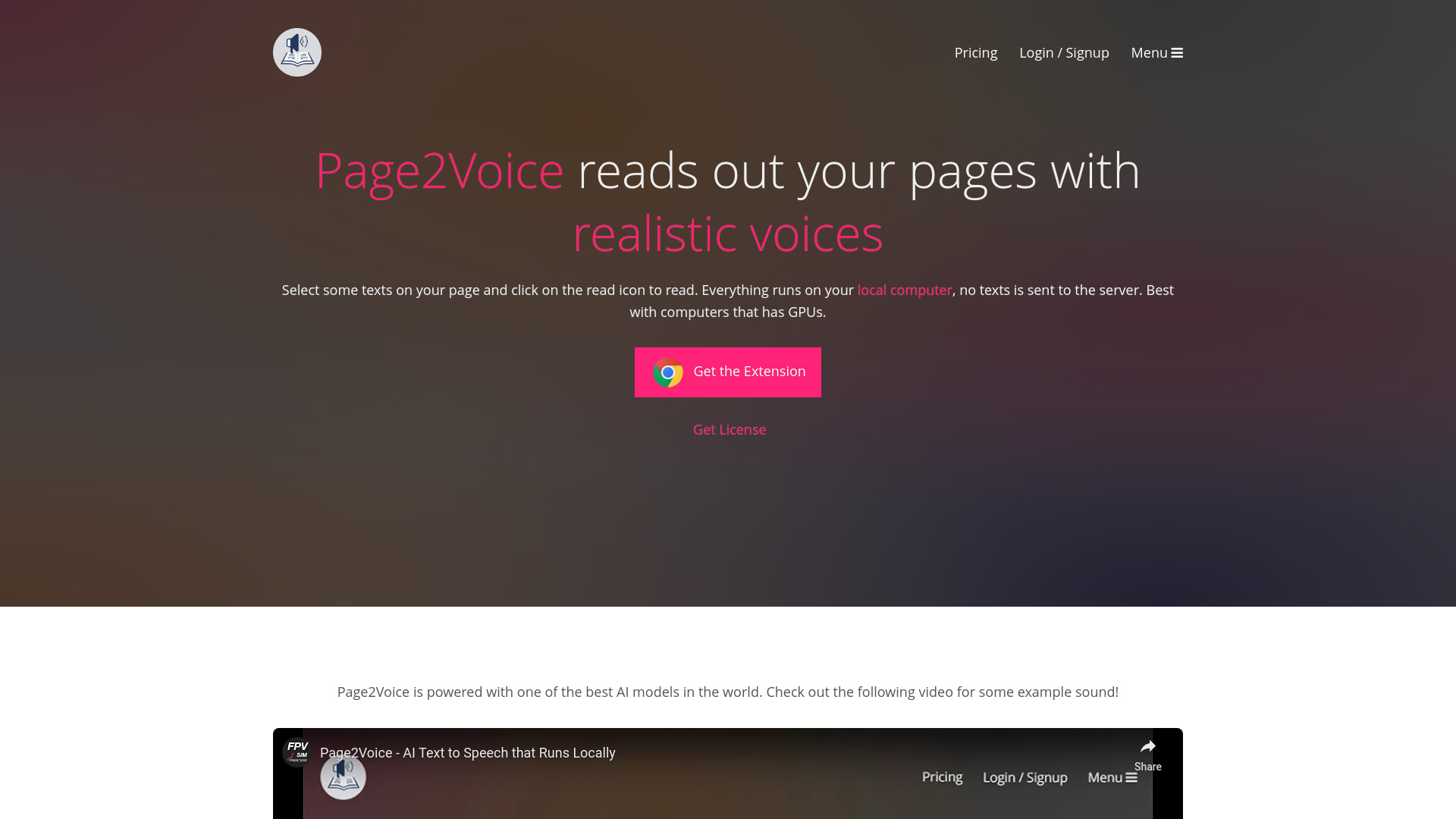
Page2Voice
AI Text to Speech tool that runs locally, reading webpage text aloud.
Source rating 5.0
(74)
0 views
0 saves
Unknown
Verdict
A quick read before you dig into the full page.
- Best if
- AI Text to Speech tool that runs locally, reading webpage text aloud
- Pick this when
- AI Text to Speech tool that runs locally, reading webpage text aloud
Overview
Page2Voice is an AI Text to Speech tool that runs locally on your computer. It allows you to select text on a webpage and have it read aloud with realistic voices. No text is sent to a server, ensuring privacy. It offers features like voice selection, speed settings, and pause/play functionality. A one-time permanent license is available with a full experience free trial. It is best used with computers that have GPUs.
Access & connections
Where you can use Page2Voice.
Platforms
Capabilities
What this tool accepts, produces, and is strongest at.
Highlights
- Local text processing (no data sent to server)
- Over 25 natural voices
- Adjustable speed settings
- Pause/play functionality
- One-time permanent license with free trial
- English language support
FAQ 5
What is Page2Voice?
Page2Voice is an AI Text to Speech tool that runs locally on your computer. It allows you to select text on a webpage and have it read aloud with realistic voices. No text is sent to a server, ensuring privacy. It offers features like voice selection, speed settings, and pause/play functionality. A one-time permanent license is available with a full experience free trial. It is best used with computers that have GPUs.
How to use Page2Voice?
Select text on a webpage and click the read icon to have Page2Voice read it aloud.
Does Page2Voice send my text to a server?
No, everything runs on your local computer, so no text is sent to the server.
What languages does Page2Voice support?
Currently, Page2Voice supports English.
Is there a free trial available?
Yes, there is a full experience free trial available.
Related tools
Recommended


Page2Voice