

OTO work ✓
Financial simplicity for freelancers.
Free + from $6/mo
Verdict
A quick read before you dig into the full page.
- Best if
- Financial simplicity for freelancers
- Skip if
- Limited financial insights
- Pick this when
- Automated freelancer finances management
Considering MonoDesk instead? Compare side by side
Overview
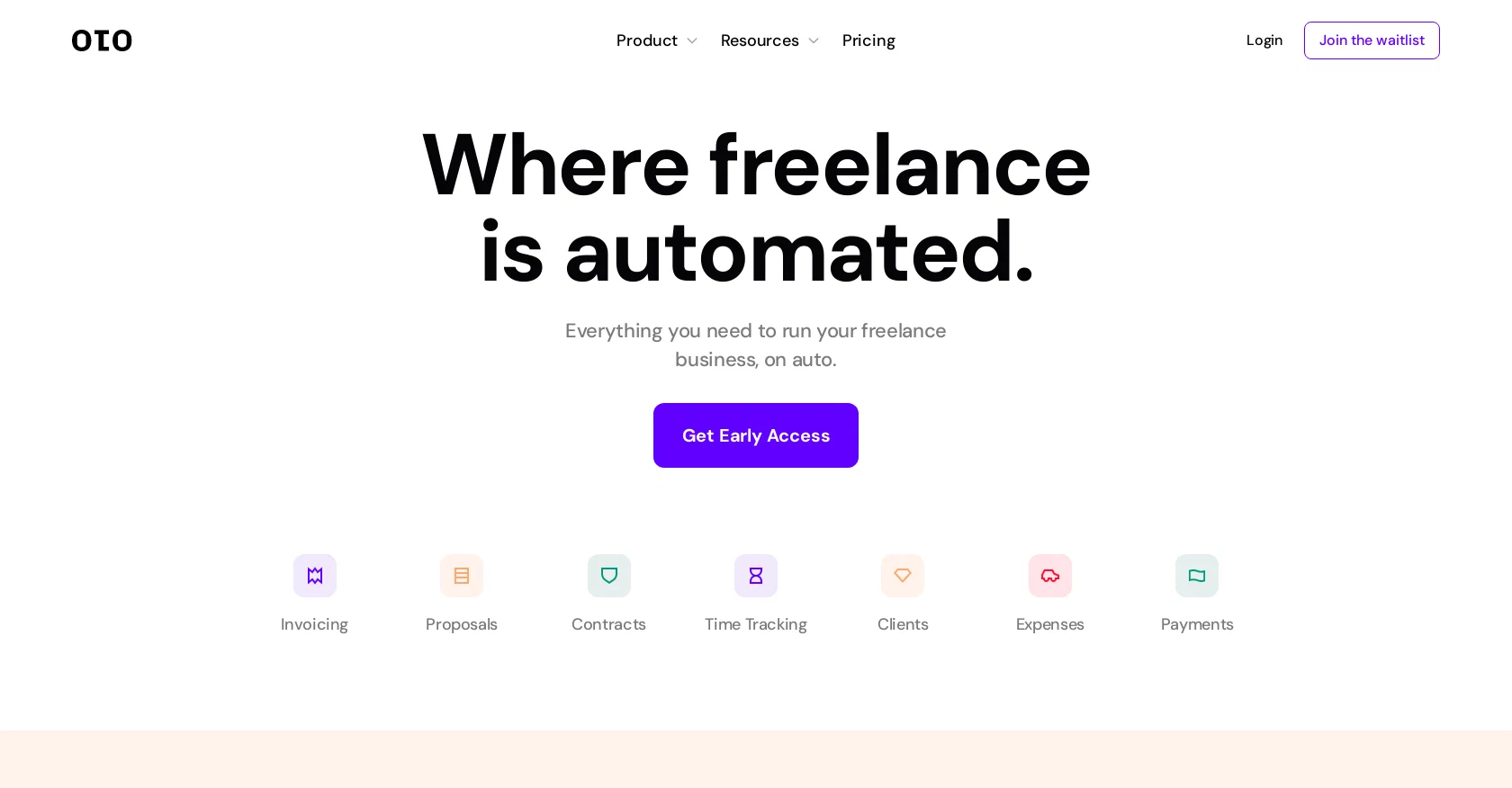
oto is a comprehensive financial tool designed specifically for freelancers. It combines multiple functionalities such as invoicing, time tracking, expenses management, client management, and online contracts into a single platform.
With oto, freelancers can effortlessly create proposals, invoices, and contracts without the need for manual work. The tool simplifies the process of invoicing for tracked hours, whether the freelancers work on an hourly basis or project-based.
It also offers AI-powered proposals that are tailored to each specific project.One of the standout features of oto is its secure online contracts. These contracts are legally vetted and pre-written agreements, providing freelancers with peace of mind and saving them from the hassle of creating contracts from scratch.The tool also supports various necessary tools for building a perfect invoice, such as invoice templates.
The client management feature allows freelancers to easily manage their clients by sharing progress updates including hours, invoices, proposals, and contracts.oto facilitates time tracking, allowing freelancers to record and share their live logged hours with clients through a shareable link.
It also enables expense management, with the ability to categorize spending and simplify accounting by uploading receipts.For payments, oto offers the convenience of linking with Stripe or PayPal to accept online payments from clients around the world.
It provides features like instant approval on proposals and the ability to create, sign, send, and track pre-made contracts with e-signature functionality.oto integrates with several popular platforms and services, including OpenAI, Stripe, PayPal, and Google.Overall, oto provides freelancers with the necessary tools and features to efficiently manage and automate their freelance business, eliminating manual tasks and streamlining their workflow.
Access & connections
Where you can use OTO work, and what it plugs into.
Platforms
Integrations
Capabilities
What this tool accepts, produces, and is strongest at.
Input
- Tabular
Output
- Text
Pros & cons
Pros
- Automated freelancer finances management
- Invoicing & time tracking
- Expenses & client management
- Online contracts functionality
- Creates proposals, invoices, contracts
- Invoicing for tracked hours
- Support for project & hourly work
- Secure pre-written online contracts
Show 26 more
- Invoice template support
- Sharing progress updates feature
- Live tracking hours record
- Expense categorization for accounting
- Uploading receipts support
- Integrates with Stripe, PayPal
- Accepts global online payments
- Instant proposal approval
- e-signature functionality for contracts
- Integrates with popular platforms
- Payment links creation
- Automated workflow for freelance
- Automatic proposals, contracts, invoices generation
- Internationally adjustable
- Global currencies support
- Client partial payments acceptance
- Automatic recurring invoices
- Late fees charging
- Logo & brand customization
- Collecting deposits before work
- Customizable email responses
- Expense report & insights
- Secure online payments
- Live timesheet sharing
- Real-time document status notifications
- Overdue payment reminders
Cons
- Waitlist for access
- Limited integrations
- Dependent on Stripe/Paypal
- No offline mode
- Pre-made contracts only
- No multi-user capabilities
- Unavailable recurring invoice feature
- Absence of late fees feature
Show 2 more
- No customization feature
- Limited financial insights
Compare alternatives
Similar tools in the catalog — with a clear reason to open each one.

MonoDesk ✓
FreeOne workspace for freelance creative professionals.
Why look Fully free option
Full comparison
Upwex ✓
Free TrialSupercharge your Upwork success with AI-powered tools.
Free + from $7.99/mo
Full comparison

OutBid ✓
FreemiumWin Upwork jobs with instant alerts and AI proposals.
Free + from $9.99/mo
Full comparison
Pitch Pilot ✓
Free TrialWin More on Upwork with AI-Powered Job Alerts & Proposals
Why look Typically cheaper
Full comparison
Releases 1
Imported reviews 2
I am interested
Yes I am interested
FAQ 12
What is the oto tool?
How does the oto tool's invoicing system function?
Can the oto tool track time spent on tasks?
What is the process to generate proposals using oto?
Is it possible to manage multiple clients using oto?
How does expense management work with oto?
What online payment systems does oto integrate with?
Can oto generate legally vetted contracts?
Does oto offer customizable invoice templates?
What kind of updates can I share with my clients about a project using oto?
Can the oto tool facilitate tracking of live logged hours?
Does oto offer a system to categorize and manage my expenses?
Related tools
Recommended

VenturusAI ✓
FreemiumBusiness idea analysis and reporting.

LearningStudioAI ✓
Free TrialAI-powered authoring tool for effortless online course creation.

Stunning ✓
PaidBuild AI-powered websites in seconds

Stratup.ai ✓
FreemiumInnovative idea generation for businesses.

Agentgpt ✓
FreemiumDeploy autonomous AI Agents effortlessly in your browser.

PostPerfect ✓
FreemiumAutomated social media posts.