
Orate
macOS app turning highlighted text into AI speech.
Source rating 5.0
(53)
0 views
0 saves
Freemium
Free + from $9.99 / month
Verdict
A quick read before you dig into the full page.
- Best if
- macOS app turning highlighted text into AI speech
- Skip if
- You need enterprise SLAs or a fully managed team plan right away
- Pick this when
- Freemium · Free + from $9.99 / month
Overview
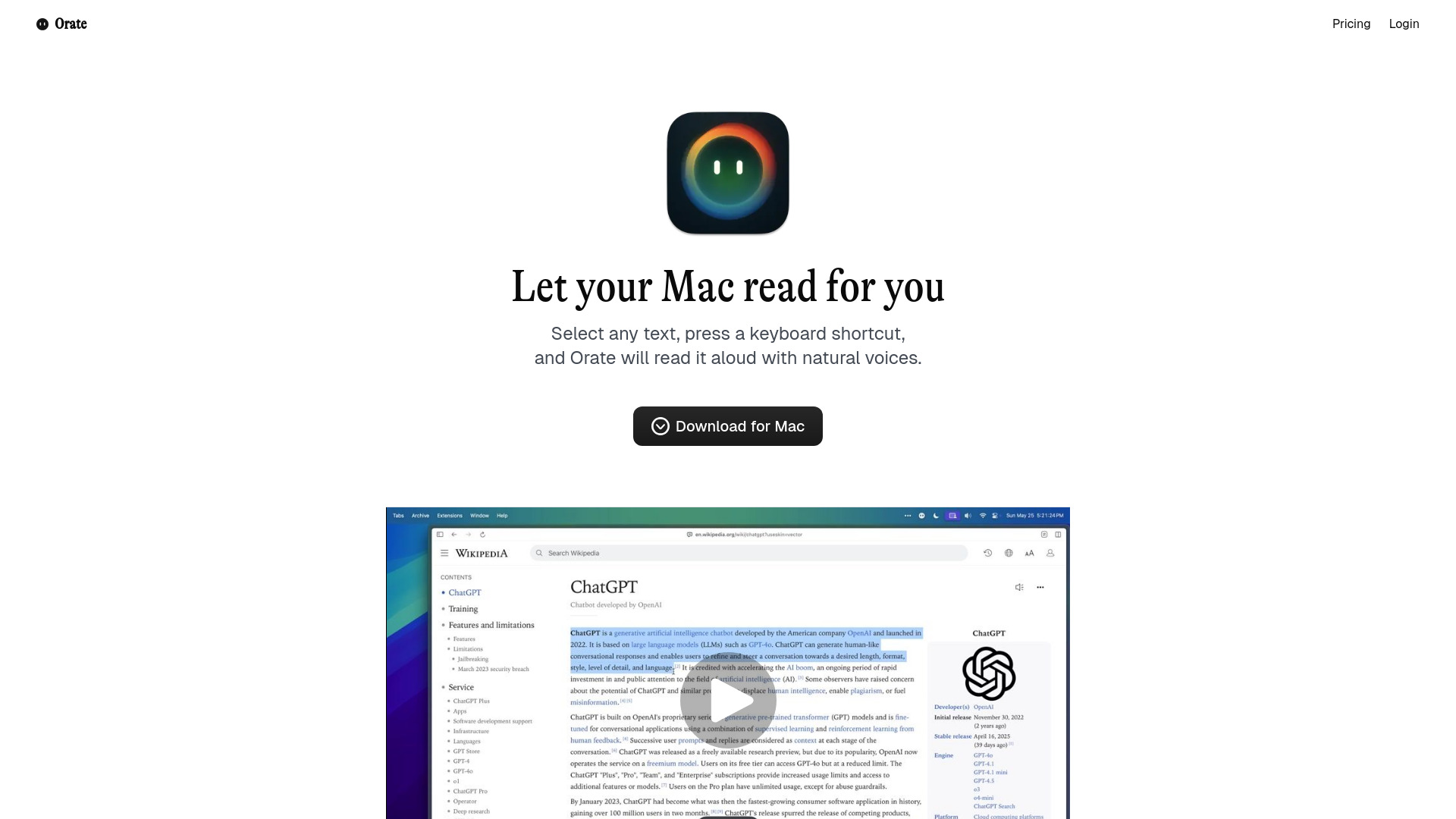
Orate is a free macOS menu-bar application designed to convert any highlighted text into speech using a single hotkey. It leverages bleeding-edge AI voice technology to provide natural-sounding voices with perfect intonation and emphasis, offering ultra-low latency for near-instant text-to-speech. It works across various applications on your Mac, including browsers, documents, and emails.
Access & connections
Where you can use Orate.
Platforms
macOS
Capabilities
What this tool accepts, produces, and is strongest at.
Highlights
- Turns any highlighted text into speech
- Single hotkey activation (⌘ + E)
- Natural-sounding AI voices (premium options available)
- Global keyboard shortcut (works everywhere on Mac)
- Adjustable reading speed control
- Ultra-low latency (~75ms)
- Multilingual support (Premium tier)
- Mix and Match premium and standard voices (Premium tier)
FAQ 7
What is Orate?
Orate is a free macOS menu-bar application designed to convert any highlighted text into speech using a single hotkey. It leverages bleeding-edge AI voice technology to provide natural-sounding voices with perfect intonation and emphasis, offering ultra-low latency for near-instant text-to-speech. It works across various applications on your Mac, including browsers, documents, and emails.
How to use Orate?
To use Orate, simply highlight any text on your Mac, then press the global keyboard shortcut ⌘ + E. Orate will immediately read the selected text aloud with natural voices. You can also adjust the reading speed to your preference.
What is Orate?
Orate is a free macOS menu-bar app that converts any highlighted text into speech using a single hotkey, leveraging AI voice technology for natural-sounding audio.
How do I use Orate?
Simply highlight any text on your Mac and press the global keyboard shortcut ⌘ + E. Orate will then read the text aloud.
What kind of voices does Orate offer?
Orate offers standard voices in its Free tier and premium, natural-sounding AI voices with perfect intonation and emphasis in its paid 'Whisper' tier. The Whisper tier also includes multilingual support.
Is Orate free to use?
Yes, Orate offers a Free tier with a monthly character limit and standard English voices. There is also a paid 'Whisper' tier for more features, premium voices, and higher usage.
What is the latency for text-to-speech with Orate?
Orate boasts ultra-low latency of approximately 75ms, meaning it begins speaking almost immediately after you trigger the shortcut.
Related tools
Recommended


Orate
Free + from $9.99 / month