Diagram tool

OpenFlowKit

Free, open-source diagram engine with AI, Mermaid.js support, and Figma vector export.

Source rating 5.0 (87) 3.4k views 3.4k/mo traffic 0 saves Paid
More categories (7)

Verdict

A quick read before you dig into the full page.

Best if
Free, open-source diagram engine with AI, Mermaid.js support, and Figma vector export
Skip if
You need a free plan with no credit card
Pick this when
Free, open-source diagram engine with AI, Mermaid.js support, and Figma vector export

Overview

OpenFlowKit is a 100% free, open-source diagram engine designed for engineers, architects, and product teams. It allows users to create professional architecture diagrams and flowcharts using either a visual drag-and-drop interface or 'Diagram as Code' with Mermaid.js and a type-safe DSL. Powered by React Flow, it offers a local-first experience where data stays on the user's machine, requiring no signup or cloud synchronization. It also features an AI assistant called Flowpilot for chat-based diagram editing and a unique Figma export that provides editable vector shapes.

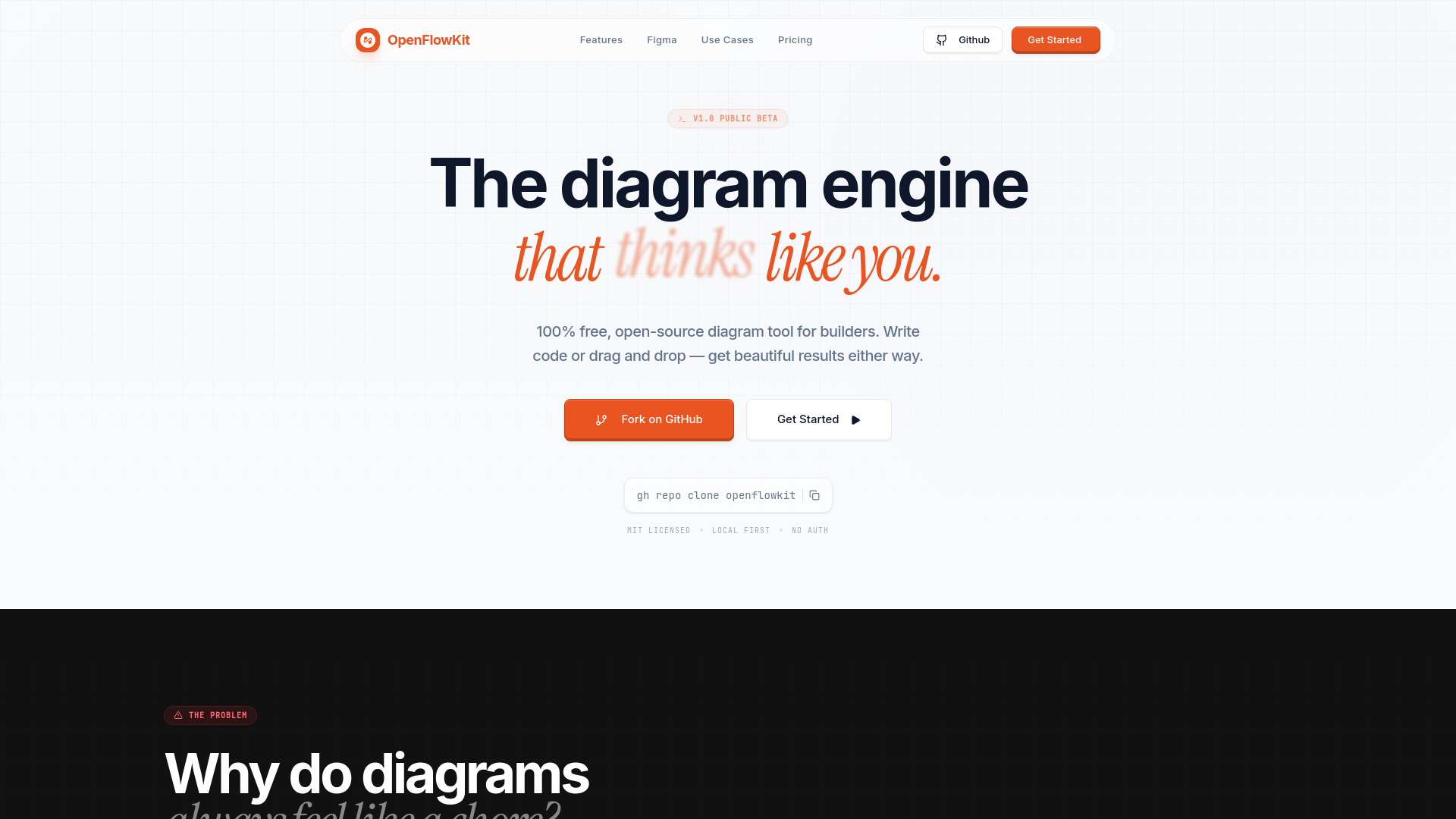
OpenFlowKit screenshot

Access & connections

Where you can use OpenFlowKit, and what it plugs into.

Platforms

Web

Integrations

Capabilities

What this tool accepts, produces, and is strongest at.

Highlights

  • Diagram as Code (Mermaid.js and type-safe DSL support)
  • Flowpilot AI Assistant for natural language diagramming
  • High-fidelity Figma Export (editable vectors and text)
  • Local-first architecture for maximum privacy
  • One-click auto-layout for complex systems
  • Fully customizable nodes, edges, and themes

FAQ 5

What is OpenFlowKit?
OpenFlowKit is a 100% free, open-source diagram engine designed for engineers, architects, and product teams. It allows users to create professional architecture diagrams and flowcharts using either a visual drag-and-drop interface or 'Diagram as Code' with Mermaid.js and a type-safe DSL. Powered by React Flow, it offers a local-first experience where data stays on the user's machine, requiring no signup or cloud synchronization. It also features an AI assistant called Flowpilot for chat-based diagram editing and a unique Figma export that provides editable vector shapes.
How to use OpenFlowKit?
Users can begin immediately without an account. You can create diagrams by writing code (Mermaid.js/DSL) or by dragging elements onto the canvas. Use the 'Flowpilot AI' to make adjustments like adding nodes or changing styles via chat commands. Diagrams can be exported to SVG, PNG, or JSON, or copied directly into Figma as editable layers. Developers can also clone the repository from GitHub to host it themselves or modify the engine.
Is OpenFlowKit actually free?
Yes, it is 100% open-source under the MIT license. There is no 'Enterprise Edition' or sales calls; all features are included for free.
Does OpenFlowKit store my data in the cloud?
No. OpenFlowKit is local-first, meaning everything stays on your machine. There is no cloud saving or tracking involved.
How does the Figma export differ from a screenshot?
When you paste a diagram into Figma, you get editable text and clean vector shapes rather than a flat, un-editable image. No plugins are required.
OpenFlowKit
