
Open WebUI
Self-hosted AI platform for local and cloud LLMs
Verdict
A quick read before you dig into the full page.
- Best if
- You are aI engineers and need: Run a private local AI assistant on your own hardware
- Pick this when
- Self-hosted AI platform for local and cloud LLMs
Overview
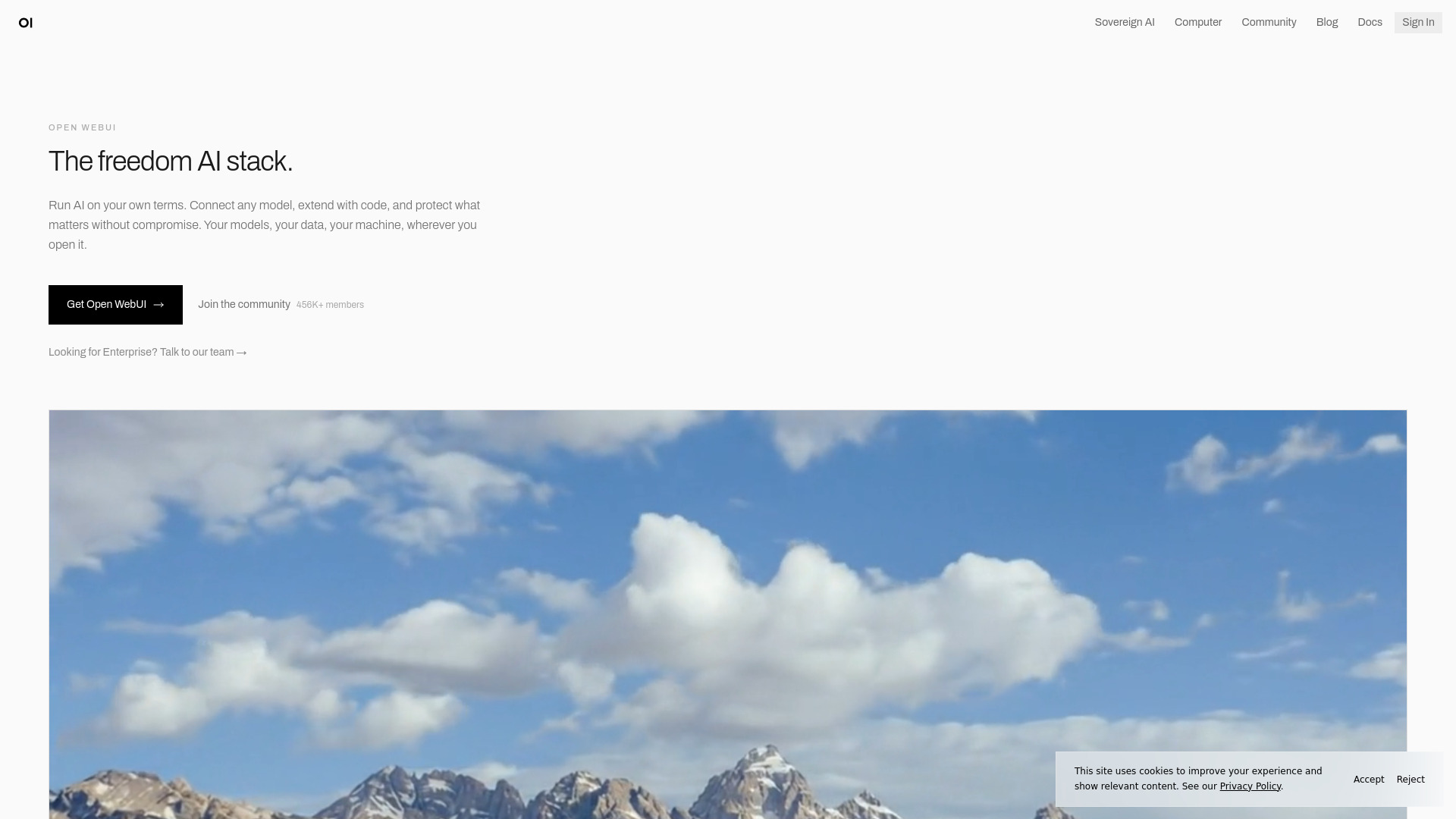
Open WebUI is a self-hosted AI platform and web interface for running local or cloud LLMs, connecting multiple model providers, and extending AI workflows with Python and community-built tools. It is designed for personal use, teams, and enterprise deployments that need control over data, infrastructure, and customization.
Best for
Short scenarios where Open WebUI tends to shine.
-
Run a private local AI assistant on your own hardware
Best for AI engineers
-
Deploy a secure internal AI chat platform for employees
Best for DevOps engineers
-
Share prompts, tools, and workflows across a team
Best for Platform engineers
-
Build a regulated or air-gapped enterprise AI workspace
Best for IT administrators
-
Use one interface to manage both local and cloud LLMs
Best for Enterprise architects
How it works
Example outputs 1
Sample generations and before/after results for Open WebUI.
Access & connections
Where you can use Open WebUI.
Platforms
Capabilities
What this tool accepts, produces, and is strongest at.
Highlights
- Self-hosted AI chat interface for local and cloud models
- Connects to Ollama, OpenAI, Anthropic, and compatible APIs
- Python-based extensions, functions, and pipelines
- Built-in tools for RAG, search, retrieval, voice, and vision
- Enterprise controls including SSO, RBAC, audit logs, and data residency
- Community library for prompts, models, tools, and workflows
People also view
Tools that often show up alongside Open WebUI in collections and comparisons.


In the news
Launch coverage and community mentions for Open WebUI.