
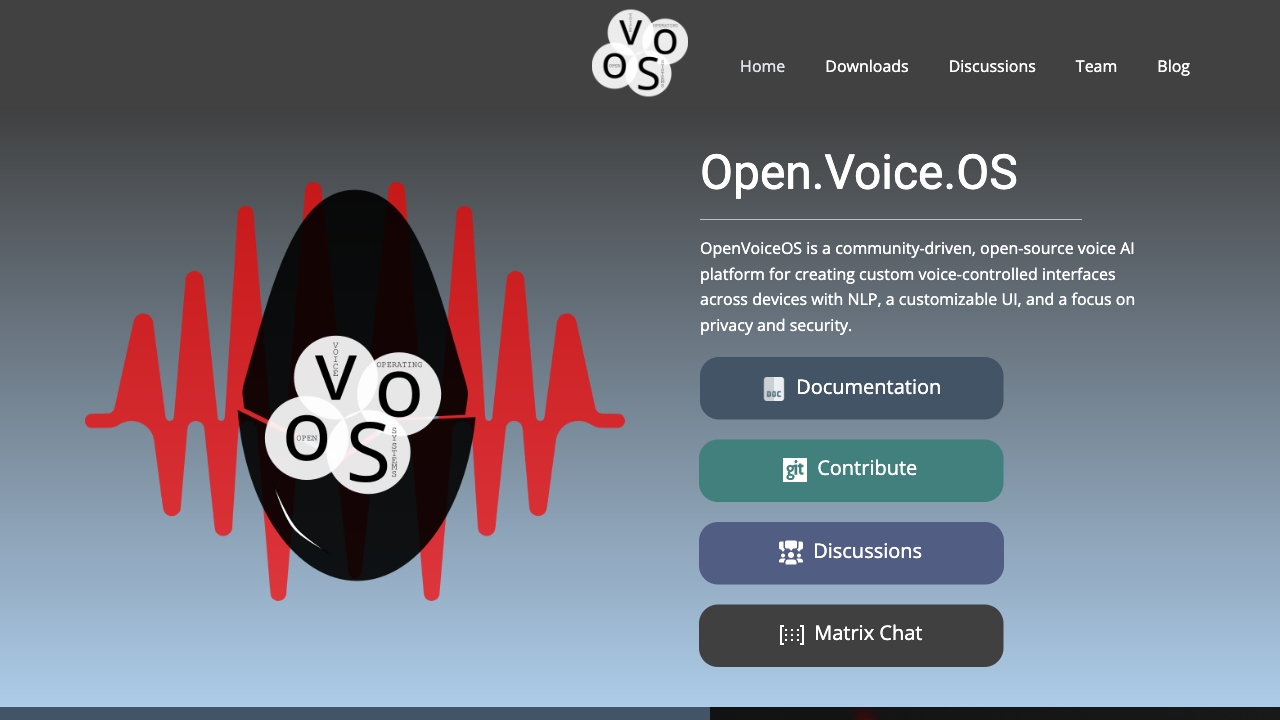
Open Voice OS
Open-source voice AI platform for custom voice-controlled interfaces with a focus on privacy.
Source rating 5.0
(89)
0 views
0 saves
Unknown
Verdict
A quick read before you dig into the full page.
- Best if
- Open-source voice AI platform for custom voice-controlled interfaces with a focus on privacy
- Pick this when
- Open-source voice AI platform for custom voice-controlled interfaces with a focus on privacy
Overview
Open Voice OS is a community-driven, open-source voice AI platform for creating custom voice-controlled interfaces across devices. It features NLP, a customizable UI, and a focus on privacy and security. It's designed for developers and contributors wanting to support specific devices or platforms, offering a multi-platform environment for experimenting with voice assistance technology.
Access & connections
Where you can use Open Voice OS.
Platforms
Capabilities
What this tool accepts, produces, and is strongest at.
Highlights
- Community-driven development
- Open-source platform
- Customizable voice-controlled interfaces
- Multi-platform support
- Focus on privacy and security
- NLP integration
FAQ 7
What is Open Voice OS?
Open Voice OS is a community-driven, open-source voice AI platform for creating custom voice-controlled interfaces across devices. It features NLP, a customizable UI, and a focus on privacy and security. It's designed for developers and contributors wanting to support specific devices or platforms, offering a multi-platform environment for experimenting with voice assistance technology.
How to use Open Voice OS?
Install Open Voice OS using Docker or Python. For developers, Python Virtual Environment is recommended. For a stable and easy way to run OVOS, Docker is the way to go. Pre-built images are available for Raspberry Pi and Mycroft devices.
How did Open Voice OS start?
Open Voice OS started as MycroftOS. Over time, more Mycroft community members joined the project, and it was renamed to OpenVoiceOS to avoid trademark issues.
Is Open Voice OS free to use?
Yes! Open Voice OS is completely free and open source. It's released under the Apache License 2.0.
Does Open Voice OS work offline?
By default, ovos-core does not require a backend internet server to operate. Some skills can be accessed (via command line) entirely offline. The default speech-to-text (STT) engine currently requires an internet connection, though some self-hosted, offline options are available.
What hardware does Open Voice OS support?
Open Voice OS can run on a variety of hardware platforms, including: Raspberry Pi models (3B, 3B+, 4, Zero 2), Mark I and Mark II devices, Linux desktops and laptops, and Docker containers.
How do I install Open Voice OS?
The installation process depends on your hardware: For Raspberry Pi: Download our pre-built image and flash it to your SD card. For desktops/laptops: Install using our Docker container or package. For Mark II: Download the specific Mark II image.
Related tools
Recommended



Open Voice OS