
Open Source AI Gateway
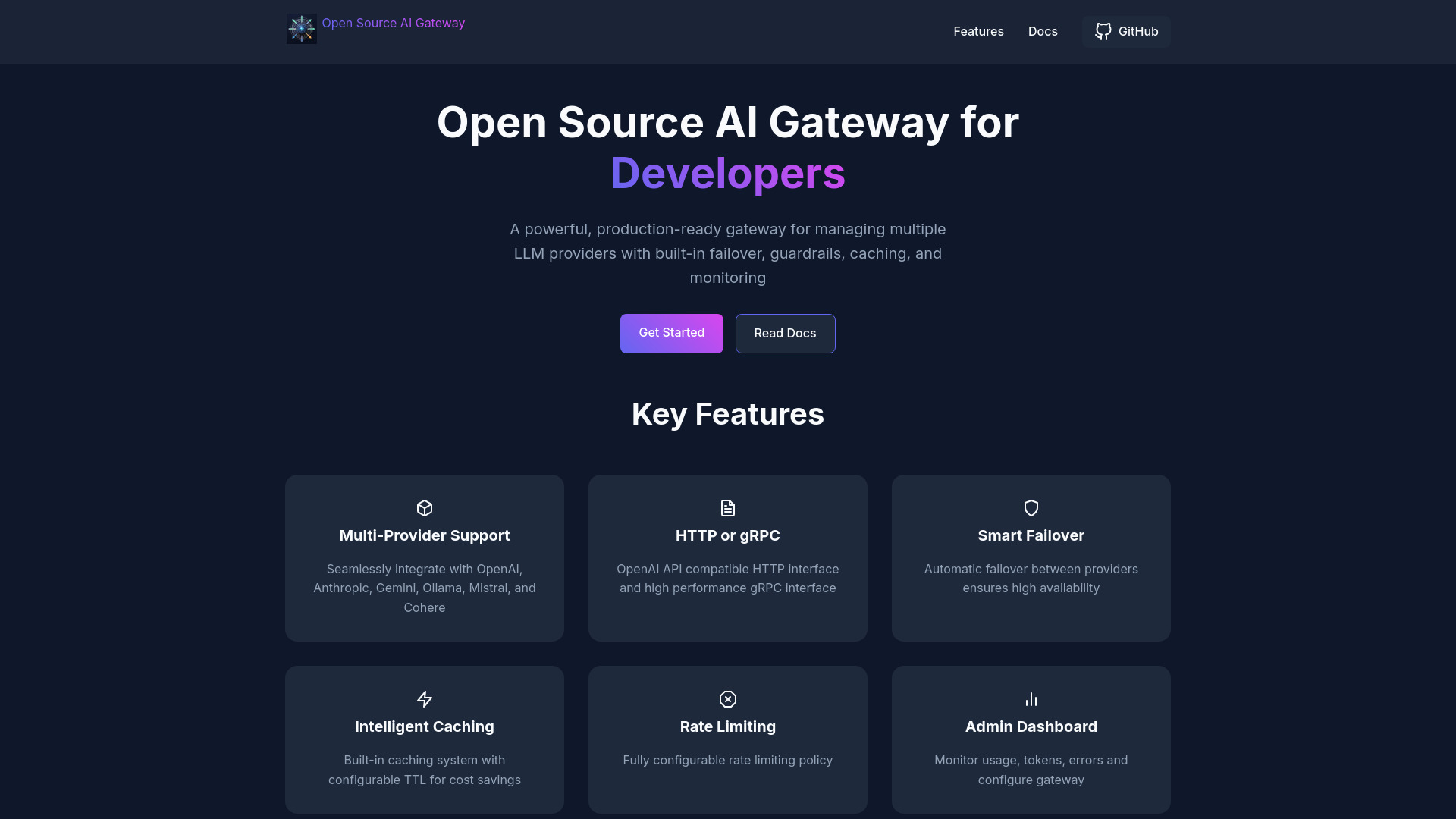
Open-source AI gateway for managing multiple LLM providers with built-in features.
Source rating 5.0
(66)
0 views
0 saves
Unknown
Verdict
A quick read before you dig into the full page.
- Best if
- Open-source AI gateway for managing multiple LLM providers with built-in features
- Pick this when
- Open-source AI gateway for managing multiple LLM providers with built-in features
Overview
An open-source AI gateway designed for managing multiple LLM providers such as OpenAI, Anthropic, Gemini, Ollama, Mistral, and Cohere. It offers built-in analytics, guardrails, rate limiting, caching, and administrative controls. It supports both HTTP and gRPC interfaces.
Access & connections
Where you can use Open Source AI Gateway.
Platforms
Capabilities
What this tool accepts, produces, and is strongest at.
Highlights
- Multi-Provider Support
- HTTP and gRPC Interfaces
- Smart Failover
- Intelligent Caching
- Rate Limiting
- Admin Dashboard
- Content Guardrails
- Enterprise Logging
Show 1 more
- System Prompt Injection
FAQ 5
What is Open Source AI Gateway?
An open-source AI gateway designed for managing multiple LLM providers such as OpenAI, Anthropic, Gemini, Ollama, Mistral, and Cohere. It offers built-in analytics, guardrails, rate limiting, caching, and administrative controls. It supports both HTTP and gRPC interfaces.
How to use Open Source AI Gateway?
1. Configure the Config.toml file with your API keys and model settings.
2. Run the Docker container, mounting the Config.toml file.
3. Use curl commands to make API requests to the gateway, specifying the LLM provider.
2. Run the Docker container, mounting the Config.toml file.
3. Use curl commands to make API requests to the gateway, specifying the LLM provider.
What LLM providers are supported?
The gateway supports OpenAI, Anthropic, Gemini, Ollama, Mistral, and Cohere.
How do I configure the gateway?
You configure the gateway using a Config.toml file, specifying API keys, model settings, and other configurations.
How do I start the gateway?
You start the gateway using a Docker command, mounting the Config.toml file to the container.
Related tools
Recommended

Open Source AI Gateway