
Online Audio Converter
A free online app to convert audio files to various formats and extract audio from video.
Verdict
A quick read before you dig into the full page.
- Best if
- You are musicians and need: Convert music files to different formats for compatibility
- Pick this when
- A free online app to convert audio files to various formats and extract audio from video
Overview
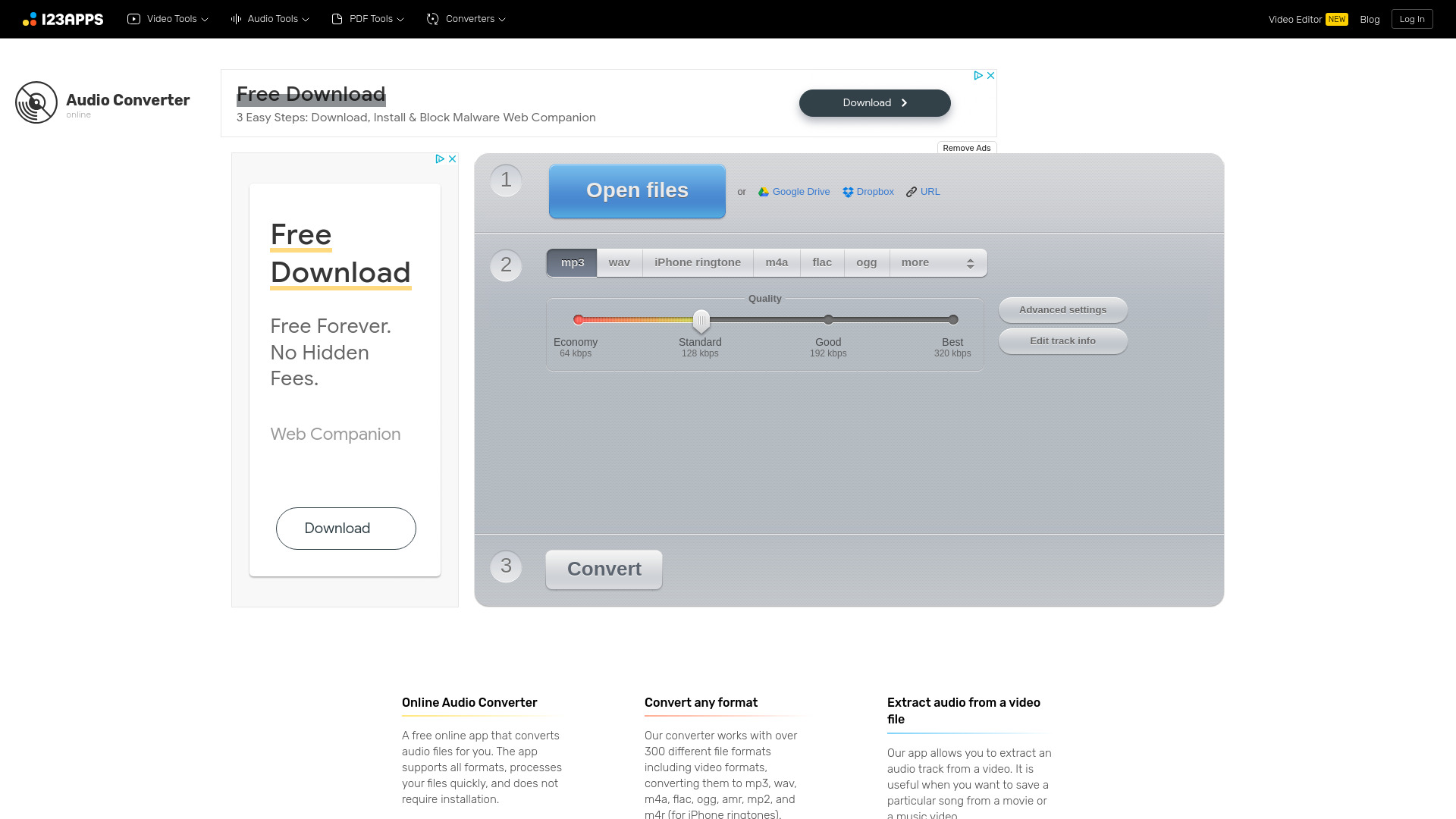
Online Audio Converter is a free online app that converts audio files for you. The app supports all formats, processes your files quickly, and does not require installation. It works with over 300 different file formats including video formats, converting them to mp3, wav, m4a, flac, ogg, amr, mp2, and m4r (for iPhone ringtones). You can extract an audio track from a video file. You can configure the quality, bitrate, frequency, and number of channels, apply reverse playback or fade in, or even remove a voice from the audio track. The app can convert multiple files simultaneously in a batch, saving them in a ZIP archive to speed up downloading. You can change the track’s name, artist, album, year and genre. Tags are supported for mp3, ogg, flac, wav. The app is easy to use: upload the original file, choose your desired format and quality, and download the output file to your computer.
Best for
Short scenarios where Online Audio Converter tends to shine.
-
Convert music files to different formats for compatibility.
Best for Musicians
-
Extract audio from a movie or music video.
Best for Podcasters
-
Prepare audio files for use as iPhone ringtones.
Best for Video editors
-
Adjust audio quality and settings for specific devices or applications.
Best for Audio engineers
How it works
Example outputs 1
Sample generations and before/after results for Online Audio Converter.
Access & connections
Where you can use Online Audio Converter.
Platforms
Capabilities
What this tool accepts, produces, and is strongest at.
Highlights
- Audio conversion to various formats
- Audio extraction from video files
- Batch conversion support
- Tag support for audio files
- Advanced audio settings configuration
People also view
Tools that often show up alongside Online Audio Converter in collections and comparisons.

