Image generation

OmniGen

OmniGen AI is a free online AI text-to-image generator with editing capabilities.

Source rating 5.0 (77) 32k views 32k/mo traffic 0 saves Unknown
More categories (5)

Verdict

A quick read before you dig into the full page.

Best if
You are digital Artists and need: Transform text descriptions into stunning visuals
Pick this when
OmniGen AI is a free online AI text-to-image generator with editing capabilities

Overview

OmniGen is an advanced text-to-image AI model that combines text-based image creation, editing, and visual-conditional generation in a unified framework. OmniGen seamlessly transforms prompts into high-quality, visually rich outputs with no extra tools needed. It is a free online text to image generator, enabling users to create consistent images with simple prompts.

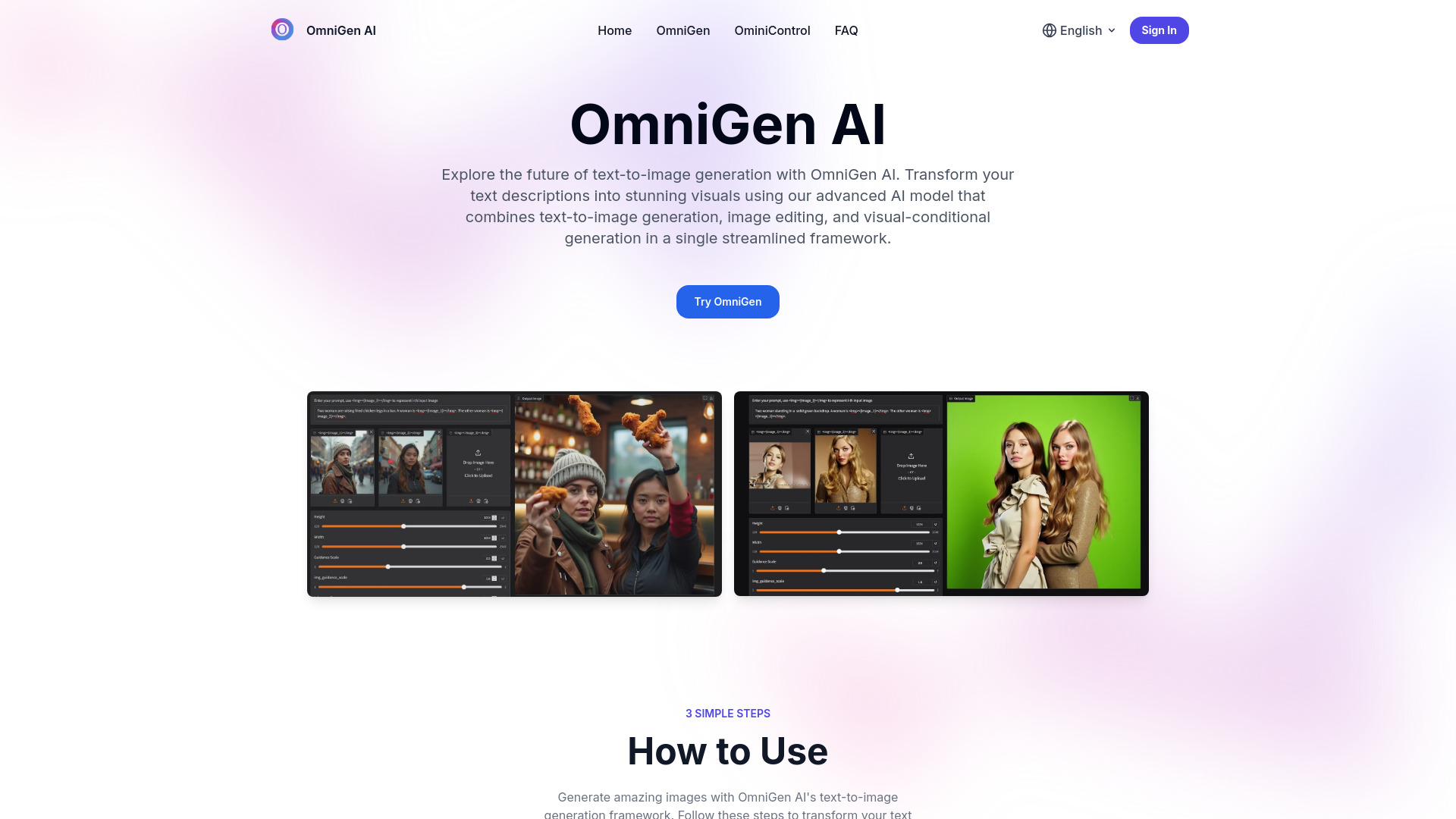
OmniGen screenshot

Best for

Short scenarios where OmniGen tends to shine.

  • Transform text descriptions into stunning visuals

    Best for Digital Artists

  • Edit existing images with text prompts

    Best for Content Creators

  • Generate images with visual-conditional inputs

    Best for Research Scientists

  • Create consistent images with simple prompts

    Best for UI/UX Designers

Example outputs 1

Sample generations and before/after results for OmniGen.

Access & connections

Where you can use OmniGen.

Platforms

Web

Capabilities

What this tool accepts, produces, and is strongest at.

Highlights

  • Text-to-image generation
  • Image editing
  • Visual-conditional generation
  • Unified generation framework
  • Background removal
  • Outfit changing
  • Style transformation
  • Object addition/removal

In the news

Launch coverage and community mentions for OmniGen.

FAQ 8

What is OmniGen AI?
OmniGen is an advanced text-to-image AI model that combines text-based image creation, editing, and visual-conditional generation in a unified framework. OmniGen seamlessly transforms prompts into high-quality, visually rich outputs with no extra tools needed. It is a free online text to image generator, enabling users to create consistent images with simple prompts.
How to use OmniGen AI?
To use OmniGen AI, enter your text prompt in the text-to-image generation field. You can include reference images using the syntax <img><|image_i|></img> where i represents the image number. Upload any reference images mentioned in your prompt and hit 'Generate Image'. Once the generation process is complete, preview your image and download it in high resolution.
What is OmniGen AI?
OmniGen AI is a unified text-to-image generation model developed by BAAI that combines multiple generation tasks including text-to-image conversion, image editing, and visual-conditional generation into a single framework.
How does OmniGen AI work?
OmniGen AI processes text prompts through its advanced text-to-image generation framework, eliminating the need for additional modules. This streamlined approach enables efficient generation while maintaining high-quality output.
What types of generation does OmniGen AI support?
OmniGen AI primarily focuses on text-to-image generation while also supporting image editing, subject-driven generation, and visual-conditional generation, all integrated into a single framework for maximum versatility.
Can I use OmniGen AI for commercial projects?
Yes, OmniGen AI is open-sourced on GitHub, making it available for both personal and commercial text-to-image generation projects. Always check the latest license terms for specific usage requirements.
How do I manage my OmniGen AI subscription?
Your OmniGen AI subscription will automatically renew by default. You can manage your subscription by visiting My Orders where you can view your current plan, cancel or upgrade your subscription at any time.
What are the credit and charging rules of OmniGen AI?
Different OmniGen AI features consume different amounts of credits. You can check specific credit consumption details on the feature details page. Credits will reset at the beginning of each month.
OmniGen