
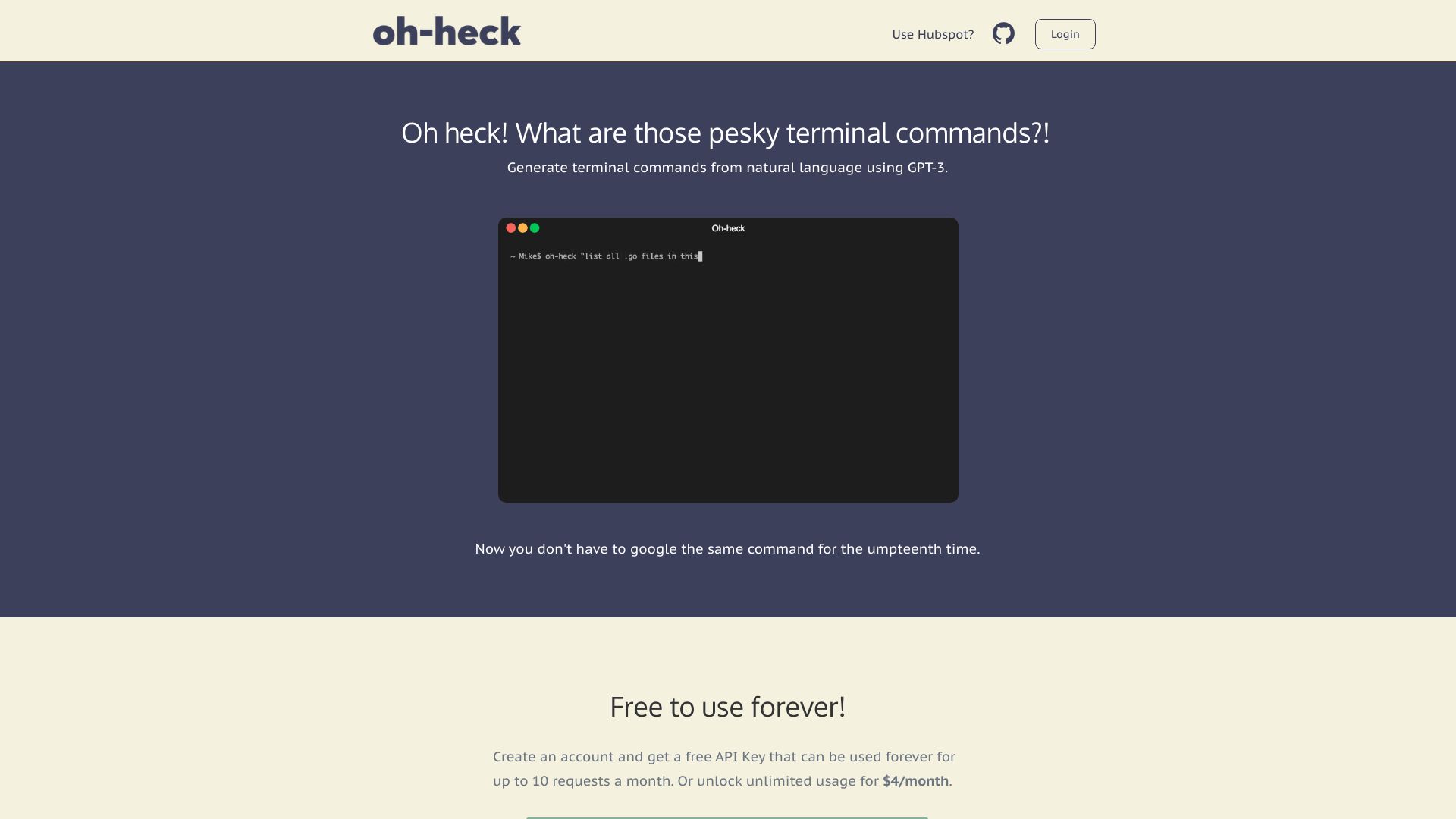
Oh-heck
AI-powered command-line tool for generating terminal commands from natural language.
Source rating 5.0
(64)
0 views
0 saves
Freemium
Free + from $4 / month
Verdict
A quick read before you dig into the full page.
- Best if
- AI-powered command-line tool for generating terminal commands from natural language
- Skip if
- You need enterprise SLAs or a fully managed team plan right away
- Pick this when
- Freemium · Free + from $4 / month
Overview
Oh-heck is a command-line tool that uses AI (GPT-3) to generate terminal commands from natural language. It helps users find the right terminal commands without having to Google them repeatedly.
Access & connections
Where you can use Oh-heck.
Platforms
CLI
Capabilities
What this tool accepts, produces, and is strongest at.
Highlights
- AI-powered terminal command generation
- Natural language input
- Command suggestion and acceptance/rejection
- Clipboard integration for easy pasting
FAQ 5
What is Oh-heck?
Oh-heck is a command-line tool that uses AI (GPT-3) to generate terminal commands from natural language. It helps users find the right terminal commands without having to Google them repeatedly.
How to use Oh-heck?
To use Oh-heck, call the command `oh-heck` followed by your question in quotes. The AI will return its best guess for the command. You can accept it by typing 'y' (which copies the command to your clipboard) or reject it by typing 'n' and editing your question.
How do I use Oh-heck?
Call `oh-heck` in Terminal followed by your question in quotes. For example: `oh-heck "How do I list all files in the current directory?"`
What if I can't remember the oh-heck commands?
Just type `oh-heck` into Terminal and follow the steps - no further commands required!
How do I get an API key?
Create an account to get a free API key for up to 10 requests a month.
Related tools
Recommended



Oh-heck
Free + from $4 / month