Image generation

OC Maker: Create and Animate Your OCs

AI-powered character creator and animator for unique original characters.

Source rating 5.0 (89) 45k views 45k/mo traffic 0 saves Freemium
More categories (13)

Free + from $2.45 1st month

Verdict

A quick read before you dig into the full page.

Best if
You are artists and need: Design characters for games, stories, and animations
Skip if
You need enterprise SLAs or a fully managed team plan right away
Pick this when
Freemium · Free + from $2.45 1st month

Overview

OC Maker is an AI-powered character creator that allows users to design unique original characters. By providing text descriptions or uploading images, users can generate personalized character images and animations. It serves as an intuitive OC generator for artists, writers, and gamers.

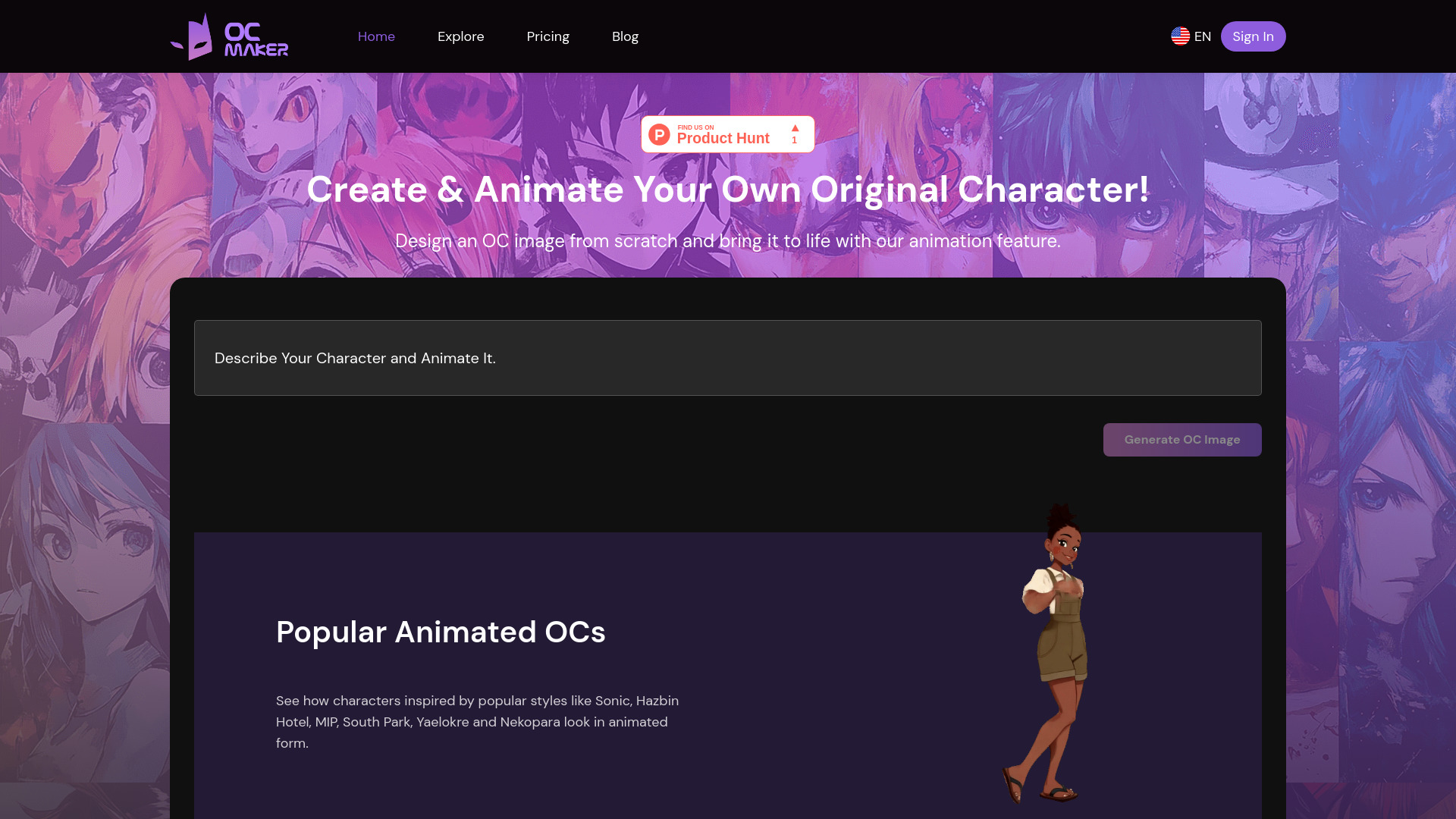
OC Maker: Create and Animate Your OCs screenshot

Best for

Short scenarios where OC Maker: Create and Animate Your OCs tends to shine.

  • Design characters for games, stories, and animations

    Best for Artists

  • Create avatars for social media and online communities

    Best for Writers

  • Generate inspiration for character design

    Best for Gamers

  • Bring characters to life with AI animation

    Best for Storytellers

  • Chat with AI characters

    Best for Animators

Example outputs 1

Sample generations and before/after results for OC Maker: Create and Animate Your OCs.

Access & connections

Where you can use OC Maker: Create and Animate Your OCs.

Platforms

Web

Capabilities

What this tool accepts, produces, and is strongest at.

Highlights

  • AI-Powered Character Creation
  • Customizable Traits & Styles
  • Instant Visualizations
  • AI-Powered Animation
  • AI Character Chat
  • Character Headcanon Generator
  • AI Character Description Generator
  • Incorrect Quote Generator
Show 3 more
  • Character Backstory Generator
  • OC Name Generator
  • OC Creator (image to OC)

People also view

Tools that often show up alongside OC Maker: Create and Animate Your OCs in collections and comparisons.


FAQ 10

What is OC Maker?
OC Maker is an AI-powered character creator that allows users to design unique original characters. By providing text descriptions or uploading images, users can generate personalized character images and animations. It serves as an intuitive OC generator for artists, writers, and gamers.
How to use OC Maker?
Describe your desired character with text, or upload an image. The AI will generate a character image. Customize further by adding text. Animate the character using the animation tool.
What is OC Maker?
OC Maker is an AI-powered character creator that allows users to design unique original characters. By providing text descriptions, our character maker generates personalized character images, serving as an intuitive OC generator for artists, writers, and gamers.
How does OC Maker work?
Simply input a detailed text description of your desired original character, and our AI will generate an image that matches your description. The process is quick and easy, allowing for high creativity and personalization.
Is there a cost to use OC Maker?
You can try OC Maker for free up to 3 times. After your 3 free trials, you will need to choose a subscription plan to continue using the service.
What kind of subscription plans do you offer?
We offer various subscription plans to suit different needs and usage patterns. Please check our pricing page for detailed information on the available plans.
Can I customize my character further after it's generated?
Our AI generates images based on your text descriptions, and you can now further personalize them by adding and styling text directly onto the image! We are continuously working to enhance customization features and appreciate user feedback to improve our services.
How can I animate my OC after generating it?
After generating your Original Character (OC) image on our website, you can animate it by following these steps: 1. Locate the "Animate This Character" button on the OC image page. 2. Click the "Animate This Character" button to enter the video generation tool. 3. Input your animation prompt or script that describes the actions or expressions you want your character to have in the video. 4. Click the animate button to start the video creation process. 5. Once the animation is complete, you will be able to download or share your animated OC video in MP4 format.
What kind of text descriptions should I provide for the best results?
For the best results, provide detailed and specific descriptions of the character you want to create. Include information such as appearance, clothing, accessories, and any particular features you envision.
Can I cancel my subscription?
Yes, you can cancel your subscription at any time at the billing page https://www.ocmaker.net/app/dashboard. For details on how to cancel and our refund policy, please refer to our terms and conditions.
OC Maker: Create and Animate Your OCs Free + from $2.45 1st month