Nymos
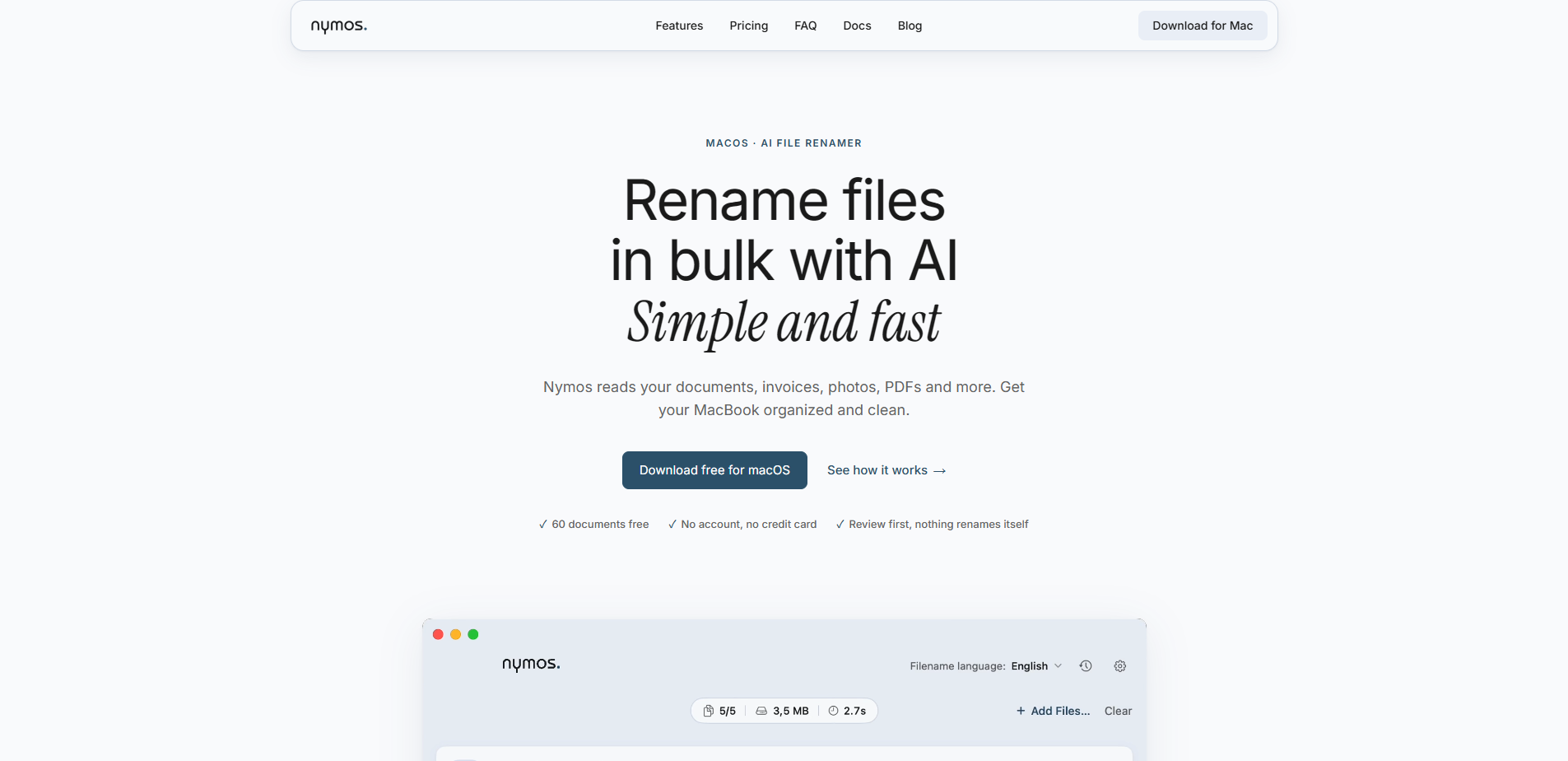
Nymos is a Mac app that renames files in bulk by reading what is inside them. Drop in scans, invoices, photos, and documents, and Nymos suggests a clear, findable name.
Free + from $9 / month
Verdict
A quick read before you dig into the full page.
- Best if
- Nymos is a Mac app that renames files in bulk by reading what is inside them. Drop in scans, invoices, photos, and documents, and Nymos suggests a clear…
- Skip if
- You need enterprise SLAs or a fully managed team plan right away
- Pick this when
- Freemium · Free + from $9 / month
Overview
Nymos is a native Mac app for bulk file renaming that works from content, not from filenames.
Point it at a folder or drop a set of files and it reads each file; the text, the embedded metadata, the EXIF, with built-in OCR for scanned pages, and then proposes one clear name per file. It handles more than 50 formats: PDF, Word, Excel, PowerPoint, OpenDocument, Pages, Numbers, Keynote, images including RAW, and audio and video named from the details the file carries.
Templates decide the shape of the name—date, sender, subject, amount—in the order that fits your filing system. Renamed files can pick up Finder tags or move to a destination folder automatically. A watch folder handles new arrivals the moment they land, and a Finder service plus a menu-bar item put renaming one right-click away.
The interface runs in Dutch, Spanish, and English, and more will follow later in 2026. The language Nymos writes filenames in is a separate setting from the language of the interface—so a Dutch consultant with a Spanish client does not have to choose one.
Two ways to power it: a Nymos subscription, where documents are processed in the European Union, or your own AI provider account with a one-time license, in which case your files go only to the provider you picked. Nymos collects no analytics and no telemetry. Local models will follow latest October 2026.
Access & connections
Where you can use Nymos, and what it plugs into.
Platforms
Integrations
Capabilities
What this tool accepts, produces, and is strongest at.
Highlights
- Reads the content of a file, not its filename, and names it from what it actually says
- Bulk renaming with a review step; nothing is renamed until you approve it
- Built-in OCR, so scanned PDFs and photographed documents are named too
- More than fifty formats: PDF, Office, OpenDocument, Pages, Numbers, Keynote, images, RAW, audio, and video
- Naming templates that fix the structure—date, sender, subject, amount, in your order
- Undo history that reverses a whole batch
- Watch folder that names new files the moment they arrive
- Finder integration: right-click any selection, plus a menu-bar item
Show 6 more
- Finder tags and automatic move-to-folder after renaming
- Interface in Dutch, Spanish, and English, with the filename language as a separate setting
- Bring your own AI provider account, or use the built-in Nymos subscription
- No analytics, no telemetry, no account needed to try it
- Native Mac app, signed and notarized by Apple
- GDPR compliant processing: we are a Dutch company, your documents are processed inside the European Union.
FAQ 10
What is Nymos?
Point it at a folder or drop a set of files and it reads each file; the text, the embedded metadata, the EXIF, with built-in OCR for scanned pages, and then proposes one clear name per file. It handles more than 50 formats: PDF, Word, Excel, PowerPoint, OpenDocument, Pages, Numbers, Keynote, images including RAW, and audio and video named from the details the file carries.
Templates decide the shape of the name—date, sender, subject, amount—in the order that fits your filing system. Renamed files can pick up Finder tags or move to a destination folder automatically. A watch folder handles new arrivals the moment they land, and a Finder service plus a menu-bar item put renaming one right-click away.
The interface runs in Dutch, Spanish, and English, and more will follow later in 2026. The language Nymos writes filenames in is a separate setting from the language of the interface—so a Dutch consultant with a Spanish client does not have to choose one.
Two ways to power it: a Nymos subscription, where documents are processed in the European Union, or your own AI provider account with a one-time license, in which case your files go only to the provider you picked. Nymos collects no analytics and no telemetry. Local models will follow latest October 2026.
How to use Nymos?
Nymos reads each file and proposes a name. The suggestions appear in a list next to the original names. Review them. Edit anything inline, rename a single file, or apply the whole batch at once.
Changed your mind? Undo the batch from the rename history.
Optional: Set a watch folder so anything you drop there is named automatically, and let renamed files move to a destination folder or pick up a Finder tag.