
Nutix AI
No-code platform to build AI agents using screen recording and intuitive tools.
Source rating 5.0
(77)
0 views
0 saves
Unknown
Verdict
A quick read before you dig into the full page.
- Best if
- No-code platform to build AI agents using screen recording and intuitive tools
- Pick this when
- No-code platform to build AI agents using screen recording and intuitive tools
Overview
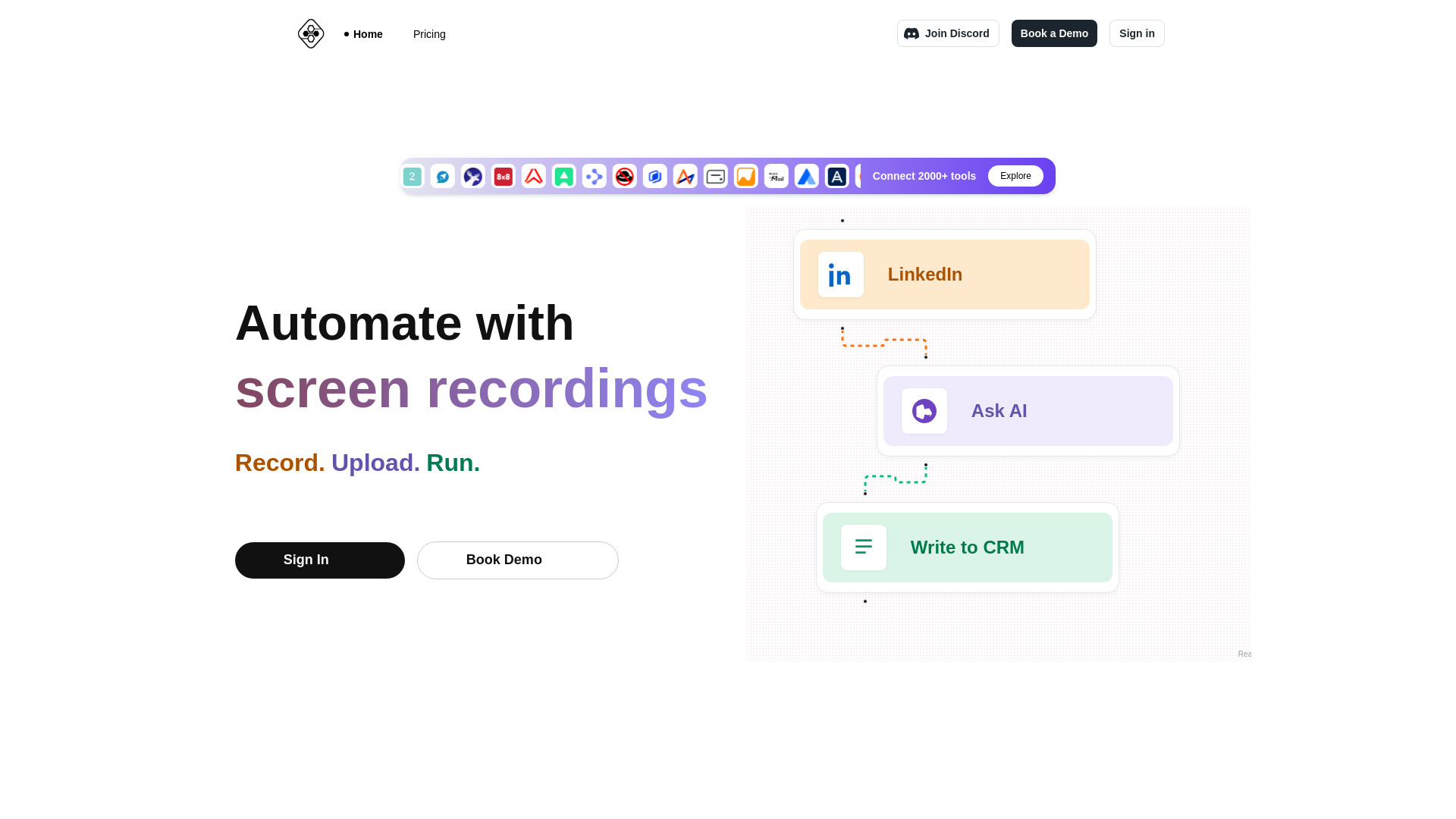
Nutix AI is a no-code platform that allows users to build AI agents using screen recording and other intuitive tools. By recording actions like copying data from LinkedIn into a CRM, users can generate custom agents that replicate those tasks automatically. It offers features like a unified AI agent hub, built-in analytics, role-based access control, instant database support, and a unified storage layer.
Access & connections
Where you can use Nutix AI, and what it plugs into.
Platforms
Integrations
Capabilities
What this tool accepts, produces, and is strongest at.
Highlights
- No-code AI agent builder
- Screen recording automation
- Pre-built automations marketplace
- Built-in analytics
- Role-based access control
- Instant database support
- Unified storage layer
FAQ 9
What is Nutix AI?
Nutix AI is a no-code platform that allows users to build AI agents using screen recording and other intuitive tools. By recording actions like copying data from LinkedIn into a CRM, users can generate custom agents that replicate those tasks automatically. It offers features like a unified AI agent hub, built-in analytics, role-based access control, instant database support, and a unified storage layer.
How to use Nutix AI?
Record your screen performing a task, upload the recording to Nutix AI, and the platform will generate an AI agent to automate that task. You can also build agents from scratch using the no-code visual builder.
What is Nutix AI?
Nutix AI is a platform that allows you to automate your workflows by recording your screen, uploading the recording, and letting Nutix generate an AI agent to perform the task.
How does the screen recording automation work?
Simply record yourself performing a task on your screen. Upload the recording to Nutix, and our AI analyzes the steps to create an automated workflow (an AI agent) that can replicate the task for you.
What kind of tasks can I automate?
You can automate a wide range of repetitive digital tasks, such as data entry from websites (like LinkedIn) to CRMs, summarizing content, generating reports, interacting with web applications, and much more.
Do I need coding skills to use Nutix?
No! Nutix features a no-code visual builder. While the screen recording feature simplifies agent creation, you can also build agents from scratch or modify existing ones using our intuitive drag-and-drop interface.
Can I share or sell the agents I build?
Yes, Nutix includes a marketplace where you can discover agents built by others or list your own agents for others to use. You can potentially earn revenue based on the usage of your agents.
How is pricing structured?
Please visit our pricing page for detailed information. We typically offer different tiers based on usage, features, and the number of agents you run.
Is my data secure?
Security is a top priority. Nutix employs robust security measures, including role-based access control and secure data handling practices. Please refer to our security documentation for more details.
Related tools
Recommended


Nutix AI