
NovaFlick AI
Free AI photo editor, image generator & online design tool.
Source rating 5.0
(96)
826 views
826/mo traffic
0 saves
Unknown
Verdict
A quick read before you dig into the full page.
- Best if
- Free AI photo editor, image generator & online design tool
- Pick this when
- Free AI photo editor, image generator & online design tool
Overview
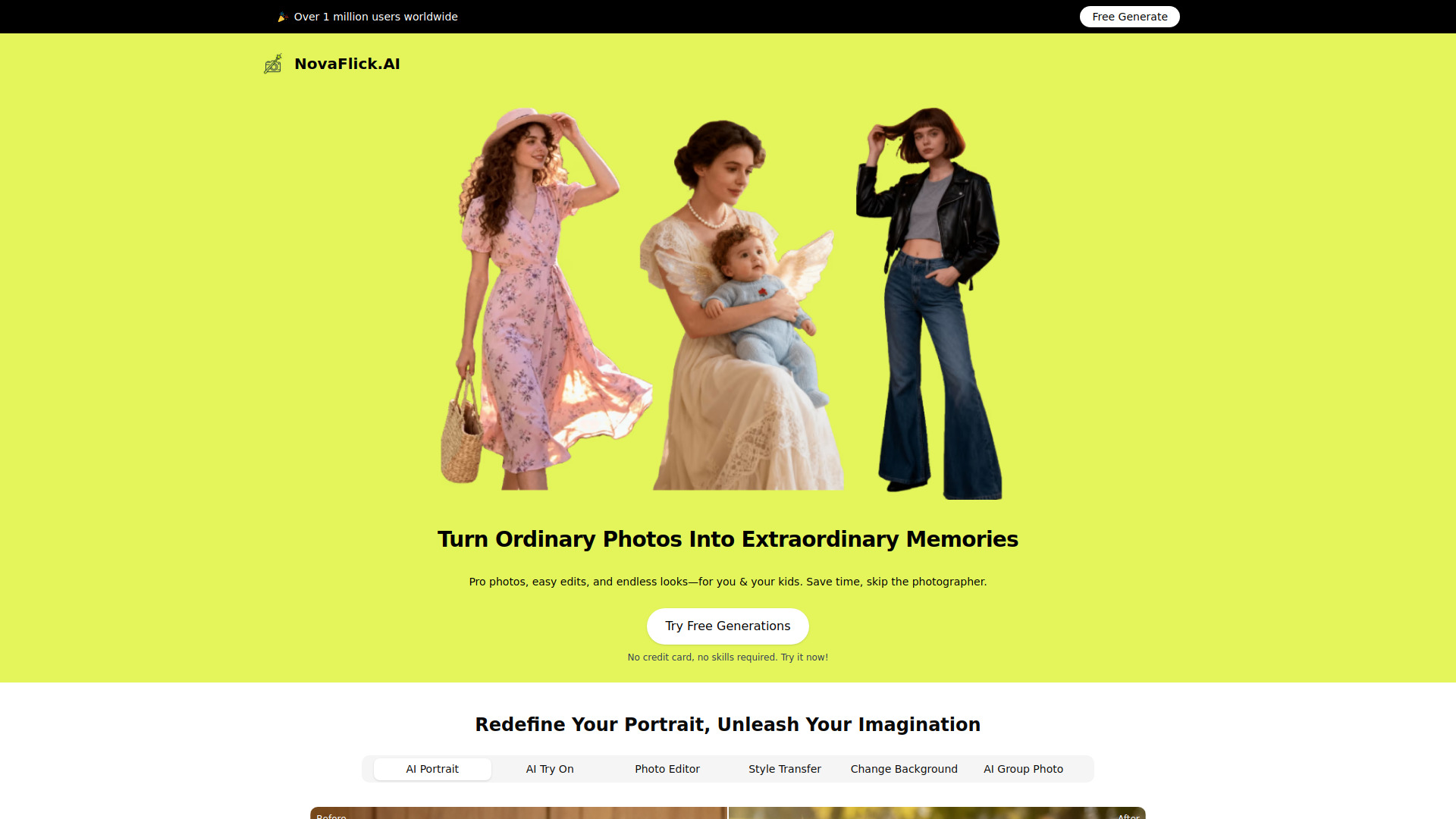
NovaFlick is a free AI photo editor, image generator, and online design tool designed to help users create stunning visuals instantly. It offers smart, creative tools for everyone to edit photos, generate AI art, and design online. The platform aims to transform ordinary photos into extraordinary memories by providing professional-quality photo edits and endless looks for individuals and families, saving time and the need for professional photographers.
Access & connections
Where you can use NovaFlick AI.
Platforms
Capabilities
What this tool accepts, produces, and is strongest at.
Highlights
- AI Photo Editing (1-click edits, fix blur, erase backgrounds, remove spots)
- AI Image Generation (generate AI art, new looks)
- AI Portrait Enhancement
- Virtual Try-On (AI Try On for outfits)
- Style Transfer (apply trends like vintage, boho, cartoon)
- Background Replacement (change or remove backgrounds)
- AI Group Photo / AI Synthesis (add people to photos)
FAQ 6
What is NovaFlick AI?
NovaFlick is a free AI photo editor, image generator, and online design tool designed to help users create stunning visuals instantly. It offers smart, creative tools for everyone to edit photos, generate AI art, and design online. The platform aims to transform ordinary photos into extraordinary memories by providing professional-quality photo edits and endless looks for individuals and families, saving time and the need for professional photographers.
How to use NovaFlick AI?
To use NovaFlick, users simply upload their photos (e.g., selfies, kitchen snaps, park photos). They can then utilize various AI tools such as AI Portrait, AI Try On, Style Transfer, Change Background, or AI Group Photo to enhance or transform their images. The platform offers 1-click edits to fix common issues like blur, messy backgrounds, or unwanted spots. Users can also choose from various trends or styles, and the AI will apply them to their photos, requiring no specific creative skills.
Is NovaFlick free to use?
Yes, NovaFlick is advertised as a 'Free AI Photo Editor, Image Generator & Online Design Tool,' and the website encourages users to 'Try Free Generations.'
Do I need special skills or creativity to use NovaFlick?
No, NovaFlick is designed for everyone. It features '1-Click Edits' and states that 'our AI does the rest - no creativity needed,' making it accessible even for those who are not tech-savvy.
Is my privacy protected when I upload photos to NovaFlick?
Yes, NovaFlick explicitly states, 'We will never store photos without your permission. You can delete them anytime,' ensuring user privacy and control over their images.
What kind of photos can I edit with NovaFlick?
You can upload various types of photos, including selfies, kitchen snaps, park photos, baby photos, and even blurry images. NovaFlick's AI tools can transform them into studio-quality shots or apply different styles.
Related tools
Recommended


NovaFlick AI