
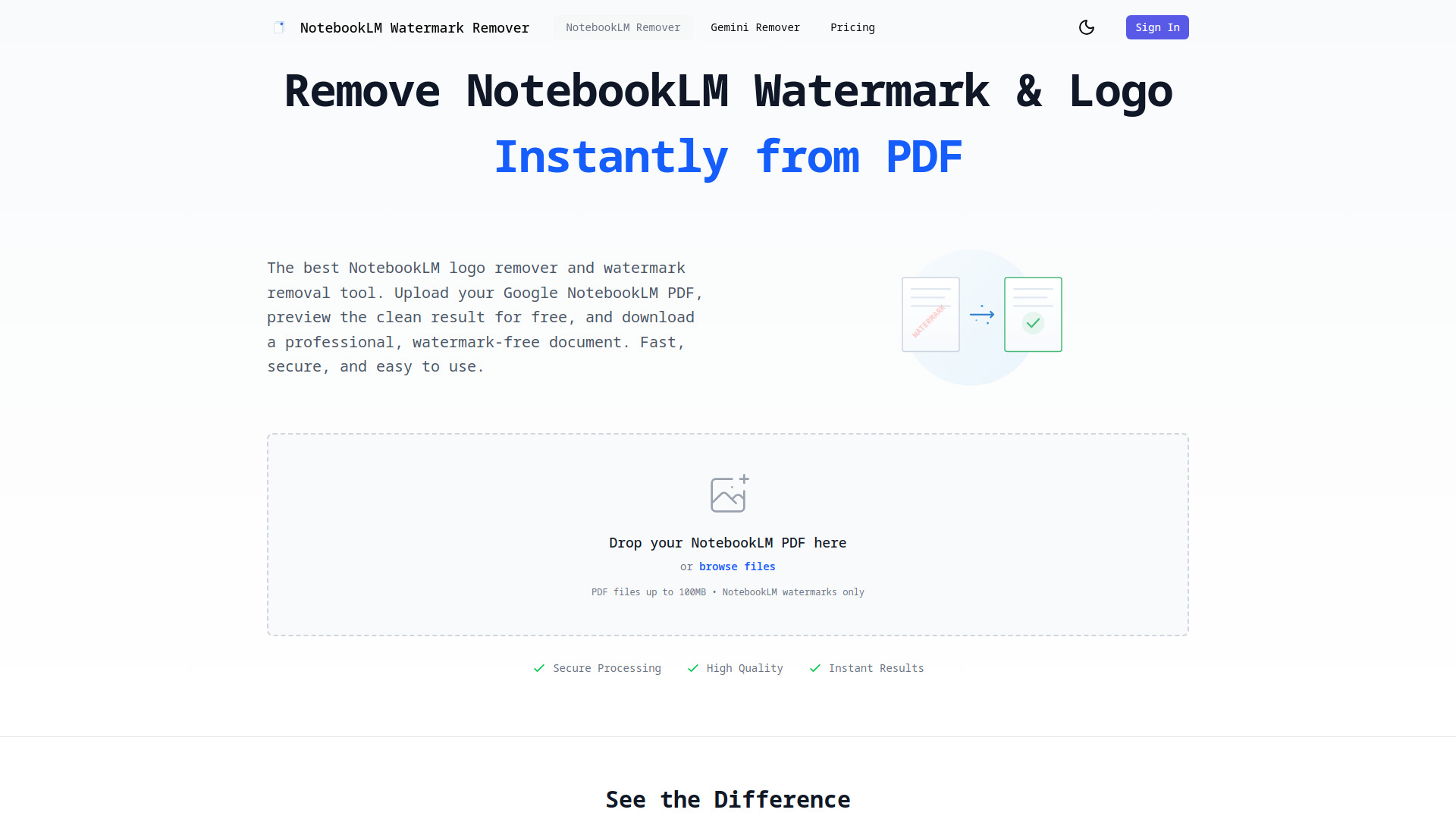
NotebookLM Watermark Remover
AI tool to instantly and securely remove watermarks from NotebookLM PDFs.
Source rating 5.0
(83)
2.9k views
2.9k/mo traffic
0 saves
Freemium
Free + from $9.99
Verdict
A quick read before you dig into the full page.
- Best if
- AI tool to instantly and securely remove watermarks from NotebookLM PDFs
- Skip if
- You need enterprise SLAs or a fully managed team plan right away
- Pick this when
- Freemium · Free + from $9.99
Overview
NotebookLM Watermark Remover is an online tool specifically designed to instantly and securely remove watermarks and logos, such as the 'Created with NotebookLM' text, from Google NotebookLM PDF documents. It utilizes advanced AI technology (computer vision and inpainting algorithms) to ensure high-quality, seamless removal while preserving 100% of the original PDF formatting, text, and layout.
Access & connections
Where you can use NotebookLM Watermark Remover.
Platforms
Capabilities
What this tool accepts, produces, and is strongest at.
Highlights
- Designed exclusively for Google NotebookLM PDFs and watermarks
- Advanced AI-powered technology for seamless watermark detection and removal
- Instant processing results
- Preserves 100% original PDF quality and formatting
- Secure and private processing (encrypted, files deleted within 24 hours)
FAQ 6
What is NotebookLM Watermark Remover?
NotebookLM Watermark Remover is an online tool specifically designed to instantly and securely remove watermarks and logos, such as the 'Created with NotebookLM' text, from Google NotebookLM PDF documents. It utilizes advanced AI technology (computer vision and inpainting algorithms) to ensure high-quality, seamless removal while preserving 100% of the original PDF formatting, text, and layout.
How to use NotebookLM Watermark Remover?
To use the service, first, upload your NotebookLM PDF file (up to 100MB). Second, instantly preview the results side-by-side in your browser to see the PDF without the watermarks. Third, download the clean, professional, watermark-free PDF document using purchased credits or an unlimited plan.
How do I remove the NotebookLM logo from my PDF?
Simply upload your NotebookLM PDF using the upload button. The tool automatically detects and removes the NotebookLM watermark from all pages. You can preview the result for free before downloading.
Does this work for all NotebookLM PDFs?
Yes, our tool is built exclusively for Google NotebookLM PDFs and understands the exact placement and format of NotebookLM watermarks, ensuring perfect removal every time.
What file size can I upload?
You can upload PDF files up to 100MB.
How secure is the processing?
All PDF files are encrypted during upload and processing and are automatically deleted from our servers within 24 hours to ensure complete confidentiality.
Related tools
Recommended


NotebookLM Watermark Remover
Free + from $9.99