
Nano BiBi
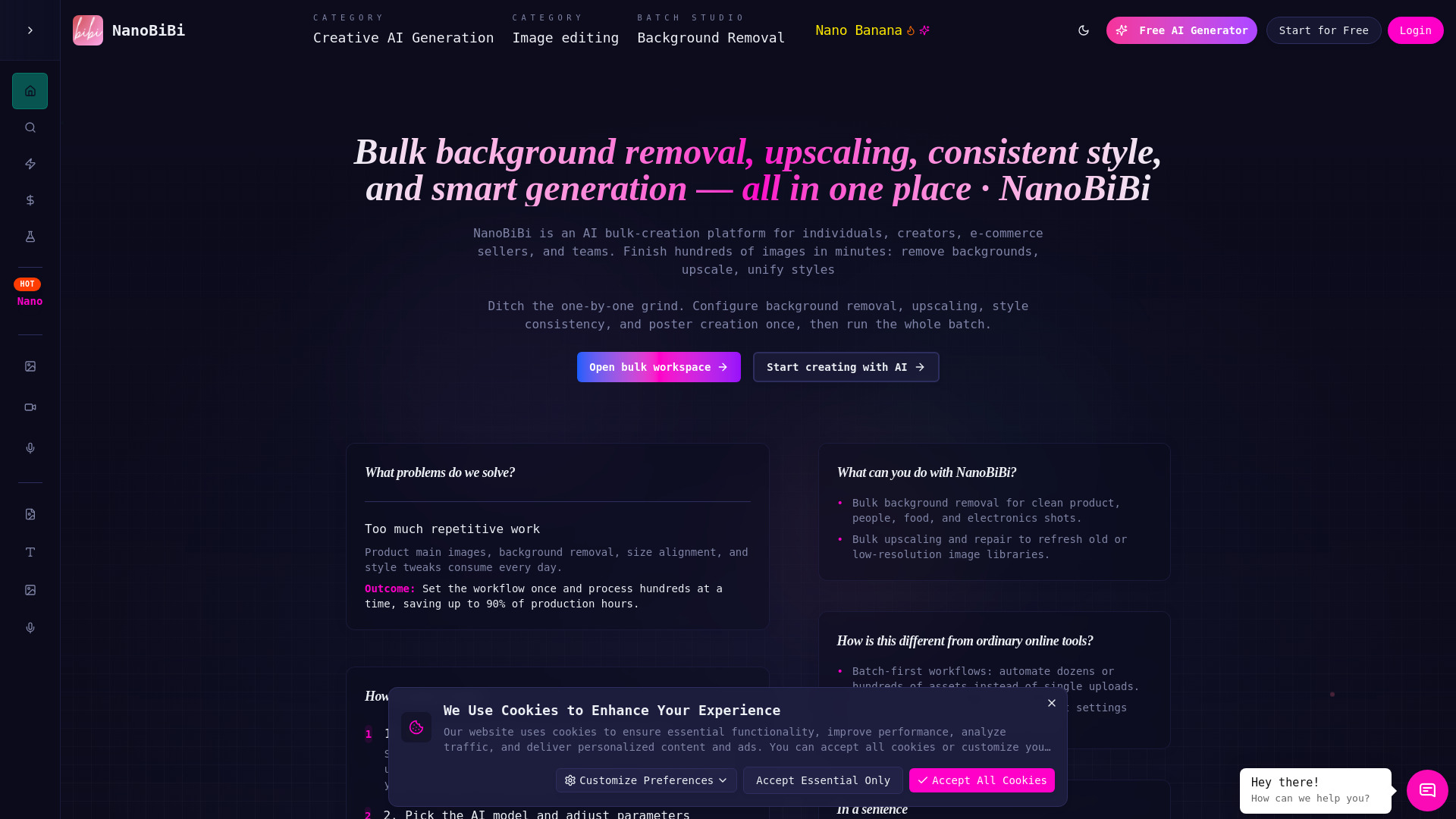
Batch-generate, edit, and process images, videos, and audio — all powered by AI.
Source rating 5.0
(93)
0 views
0 saves
Unknown
Verdict
A quick read before you dig into the full page.
- Best if
- Batch-generate, edit, and process images, videos, and audio — all powered by AI
- Pick this when
- Batch-generate, edit, and process images, videos, and audio — all powered by AI
Overview
NanoBibi helps creators and teams automate repetitive creative tasks.
From removing backgrounds and upscaling images to generating visuals and videos in bulk, NanoBibi turns AI into a complete content production line.
You can build your own workflows, create reusable prompt templates, and run batch processes — all without writing code.
Spend less time editing, and more time creating.
Access & connections
Where you can use Nano BiBi.
Platforms
Capabilities
What this tool accepts, produces, and is strongest at.
Highlights
- AI generation for images, videos, and audio
- AI image editing tools: background removal, upscaling, inpaint, erase, style transfer
- Batch processing for large-scale creative automation
- Custom AI tools — build your own bulk workflows
- Prompt templates — save and reuse creative prompts
- Fast, consistent, and scalable AI production pipeline
FAQ 8
What is Nano BiBi?
NanoBibi helps creators and teams automate repetitive creative tasks.
From removing backgrounds and upscaling images to generating visuals and videos in bulk, NanoBibi turns AI into a complete content production line.
You can build your own workflows, create reusable prompt templates, and run batch processes — all without writing code.
Spend less time editing, and more time creating.
From removing backgrounds and upscaling images to generating visuals and videos in bulk, NanoBibi turns AI into a complete content production line.
You can build your own workflows, create reusable prompt templates, and run batch processes — all without writing code.
Spend less time editing, and more time creating.
How to use Nano BiBi?
How to Use NanoBibi
Turn your creative workflow into automation in just 4 simple steps:
🥇 1. Choose a Tool Type
Pick what you want to do:
• AI Generation: create images, videos, or audio
• AI Editing: remove background, upscale, inpaint, erase, or apply style transfer
Each tool comes with quick instructions and examples to help you start fast.
⸻
🖼️ 2. Upload Your Assets
Upload the image or file you want to process.
You can also upload multiple files at once for batch processing.
⸻
⚙️ 3. Configure Parameters
Set up how you want your AI to work:
• Adjust ratio, size, background, or style
• Add your prompt or pick from built-in templates
• Choose output format and number of results
⸻
🚀 4. Start Processing
Click Start and let NanoBibi do the work.
You can monitor progress in real time and download all results when finished.
⸻
💡 Tips
• Supports batch processing and custom workflows
• Save your favorite prompts and settings as reusable templates
• All outputs are automatically saved in My Creations
⸻
In short:
Choose a tool → Upload → Configure → Generate.
One setup, hundreds of results. ⚡
Turn your creative workflow into automation in just 4 simple steps:
🥇 1. Choose a Tool Type
Pick what you want to do:
• AI Generation: create images, videos, or audio
• AI Editing: remove background, upscale, inpaint, erase, or apply style transfer
Each tool comes with quick instructions and examples to help you start fast.
⸻
🖼️ 2. Upload Your Assets
Upload the image or file you want to process.
You can also upload multiple files at once for batch processing.
⸻
⚙️ 3. Configure Parameters
Set up how you want your AI to work:
• Adjust ratio, size, background, or style
• Add your prompt or pick from built-in templates
• Choose output format and number of results
⸻
🚀 4. Start Processing
Click Start and let NanoBibi do the work.
You can monitor progress in real time and download all results when finished.
⸻
💡 Tips
• Supports batch processing and custom workflows
• Save your favorite prompts and settings as reusable templates
• All outputs are automatically saved in My Creations
⸻
In short:
Choose a tool → Upload → Configure → Generate.
One setup, hundreds of results. ⚡
What is NanoBibi?
NanoBibi is an AI-powered creative automation platform. It helps you batch-generate, edit, and process images, videos, and audio — turning AI into your content production line.
Do I need technical skills to use it?
Not at all. Everything is visual — just pick a tool, upload your files, adjust a few settings, and click Start.
What can NanoBibi do?
• AI generation for images, videos, and audio • Background removal, upscaling, inpainting, erasing, and style transfer • Batch processing and workflow automation • Custom prompt templates and reusable AI tools
Can I process multiple files at once?
Yes. You can upload and process hundreds of images or files at once using batch mode — perfect for large projects.
Who is NanoBibi for?
Creators, designers, marketers, photographers, and anyone who wants to save time by automating creative work.
Is NanoBibi free to use?
Basic features are free. Advanced tools and higher batch limits are available under subscription plans.
Related tools
Recommended


Nano BiBi