
MyChatbots.AI
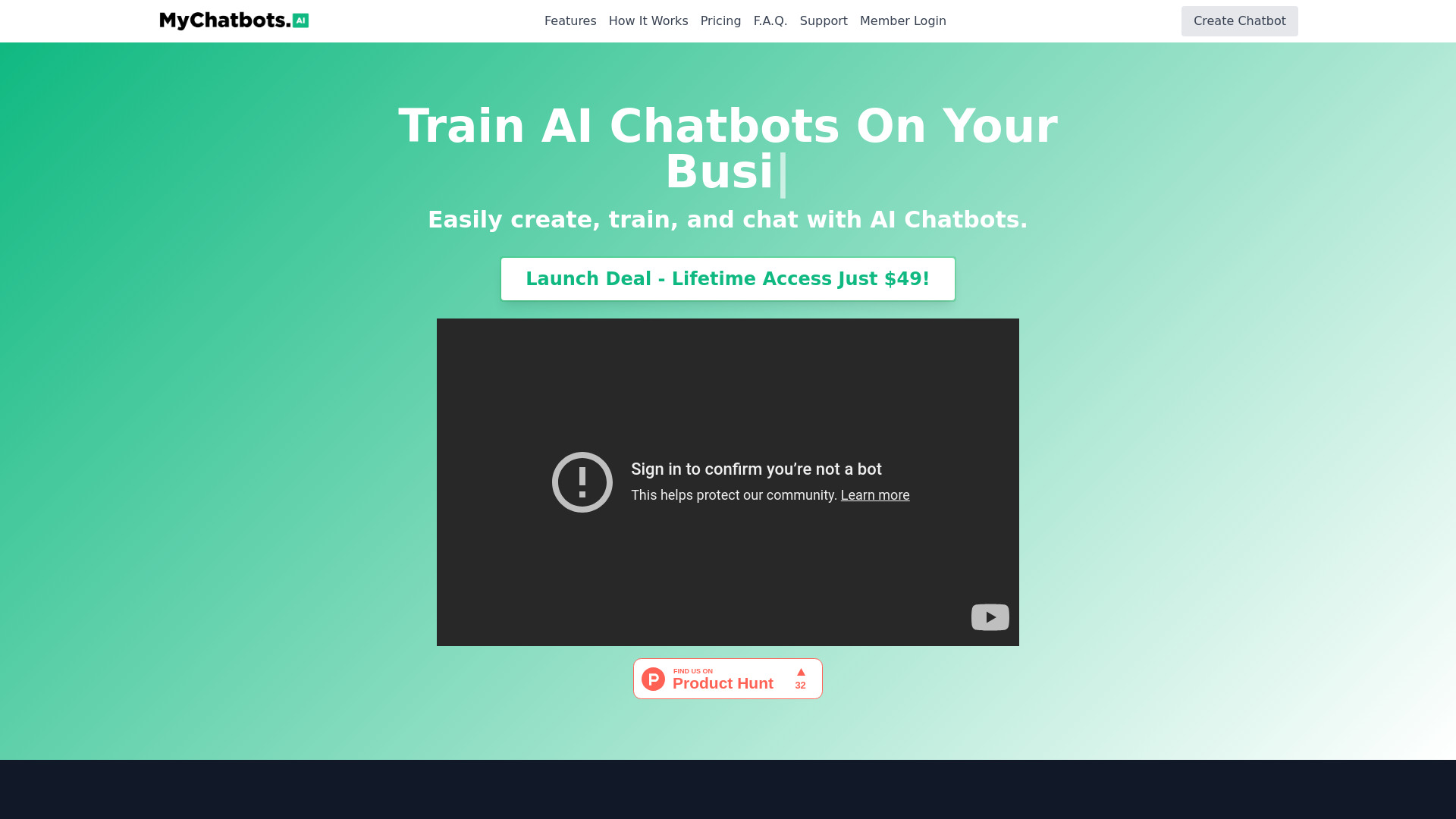
Create, train, and chat with AI chatbots powered by your own data.
Source rating 5.0
(73)
0 views
0 saves
Paid
From $9 / month
Verdict
A quick read before you dig into the full page.
- Best if
- Create, train, and chat with AI chatbots powered by your own data
- Skip if
- You need a free plan with no credit card
- Pick this when
- Paid · From $9 / month
Overview
MyChatbots.AI is an AI Chatbot tool that helps you create, train, and chat with smart AI Chatbots using your own data. It allows users to create custom AI chatbots, train them on specific data, and embed them on websites. It is designed to enhance productivity across various sectors, including marketing, tech, and analytics, by providing personalized insights and efficient communication.
Access & connections
Where you can use MyChatbots.AI.
Platforms
Capabilities
What this tool accepts, produces, and is strongest at.
Highlights
- AI-powered chatbots for any use case
- Train AI chatbots on your own data
- Embed AI Chatbots with just one line of code
- Manage files for optimized conversations
- Search conversations & save used prompts
FAQ 9
What is MyChatbots.AI?
MyChatbots.AI is an AI Chatbot tool that helps you create, train, and chat with smart AI Chatbots using your own data. It allows users to create custom AI chatbots, train them on specific data, and embed them on websites. It is designed to enhance productivity across various sectors, including marketing, tech, and analytics, by providing personalized insights and efficient communication.
How to use MyChatbots.AI?
Create a chatbot, train it on your data by uploading files, and then either chat with it inside MyChatbots.AI or embed it on your website using a single line of JavaScript code.
What is MyChatbots.AI?
MyChatbots.AI is an AI Chatbot tool that helps you create, train, and chat with smart AI Chatbots using your own data. It can be used for both personal and business purposes.
Can I add MyChatbots.AI to my site?
Yes, you can easily add MyChatbots.AI to your website using our Chatbot Widget feature. After creating your chatbot, simply go to your settings, select widgets, and customize your chatbot’s appearance. Then, copy the provided one-line JavaScript embed tag and paste it into your website’s code. MyChatbots.AI handles the rest, ensuring your AI chatbot for customer service is seamlessly integrated into your site.
How does MyChatbots.AI work?
MyChatbots.AI allows you to create AI Chatbots customised to your needs, upload your data to train them, and chat with them for various tasks. This ensures that your AI Chatbots provide context-aware and personalized responses.
What types of data can I use to train my AI Chatbots?
You can upload a variety of file formats, including .c, .cs, .cpp, .doc, .docx, .html, .java, .json, .md, .pdf, .php, .pptx, .py, .rb, .tex, .txt, .css, .js, .sh, .ts. The supported text/MIME types must be encoded in utf-8, utf-16, or ascii.
Can I chat with multiple AI Chatbots?
Yes, depending on the plan you choose, you can create and chat with multiple AI Chatbots. Our Pro plan allows up to 10 AI Chatbots, while the Launch Deal provides unlimited AI Chatbots.
Is my data secure?
Yes, we prioritize your data security. We deeply integrate with the OpenAI Assistants V2 API and directly upload your files to your OpenAI account through this API. OpenAI States: “As with the rest of our platform, data and files passed to the OpenAI API are never used to train our models and you can delete your data whenever you require. The data uploaded to the Assistants API is stored indefinitely until a user manually deletes it.”
Is there a refund policy?
Yes, we offer a 30-day money-back guarantee. If you’re not satisfied with MyChatbots.AI within the first 30 days, you can request a full refund.
Related tools
Recommended


MyChatbots.AI
From $9 / month