
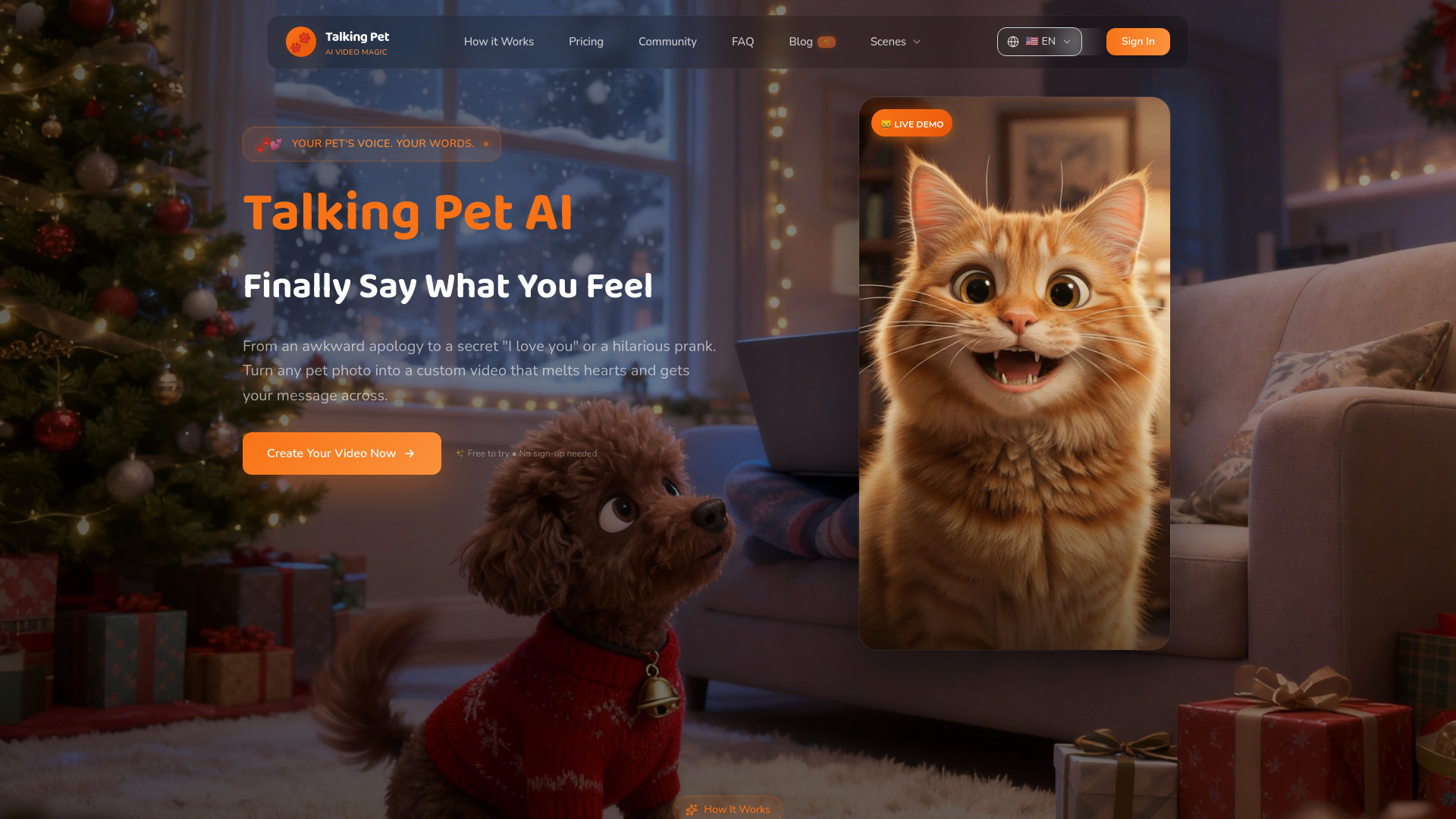
My Talking Pet
Can’t say “sorry,” “I love you,” or “thank you”? Let your pet do it. Upload a pet photo, pick an emotion scene, and type one sentence—get a natural lip-synced 5-second vertical video in 1–2 minutes.Turn pet photos into lip-synced videos that say what’s hard to say—sorry, love, or thanks—in minutes.
Free + from Plan Name: Starter Pack Price: $2.99 Description: 20 gems, 2 videos, $1.50/video
Verdict
A quick read before you dig into the full page.
- Best if
- Can’t say “sorry,” “I love you,” or “thank you”? Let your pet do it. Upload a pet photo, pick an emotion scene, and type one sentence—get a natural lip-synced…
- Skip if
- You need enterprise SLAs or a fully managed team plan right away
- Pick this when
- Freemium · Free + from Plan Name: Starter Pack Price: $2.99 Description: 20 gems, 2 videos, $1.50/video
Overview
MyTalkingPet.ai turns a single pet photo into a realistic talking video—perfect for heartfelt messages and viral short-form content.
Choose from emotion-based scenes (apology, confession, gratitude, memes), add one line of script, and generate a 5-second vertical clip with natural lip sync and expressive facial movement.
Share instantly to TikTok, Reels, and group chats. Start free with 10 gems, and upgrade for HD downloads + watermark-free exports.
Access & connections
Where you can use My Talking Pet.
Platforms
Capabilities
What this tool accepts, produces, and is strongest at.
Highlights
- AI Lip-Sync Technology
- Pixar-Style Photo Transformation
- 10+ Emotional Scene Templates
- Custom Script Input
- Multi-Language Voice Support
- HD Video Download
- 1-2 Minute Fast Generation
- No Watermark (Paid Plans)
Show 6 more
- Social Media Ready Format
- Pet Memorial Video Creation
- 5-Second Vertical Video
- Direct Social Media Sharing
- Commercial Use Rights
- Auto Photo Deletion (24hr Privacy)
FAQ 12
What is My Talking Pet?
Choose from emotion-based scenes (apology, confession, gratitude, memes), add one line of script, and generate a 5-second vertical clip with natural lip sync and expressive facial movement.
Share instantly to TikTok, Reels, and group chats. Start free with 10 gems, and upgrade for HD downloads + watermark-free exports.
How to use My Talking Pet?
Step 1: Upload Your Pet Photo
- Visit mytalkingpet.ai and click "Upload Photo"
- Choose a clear, front-facing photo of your pet (dog, cat, or any
animal)
- Supported formats: JPG, PNG, WEBP (max 10MB)
Step 2: Customize Your Message
- Select an emotional scene (Birthday, Apology, Thank You, Love
Confession, etc.)
- Type your custom script or use our AI-suggested messages
- Choose your preferred language and voice style
Step 3: Generate & Download
- Click "Generate Video" and wait 1-2 minutes
- Preview your talking pet video with realistic lip-sync
- Download in HD quality and share to TikTok, Instagram, YouTube,
or Facebook
Tips for Best Results:
• Use photos where your pet's face is clearly visible
• Front-facing photos work best for lip-sync accuracy
• Avoid blurry or low-resolution images
• Keep scripts short (under 50 words) for natural-sounding results
Sign up now and get 10 free gems to create your first video!
