
MUI for VS Code
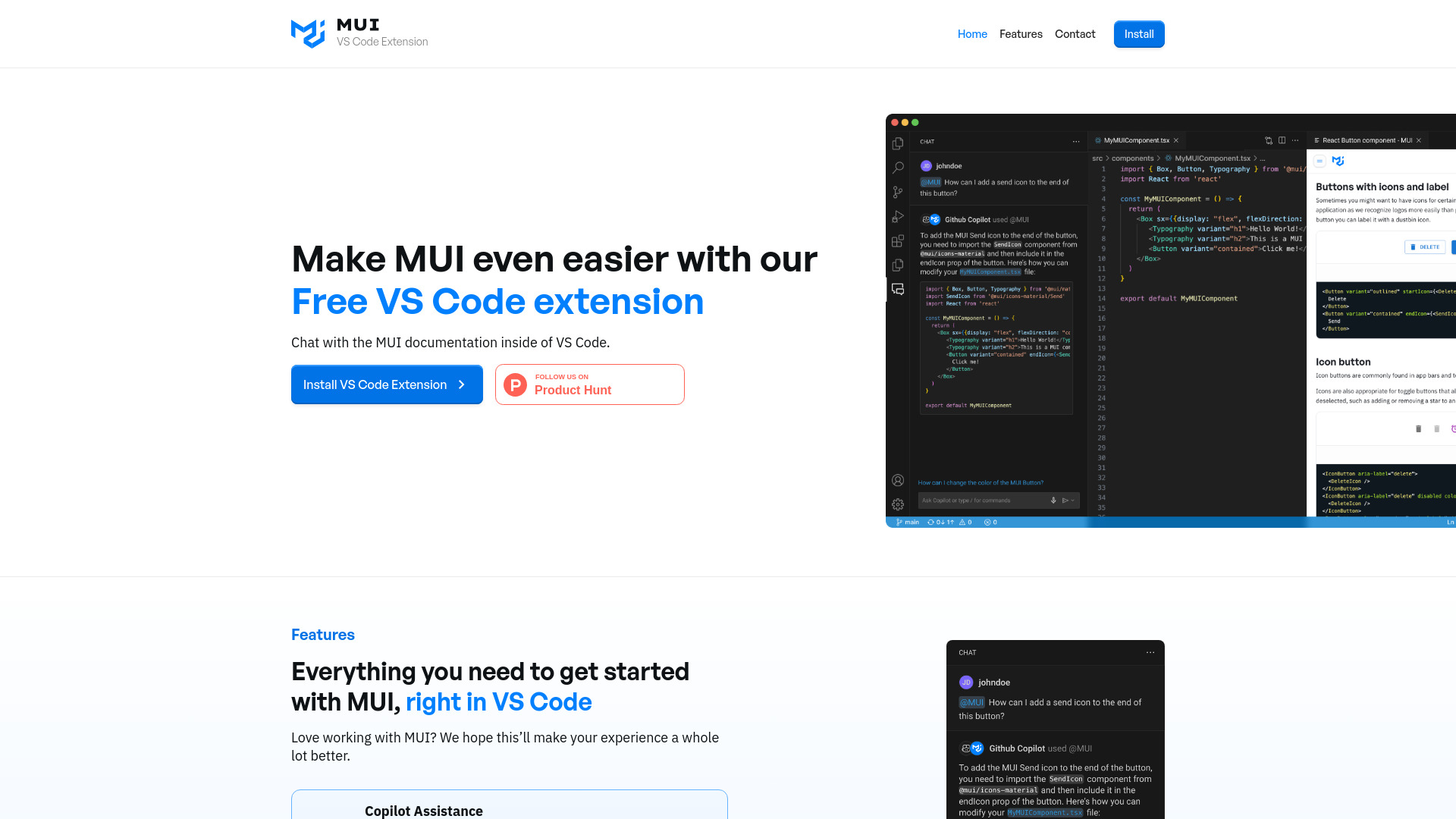
MUI VS Code Extension provides in-editor documentation and AI assistance for MUI development.
Verdict
A quick read before you dig into the full page.
- Best if
- MUI VS Code Extension provides in-editor documentation and AI assistance for MUI development
- Pick this when
- MUI VS Code Extension provides in-editor documentation and AI assistance for MUI development
Overview
The MUI VS Code Extension allows developers to chat with an AI expert on MUI directly within VS Code. By typing "@mui" into GitHub Copilot, users can receive high-quality answers with references to the most up-to-date MUI documentation. This extension aims to make working with MUI easier by providing in-editor documentation access, Copilot assistance, and direct feedback channels.
Access & connections
Where you can use MUI for VS Code, and what it plugs into.
Platforms
Capabilities
What this tool accepts, produces, and is strongest at.
Highlights
- Copilot Assistance with MUI documentation
- In-IDE Documentation Search (Coming Soon)
- Direct Feedback to MUI team (Coming Soon)
FAQ 4
What is MUI VS Code Extension?
How to use MUI VS Code Extension?
How do I use the MUI VS Code Extension?
What features are currently available?
Related tools
Recommended

Qoder ✓
FreemiumAgentic Coding Platform for Real Software

Nextbrowser ✓
FreemiumAI Browser Agent that automates professional tasks through chat.

iDox.ai Guardrail ✓
Free TrialStop sensitive data leaks to AI tools.

Chatbot App
PaidMulti-Model AI Chat Platform that lets you switch between 30+ leading AI models instantly or run them side by…