Mind Mapping

moyoNote

All-in-one AI tool for organizing information into mind maps with interactive Q&A and secure sharing.

Source rating 5.0 (89) 0 views 0 saves Paid
More categories (5)

Verdict

A quick read before you dig into the full page.

Best if
All-in-one AI tool for organizing information into mind maps with interactive Q&A and secure sharing
Skip if
You need a free plan with no credit card
Pick this when
Paid · From $8.25 / month

Overview

moyoNote is an all-in-one tool designed for organizing, managing, and structuring information into a comprehensive knowledge base. It leverages AI to swiftly craft mind maps from text or files and offers interactive Q&A for the generated maps, enhancing user engagement. It supports various file types, including .pdf, .docx, and mp3, allowing users to drag and drop files for professional mind note acquisition. The platform also facilitates easy sharing of mind maps via links or social QR codes, secured with password protection for access control.

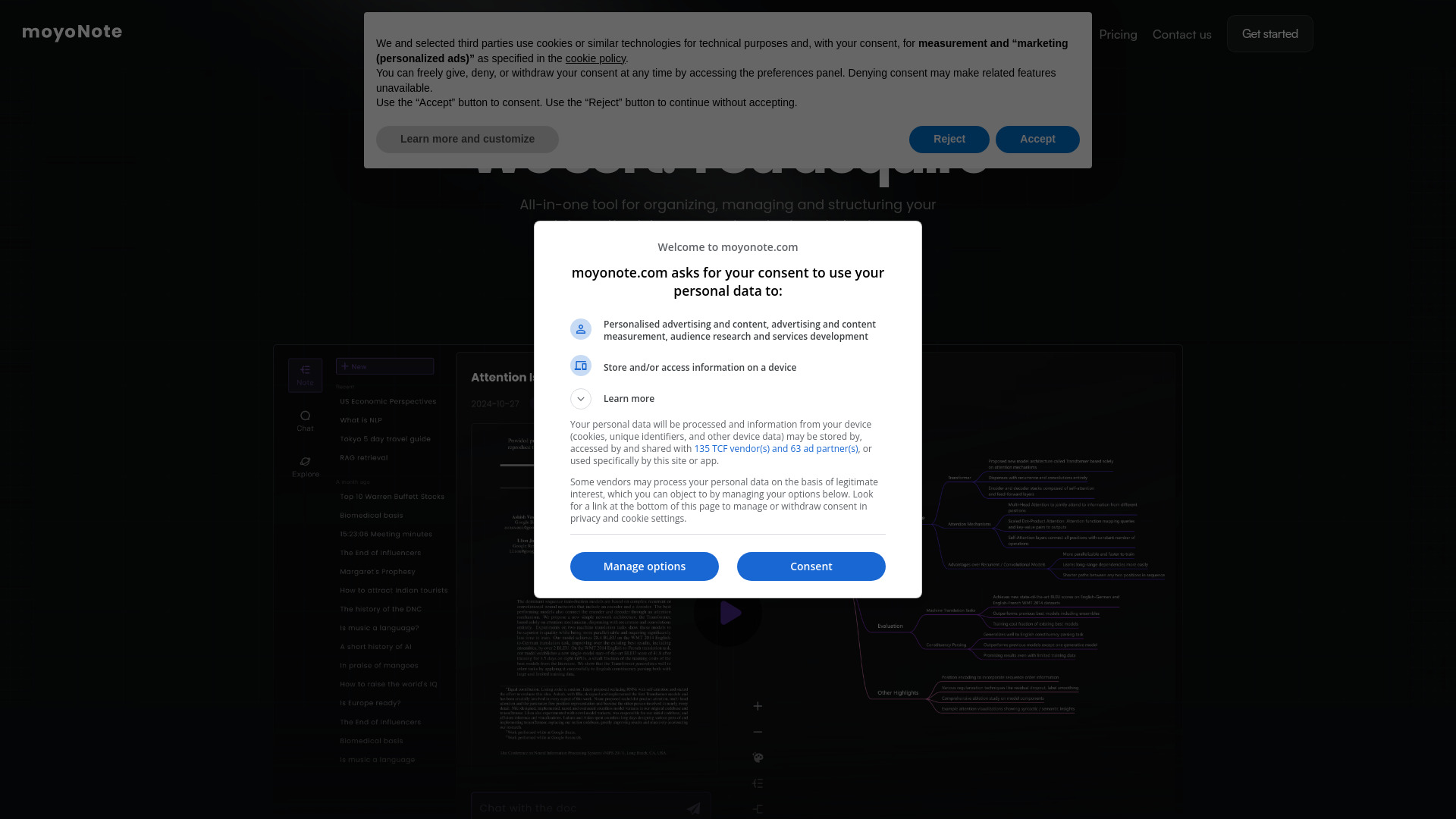
moyoNote screenshot

Access & connections

Where you can use moyoNote.

Platforms

Web

Capabilities

What this tool accepts, produces, and is strongest at.

Highlights

  • AI-powered mind map generation from text and files
  • Interactive Q&A for generated mind maps
  • Support for multiple file types (.pdf, .docx, mp3)
  • Comprehensive control over mind map structure and color
  • Secure sharing via links or social QR codes with password protection

FAQ 6

What is moyoNote?
moyoNote is an all-in-one tool designed for organizing, managing, and structuring information into a comprehensive knowledge base. It leverages AI to swiftly craft mind maps from text or files and offers interactive Q&A for the generated maps, enhancing user engagement. It supports various file types, including .pdf, .docx, and mp3, allowing users to drag and drop files for professional mind note acquisition. The platform also facilitates easy sharing of mind maps via links or social QR codes, secured with password protection for access control.
How to use moyoNote?
Users can organize information by dragging and dropping files (like .pdf, .docx, mp3) onto the web interface. The AI then generates mind maps from text or files. Users can customize these maps with structure edits and color personalization. Sharing is facilitated through links or social QR codes, with optional password protection.
What sets MoyoNote apart from other mind mapping tools?
MoyoNote's AI swiftly crafts mind maps from text or files. It stands out with interactive Q&A for the generated maps, enhancing user engagement.
Are the basic features of MoyoNote free? Are there premium features available for a fee?
MoyoNote offers free basic features, but for those looking for more space and advanced capabilities, a Pro upgrade is available. With the Pro version, you can unlock more advanced features.
How can I deeply customize the AI mind map to fit my style or needs?
MoyoNote grants comprehensive control over mind maps, allowing free structure edits and color personalization, ensuring personalized expression that matches your style and professional needs.
How can I safely share mind maps with others while controlling access permissions?
Easily share mind maps via links or social QR codes with MoyuNote, and secure them with password protection for access control.
moyoNote From $8.25 / month
