
Movis Studio
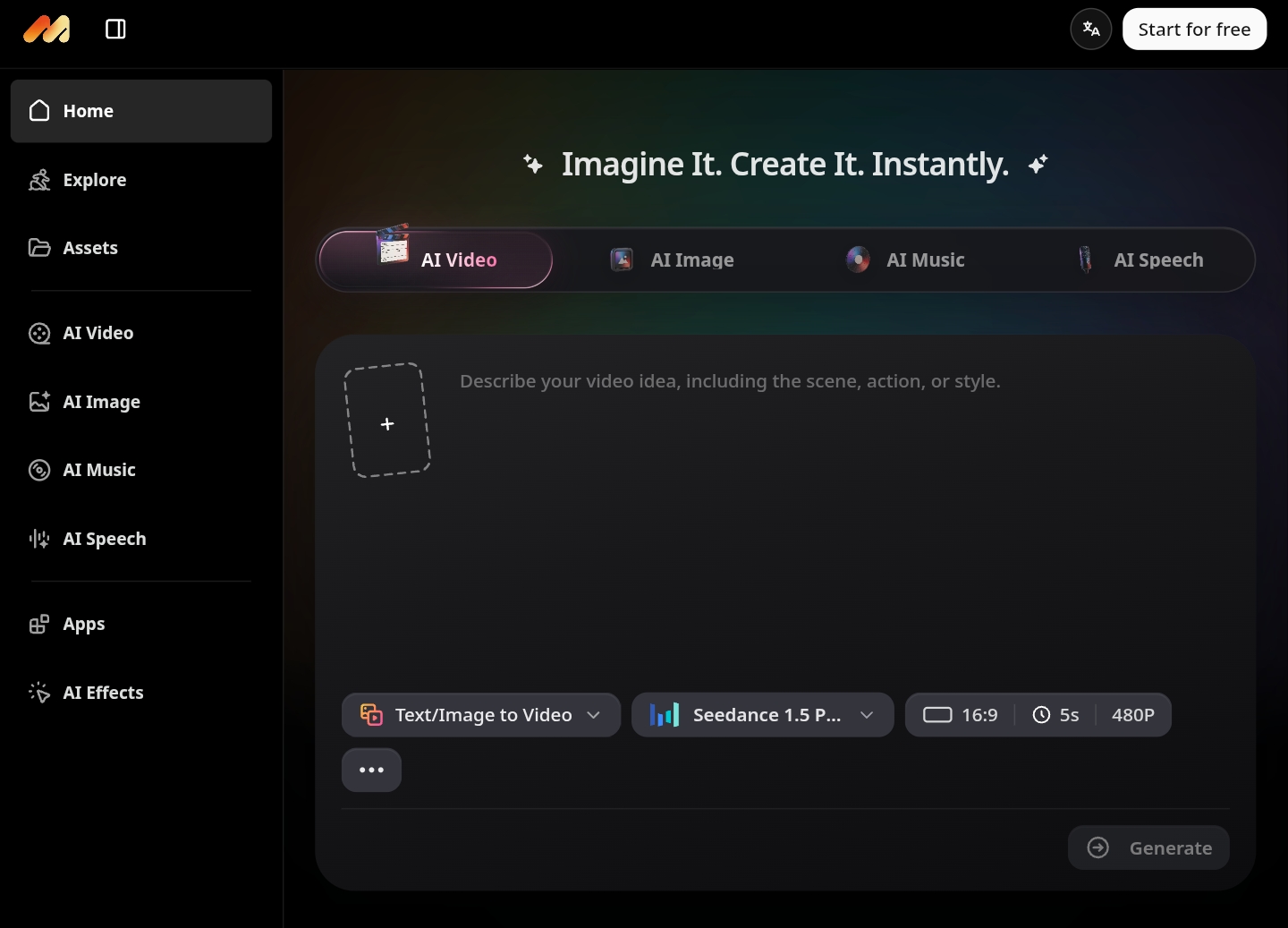
Movis Studio is an all-in-one AI creative platform for creating videos, images, music, and speech in one workspace. Creators and teams can generate creative assets from prompts, scripts, or references, estimate credits before generation, save presets, and manage outputs in asset history.
Free + from $19.90 one-time
Verdict
A quick read before you dig into the full page.
- Best if
- Movis Studio is an all-in-one AI creative platform for creating videos, images, music, and speech in one workspace. Creators and teams can generate creative…
- Skip if
- You need enterprise SLAs or a fully managed team plan right away
- Pick this when
- Freemium · Free + from $19.90 one-time
Overview
Movis Studio brings AI video generation, AI image generation, AI music generation, text-to-speech, AI tools, and AI effects into one focused creative workspace. It helps creators, marketers, designers, social media teams, founders, agencies, and studios produce social content, ads, product demos, thumbnails, campaign visuals, background music, voiceovers, and creative drafts without switching between separate tools. Users can start from text prompts, scripts, reference images, or music directions, choose from multiple AI models and settings, use AI prompt assistance, translate ideas into model-ready English prompts, review credit estimates, generate media, download results, and reuse successful directions through presets and asset history.
Access & connections
Where you can use Movis Studio.
Platforms
Capabilities
What this tool accepts, produces, and is strongest at.
Highlights
- AI video generation from text prompts or image references
- AI image generation for campaign visuals, product concepts, thumbnails, and moodboards
- AI music generation from text prompts for videos, ads, intros, and creative projects
- AI speech generation for narration, voiceovers, tutorials, and product content
- AI Tools Library with focused utilities including AI Hugging Generator, AI Background Remover, and more creative tools.
- AI Effects Library for video and photo effects, including Pretend to Sleep and more AI-powered visual effects.
- AI prompt generation, English prompt translation, reusable presets, and saved asset history
- Credit estimates before generation and credit-based pay-as-you-go usage
FAQ 11
What is Movis Studio?
How to use Movis Studio?
2.Enter a prompt, script, reference image, or music direction.
3.Select the model and available settings such as format, duration, resolution, style, language, or quality.
4.Optionally use prompt generation, prompt translation, speech text enhancement, music lyric generation, or saved presets.
5.Review the estimated credit cost before generating.
6.Generate, preview, download, and manage the output in asset history.
7.Reuse strong prompts, settings, and outputs for future variations.

