Video editing

Motionik

Screen recorder and editor for product demos, tutorials, and explainer videos.

Source rating 5.0 (100) 6.2k views 6.2k/mo traffic 0 saves Freemium
More categories (13)

Verdict

A quick read before you dig into the full page.

Best if
You are content creators and need: Creating engaging product demos
Skip if
You need enterprise SLAs or a fully managed team plan right away
Pick this when
Freemium · Free + from $29.99 / yr

Overview

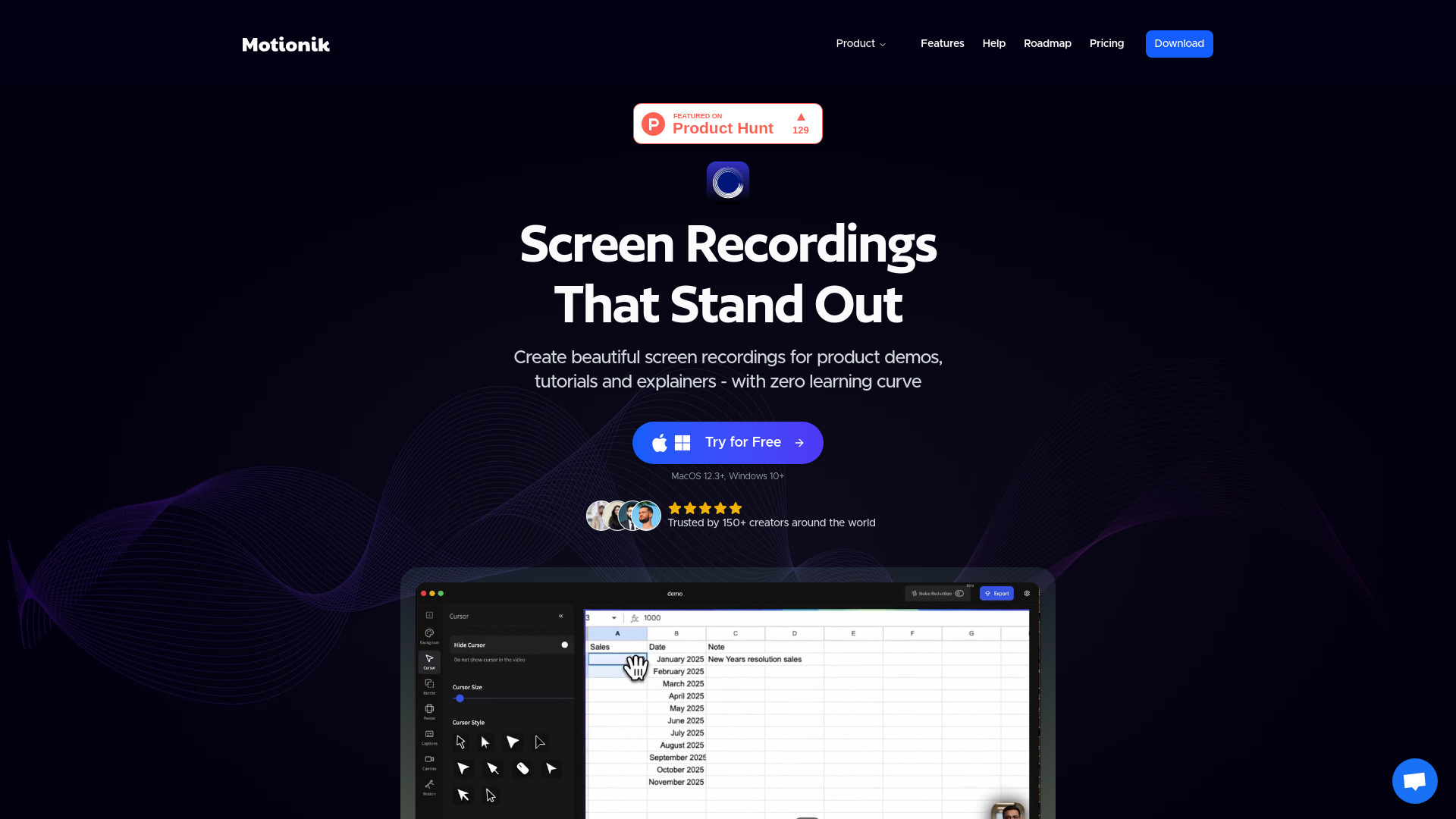
Motionik is a screen recorder with a built-in editor designed for creating engaging product demos, tutorials, and explainer videos. Its core features include auto zoom with smart cursor tracking and customizable backgrounds, allowing for naturally focused recordings without needing manual editing. It combines recording, auto zoom, and editing into one streamlined tool, enabling users to create polished videos in minutes without needing multiple applications. Motionik supports Windows and macOS, offers features like overlays, audio tracks, text, images, content masks, highlights, cursor customization, webcam & audio recording, mobile recording for iPhone/iPad, appearance customization, video trimming, and various export formats. It also includes AI features for generating transcripts and reducing background noise.

Motionik screenshot

Best for

Short scenarios where Motionik tends to shine.

  • Creating engaging product demos

    Best for Content creators

  • Producing informative tutorials

    Best for Marketing professionals

  • Developing clear explainer videos

    Best for Educators

  • Making promotional videos

    Best for Product managers

Example outputs 1

Sample generations and before/after results for Motionik.

Access & connections

Where you can use Motionik, and what it plugs into.

Platforms

iOS macOS

Integrations

Capabilities

What this tool accepts, produces, and is strongest at.

Highlights

  • Auto Zoom with smart cursor tracking
  • Built-in editor for recording and editing in one tool
  • Customizable backgrounds and appearance
  • Webcam & Audio Recording
  • Mobile Recording for iPhone & iPad screens

People also view

Tools that often show up alongside Motionik in collections and comparisons.

FAQ 9

What is Motionik?
Motionik is a screen recorder with a built-in editor designed for creating engaging product demos, tutorials, and explainer videos. Its core features include auto zoom with smart cursor tracking and customizable backgrounds, allowing for naturally focused recordings without needing manual editing. It combines recording, auto zoom, and editing into one streamlined tool, enabling users to create polished videos in minutes without needing multiple applications. Motionik supports Windows and macOS, offers features like overlays, audio tracks, text, images, content masks, highlights, cursor customization, webcam & audio recording, mobile recording for iPhone/iPad, appearance customization, video trimming, and various export formats. It also includes AI features for generating transcripts and reducing background noise.
How to use Motionik?
To use Motionik, simply record your screen (full display, specific window, or selected area), webcam, and microphone. Then, utilize the intuitive built-in editor to polish your videos. This includes applying auto or manual zoom, customizing cursor styles and click effects, trimming unwanted sections, adding motion blur, incorporating audio tracks, images, content masks, and highlights. You can also customize the video's appearance with backgrounds, shadows, and rounded corners before exporting it in your desired format.
How Motionik works?
Motionik allows you to record and edit videos in one simple tool, featuring an intuitive recording interface and editor to polish your videos without switching applications.
What version of macOS is required to run Motionik?
MacOS 12.3+ is required to run Motionik.
Is there a Windows version available?
Yes, Motionik is available for Windows 10+.
Does Motionik ensure user privacy?
Motionik has a Privacy Policy, which can be found linked in the footer of the website.
Can I cancel my subscription?
For the Annual plan, which is billed yearly, subscription management is available via the 'Manage subscription' link in the account section. The Lifetime plan is a one-time payment with no recurring fees.
How can I manage my License key?
License key management is handled through the 'Manage subscription' link located in the account section of the website.
Can I move my License to another device?
The pricing plans specify the number of personal devices a license can be used on (e.g., 1 or 3 devices), but the content does not explicitly state if a license can be moved between devices.
Motionik Free + from $29.99 / yr
