
Monday Vibe ✓
The platform marketers trust to deliver results.
Free + from $10/mo
Verdict
A quick read before you dig into the full page.
- Best if
- The platform marketers trust to deliver results
- Skip if
- Limited app sharing capabilities
- Pick this when
- No-code app builder
Considering Whacka instead? Compare side by side
Overview
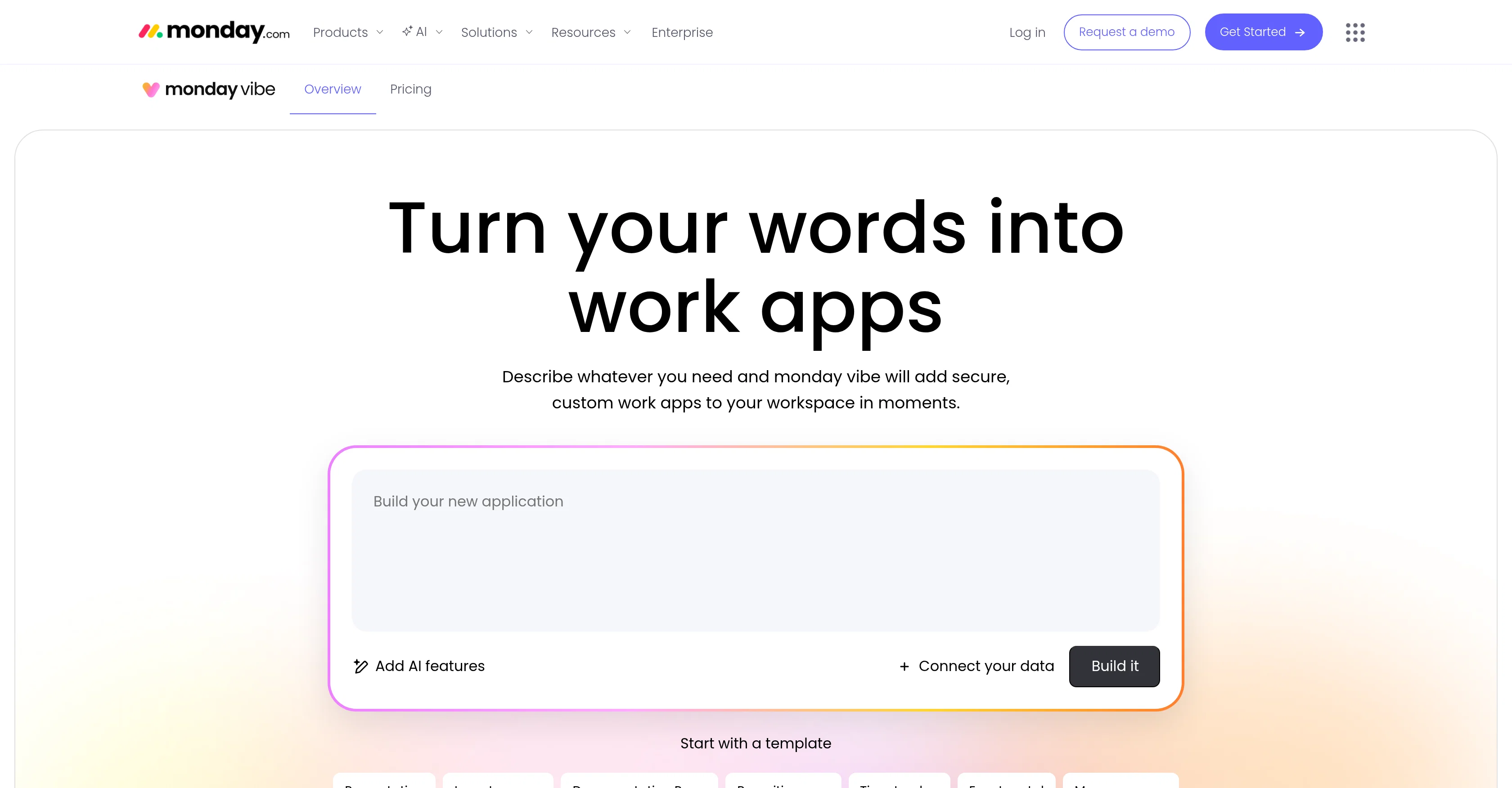
Monday Vibe is an AI-powered no-code builder integrated into the monday.com platform. It converts user-inputted prompts into fully functional, secure, and custom applications.
The focus of Monday Vibe is to simplify the app-building process. Users just need to describe what they need in words, and the tool will generate a custom app to fit their workflows and data requirements.
This extends to various types of applications, dashboards, and widgets including organization charts, time trackers, forms, planners, and more.The priority of Monday Vibe is to provide secure and accessible tools that are compatible with different screen sizes so users can operate them conveniently.
Created apps are private by default and can only be seen by their creators until they're published. The application is built directly on monday.coms enterprise-grade infrastructure, ensuring robust performance.
Control over access resides with account administrators who can grant permissions at account and role levels.Availability of Monday Vibe extends to all monday.com users across all account tiers that have AI activated.
Monday Vibe allows exploration of built apps for free. However, the sharing of apps may have limitations based on the plan subscribed to.
Access & connections
Where you can use Monday Vibe.
Platforms
Capabilities
What this tool accepts, produces, and is strongest at.
Input
- Text
Output
- Code
Pros & cons
Pros
- No-code app builder
- User-friendly prompt interface
- Generates secure applications
- Creates custom applications
- Simplifies app-building process
- Customizable workflows and data
- Multiple application types support
- Integrated in monday.com platform
Show 24 more
- UI compatible with various screens
- Private default applications
- Robust enterprise-grade infrastructure
- Administrate control over access
- Role-level permissions
- Apps are shareable
- Free apps exploration
- Customizable subscription plans
- Planning and tracking tools
- App design oriented
- Effective workflow management
- Diverse organisation tools
- Secure software development
- Integrated into existing platform
- UI/UX Focus
- Access control
- Data requirement sensitive
- Enterprise-grade security
- Automatic screen size adjustment
- App exploration for free
- Asia-Pacific infrastrcuture
- SA Service campaign
- Designed for various teams
- Access permissions control
Cons
- Limited app sharing capabilities
- Depends on monday.com infrastructure
- Administrator controlled permissions
- Potential language interpretation issues
- Incompatibility with non-monday.com users
- No stand-alone version
- Apps are creator-private initially
Compare alternatives
Similar tools in the catalog — with a clear reason to open each one.


AppDeploy ✓
FreeDeploy real apps directly from ChatGPT or Claude
Why look Fully free option
Full comparison
Anything - AI App Builder ✓
FreemiumTurn your words into apps, sites, and products.
Why look Higher community rating
Full comparison


Releases 1
Related tools
Recommended

VenturusAI ✓
FreemiumBusiness idea analysis and reporting.

Stratup.ai ✓
FreemiumInnovative idea generation for businesses.

PostPerfect ✓
FreemiumAutomated social media posts.

PrometAI ✓
FreemiumTurn ideas into viable reality with AI business plan generator.
LogoAi ✓
PaidAI-powered branding in seconds.

Flowpoint ✓
FreemiumWebsite Analytics Reports with AI Agents