parental control software

Mobicip

Parental control software for managing screen time and online safety.

Source rating 5.0 (51) 102k views 102k/mo traffic 0 saves Paid
More categories (8)

Verdict

A quick read before you dig into the full page.

Best if
You are parents and need: Limit children's screen time and app usage
Skip if
You need a free plan with no credit card
Pick this when
Paid · From $2.99 / month

Overview

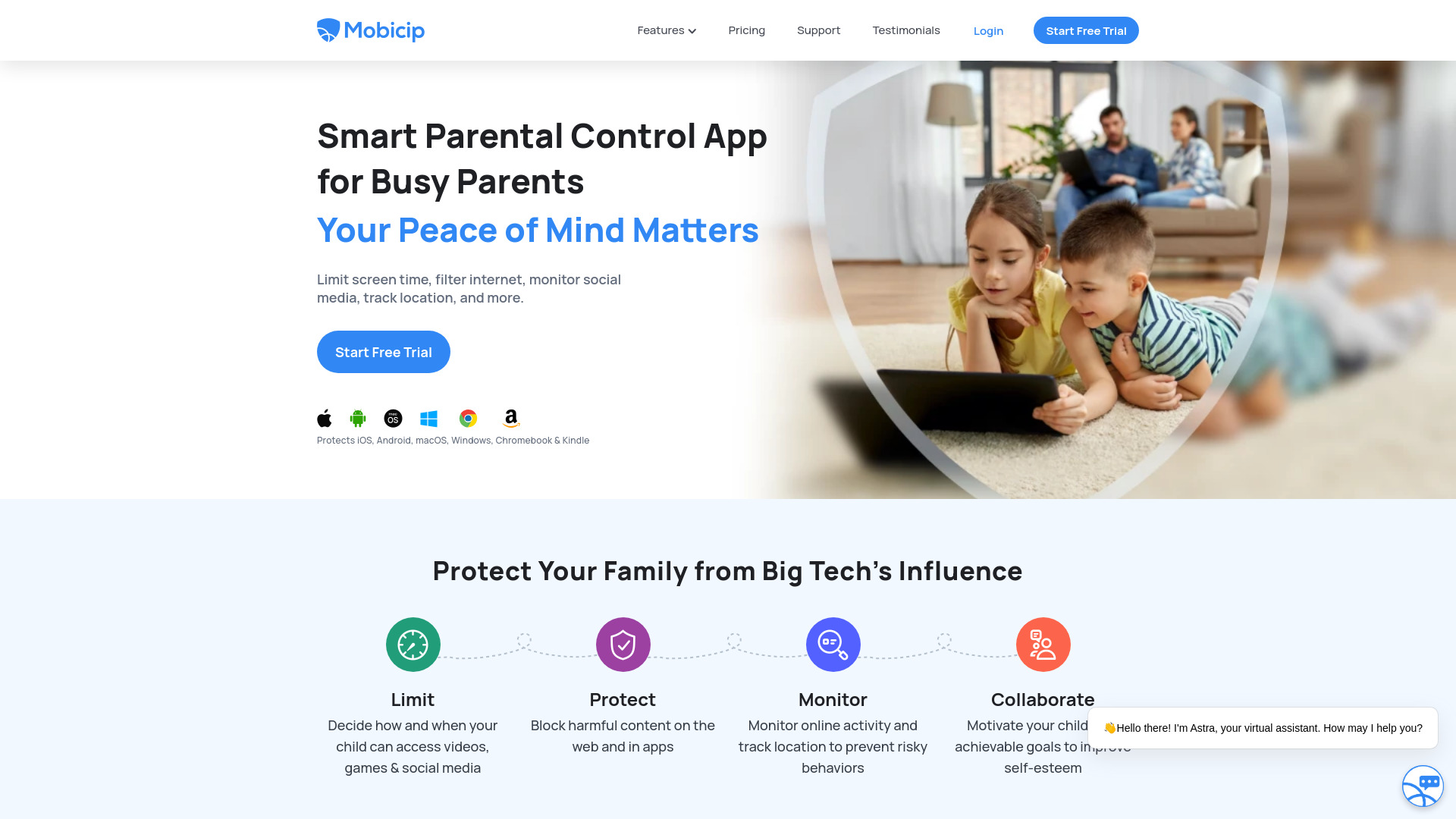
Mobicip is a parental control software and app designed for busy parents to manage their family's screen time, internet usage, and social media activity across various devices including iOS, Android, Kindle, Windows, Mac, and Chromebook. It offers features like screen time scheduling, social media monitoring, app blocking, website blocking, family location tracking, and activity summaries.

Mobicip screenshot

Best for

Short scenarios where Mobicip tends to shine.

  • Limit children's screen time and app usage.

    Best for Parents

  • Monitor social media activity to prevent risky behavior.

    Best for Guardians

  • Block inappropriate content on the internet.

    Best for Parents

  • Track family members' locations for safety.

    Best for Parents

  • Receive expert parenting advice on digital wellness.

    Best for Parents

Example outputs 1

Sample generations and before/after results for Mobicip.

Access & connections

Where you can use Mobicip.

Platforms

Capabilities

What this tool accepts, produces, and is strongest at.

Highlights

  • Screen Time Scheduler
  • Social Media Monitor
  • App Blocker
  • Website Blocker
  • Family Locator
  • Activity Summary

People also view

Tools that often show up alongside Mobicip in collections and comparisons.

FAQ 8

What is Mobicip?
Mobicip is a parental control software and app designed for busy parents to manage their family's screen time, internet usage, and social media activity across various devices including iOS, Android, Kindle, Windows, Mac, and Chromebook. It offers features like screen time scheduling, social media monitoring, app blocking, website blocking, family location tracking, and activity summaries.
How to use Mobicip?
Install Mobicip on your family's devices, create schedules to limit screen time, filter internet content, monitor social media, track location, and collaborate with co-parents.
How will you bill me?
If you purchased a subscription from the Mobicip website, you will be billed and charged annually. If you made an in-app purchase on iOS, you will be billed and charged through your App Store account.
How to get started with Mobicip?
First, select a plan that works for your family and sign up for an account. Mobicip will guide you through an easy setup procedure to start managing all your devices.
Which platforms are supported by Mobicip?
Mobicip provides the widest platform coverage making it easier to manage iOS, Android, Windows, Mac, Chromebooks and Kindle Fire devices.
Can I cancel and get my money back?
Absolutely! We have a 30-day money back guarantee if the product does not meet your expectations. Reach us at [email protected] if you have any questions.
How does the 7-day free trial work?
You will have access to all premium features during the free trial period. Your credit card will not be charged during this period.
What are the available payment options?
Online subscriptions require a Visa / Master / American Express / Discover credit card (sorry, no debit or prepaid cards). In-app subscriptions will accept the respective app store's payment method.
Mobicip From $2.99 / month
