
mixart.ai
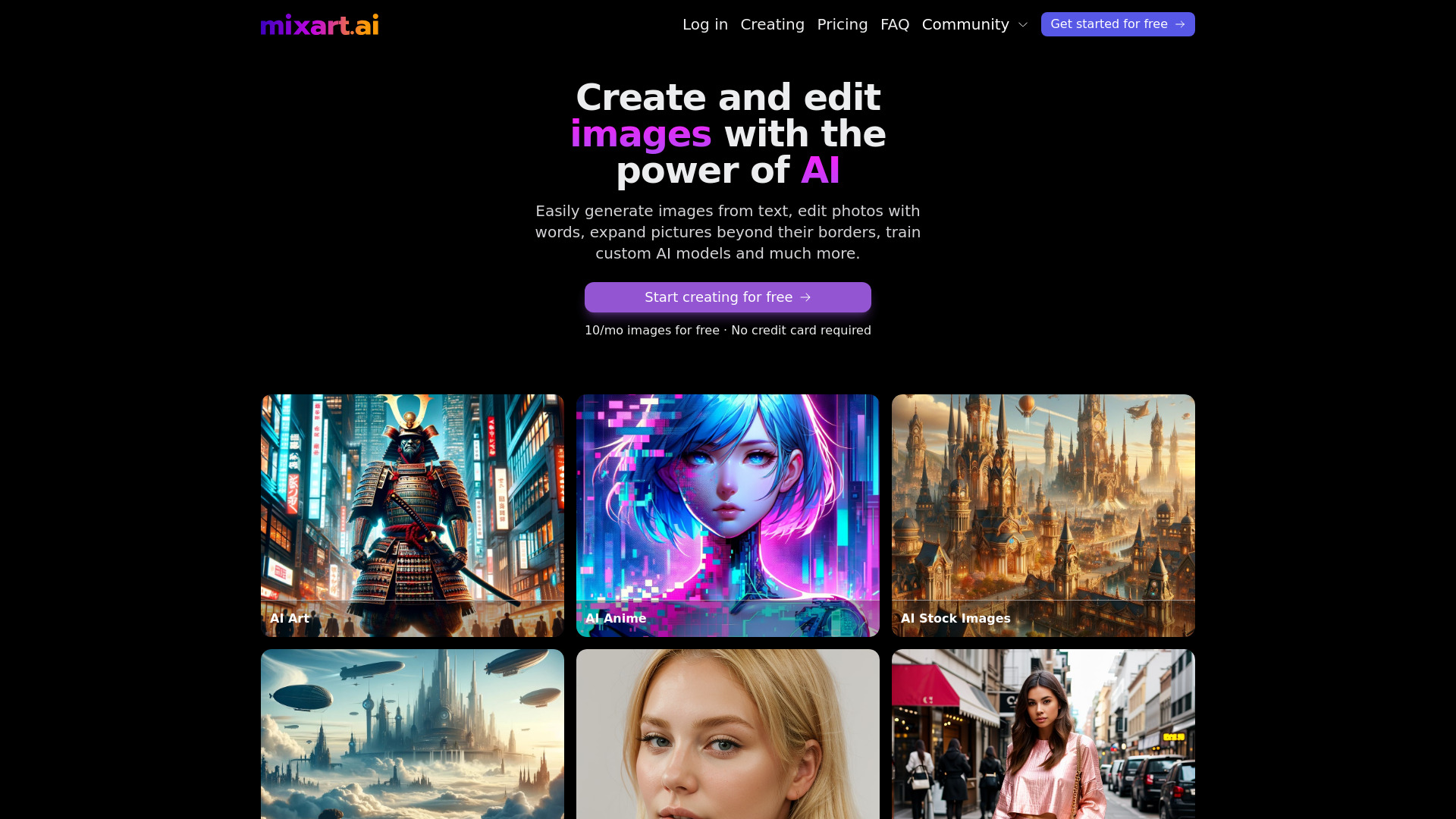
Free AI image generator for creating and editing images with AI-powered tools and customization.
Source rating 5.0
(66)
0 views
0 saves
Paid
From $15 / month
Verdict
A quick read before you dig into the full page.
- Best if
- Free AI image generator for creating and editing images with AI-powered tools and customization
- Skip if
- You need a free plan with no credit card
- Pick this when
- Paid · From $15 / month
Overview
Mixart.ai is a free AI image generator that allows users to create and edit images using artificial intelligence. It offers features such as AI-generated portraits that look realistic, AI video generation, and various customization options. Users can upload photos, choose styles, and generate professional portraits or videos for personal and business use.
Access & connections
Where you can use mixart.ai.
Platforms
Capabilities
What this tool accepts, produces, and is strongest at.
Highlights
- AI Image Generation
- AI Video Generation
- Style Selection
- Portrait Customization
FAQ 11
What is Mixart.ai?
Mixart.ai is a free AI image generator that allows users to create and edit images using artificial intelligence. It offers features such as AI-generated portraits that look realistic, AI video generation, and various customization options. Users can upload photos, choose styles, and generate professional portraits or videos for personal and business use.
How to use Mixart.ai?
To use Mixart.ai, upload 10 photos, choose a style (e.g., LinkedIn, Casual, Business), and the AI will generate professional portraits or videos in minutes. No app download is required, and it works on both desktop and mobile devices.
How realistic are the AI-generated photos?
Our AI portraits look just like professional studio shots – no weird AI effects. We use advanced AI models to create natural, high-quality images that truly look like you.
Can my AI photos be turned into videos?
Yes! You can bring your portraits to life with 5-second AI-generated videos that look smooth and natural. Perfect for Reels, TikTok, and personal branding.
How long does it take to generate photos?
Avatar creation (AI learning your facial features) takes about 15 minutes. Photo generation after that takes around 10 seconds per image.
What kind of photos should I upload?
For the best results, upload 10 high-quality photos with different angles, lighting, and expressions. Avoid blurry images, heavy filters, or sunglasses – the more natural, the better!
Will all photos look 100% like me?
Yes, as long as your uploaded photos are high quality. The AI learns from your images and produces realistic portraits without distortions. Based on our stats, 70% of images turn out great, and 5-10% are exceptionally good.
Is my data safe?
Absolutely. We never share your photos and use encrypted storage to keep your data secure. You can delete your original images anytime after generation.
Can I get a refund if I don’t like the results?
Due to the nature of AI-generated content, we don’t offer refunds, but we’re confident you’ll love your portraits. If something looks off, our team will adjust your results for free!
Can I use this on my phone?
Yes! Our AI headshot generator works perfectly on both desktop and mobile devices – no app download required.
Can I use these AI photos for business or printing?
Of course! Your high-resolution AI portraits are perfect for LinkedIn, websites, resumes, and even printed materials like business cards.
Related tools
Recommended


mixart.ai
From $15 / month