
Midjourney Logo Generator
AI logo generator with SVG support and Midjourney prompts.
Source rating 5.0
(88)
0 views
0 saves
Paid
From $4.95 One Time
Verdict
A quick read before you dig into the full page.
- Best if
- AI logo generator with SVG support and Midjourney prompts
- Skip if
- You need a free plan with no credit card
- Pick this when
- Paid · From $4.95 One Time
Overview
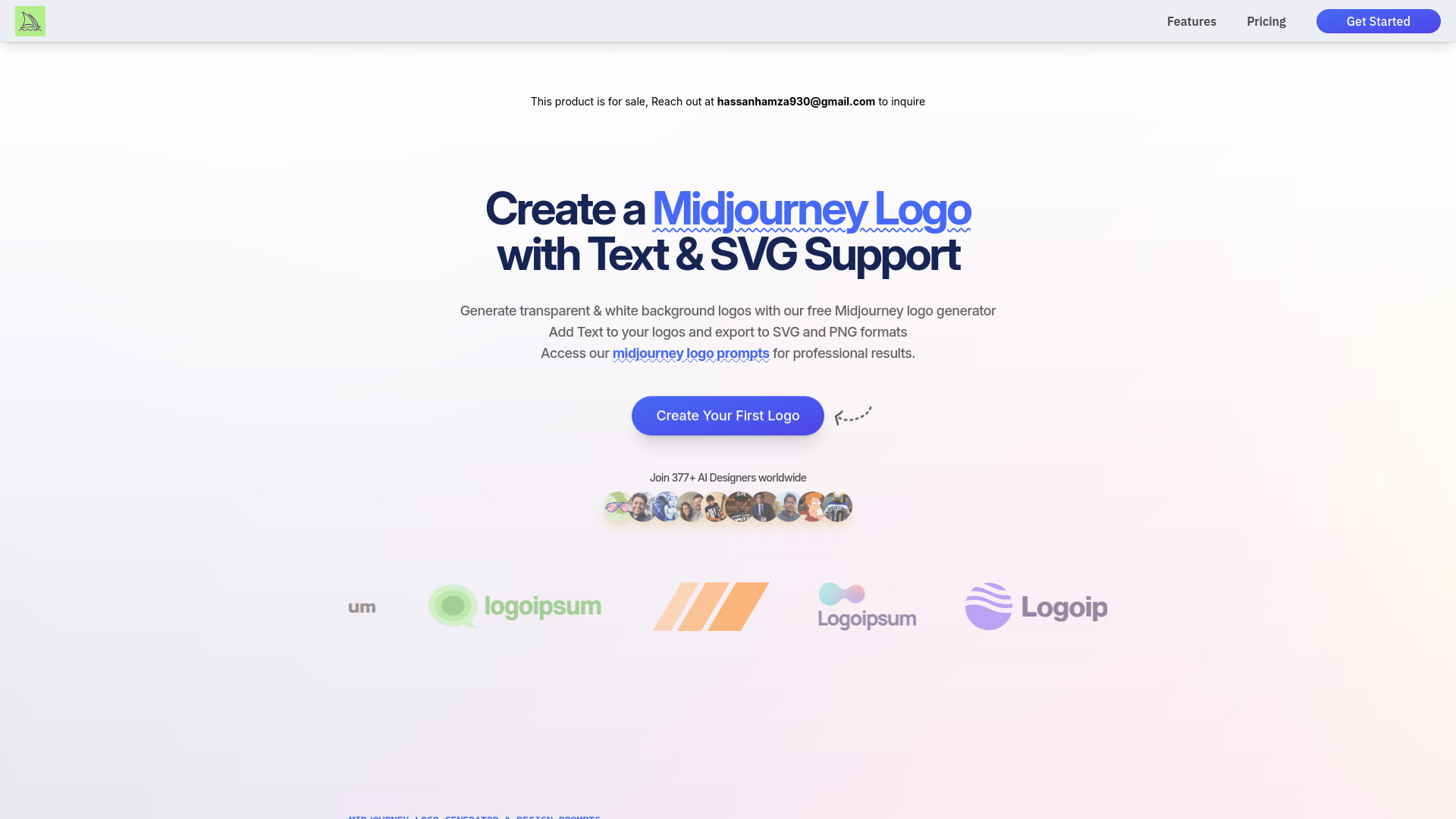
LogoLook AI is a Midjourney logo generator that helps businesses and brands create logos using AI. It supports SVG export, transparent and white backgrounds, and text addition. It also provides Midjourney logo prompts for professional results. The platform offers a simple 4-step process: describe your brand, select an art style, experiment with colors, and download your SVG logo.
Access & connections
Where you can use Midjourney Logo Generator.
Platforms
Capabilities
What this tool accepts, produces, and is strongest at.
Highlights
- AI-powered logo generation
- SVG export
- Transparent and white background options
- Text addition to logos
- Midjourney logo prompts
FAQ 11
What is LogoLook AI?
LogoLook AI is a Midjourney logo generator that helps businesses and brands create logos using AI. It supports SVG export, transparent and white backgrounds, and text addition. It also provides Midjourney logo prompts for professional results. The platform offers a simple 4-step process: describe your brand, select an art style, experiment with colors, and download your SVG logo.
How to use LogoLook AI?
Use the AI logo generator by describing your brand, selecting an art style, experimenting with colors, and downloading your logo as an SVG file.
Can I create transparent and white logos with LogoLook AI?
Yes! Our LogoLook AI logo design tool specializes in creating both transparent and white logos. You can generate clean, professional logos with transparent backgrounds or white backgrounds that work perfectly for any application.
Can I add text using our logo creator?
Yes! Our LogoLook AI allows you to add text to your logos. You can customize the text and the art style to your liking.
Can I customize my logo after it's generated?
Absolutely! You can regenerate variations of your logo by adjusting the prompts, art style, or color schemes. Since we provide SVG versions of your logos, you can also easily modify them using standard vector editing tools while maintaining professional quality.
What makes your logos professional-grade?
Our logo generation system uses carefully crafted GEN-AI prompts that ensure consistent, high-quality outputs. We focus on creating logos that are not only visually appealing but also practical for business use, with clean lines, proper scaling, and professional aesthetics that work across all platforms.
How quickly can I create a logo?
You can generate professional logos in seconds. Our streamlined process and curated prompt library ensure quick results while maintaining quality. Once generated, you can instantly download your logo in SVG format, ready for use in any application.
Do you offer SVG format for all logos?
Yes! Our system converts your generated logos into fully scalable SVG format. This ensures your logo maintains perfect quality at any size and can be used for everything from business cards to billboards.
What are your pricing plans?
We offer flexible plans starting with our Kickstart Plan at $4,95 for 35 logo credits, and our Pro Plan at $8,50 for 100 logo credits. 3 credits allow for one logo generation, with SVG downloads requiring 1 credit. All credits never expire, giving you flexibility in your logo creation process.
Can I track my previous logo designs?
Yes! Our system maintains a history of all your generated logos and the prompts used to create them. This allows you to easily revisit and refine previous designs or use successful prompts as a starting point for new logo variations.
What formats can I download my logo in?
We support the SVG export format. Our logo generator allows you to download your designs in fully scalable SVG files for professional use.
Related tools
Recommended

Midjourney Logo Generator
From $4.95 One Time