
Miaoyan
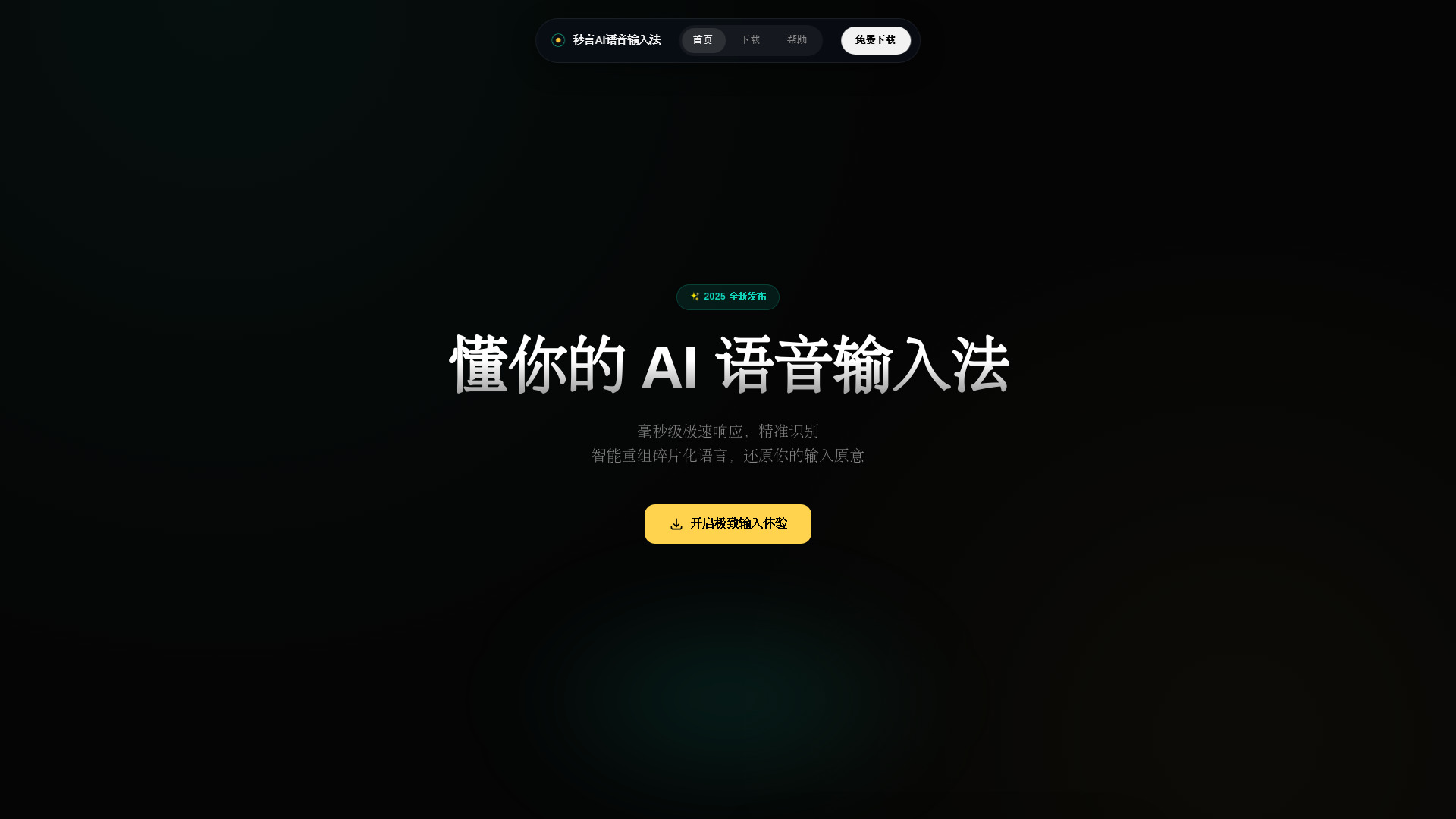
Miaoyan is an AI-powered voice input tool for Chinese users on PC, designed to turn spoken language into clean, usable text instantly.
Verdict
A quick read before you dig into the full page.
- Best if
- Miaoyan is an AI-powered voice input tool for Chinese users on PC, designed to turn spoken language into clean, usable text instantly
- Pick this when
- Miaoyan is an AI-powered voice input tool for Chinese users on PC, designed to turn spoken language into clean, usable text instantly
Overview
Miaoyan AI Voice Input is a desktop voice input tool for Windows and macOS, built for Chinese users who write, code, or communicate frequently.
Unlike traditional speech-to-text or input methods, Miaoyan focuses on real-time AI-assisted input. It converts spoken Chinese into structured, ready-to-use text, automatically handling fillers, repetitions, punctuation, and common ASR errors.
Miaoyan works system-wide. You can speak naturally, and the processed text is inserted directly into any active input field, such as chat apps, documents, browsers, or code editors.
It is ideal for long-form writing, daily communication, note-taking, and productivity workflows where typing is slow or interrupts thinking.
Access & connections
Where you can use Miaoyan.
Platforms
Capabilities
What this tool accepts, produces, and is strongest at.
Highlights
- System-wide voice input
- AI-enhanced speech-to-text
- Real-time text insertion
- Automatic filler and error handling
- Designed for long-form input
FAQ 2
What is Miaoyan?
Unlike traditional speech-to-text or input methods, Miaoyan focuses on real-time AI-assisted input. It converts spoken Chinese into structured, ready-to-use text, automatically handling fillers, repetitions, punctuation, and common ASR errors.
Miaoyan works system-wide. You can speak naturally, and the processed text is inserted directly into any active input field, such as chat apps, documents, browsers, or code editors.
It is ideal for long-form writing, daily communication, note-taking, and productivity workflows where typing is slow or interrupts thinking.
How to use Miaoyan?
Use the global shortcut to activate voice input, then speak naturally in Chinese.
Miaoyan processes your speech with AI in real time and inserts clean, usable text directly into the current input field.
No copy-paste or app switching is required.

