
MemFlow
Memory assistant for Mac that records and allows semantic search.
Source rating 5.0
(92)
895 views
895/mo traffic
0 saves
Unknown
Verdict
A quick read before you dig into the full page.
- Best if
- Memory assistant for Mac that records and allows semantic search
- Pick this when
- Memory assistant for Mac that records and allows semantic search
Overview
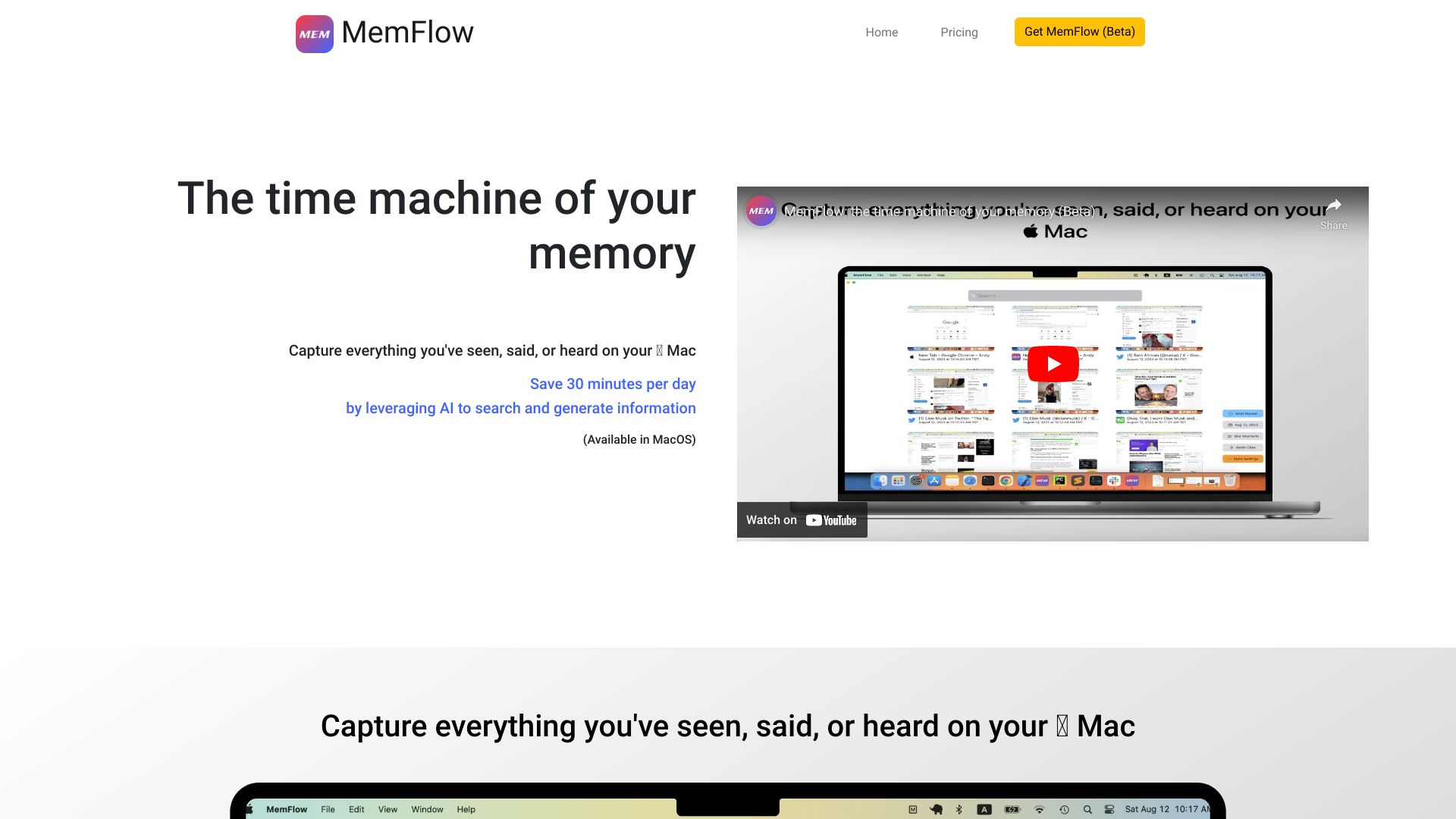
MemFlow is a memory assistant for Mac users. It automatically records screenshots and sounds in chronological order, allowing users to find memories through semantic search. It captures everything seen, said, or heard on the Mac, leveraging AI to search and generate information, saving users up to 30 minutes per day.
Access & connections
Where you can use MemFlow.
Platforms
Capabilities
What this tool accepts, produces, and is strongest at.
Highlights
- Automatic screenshot and sound recording
- Semantic search for memories
- AI-powered information search and generation
- Local data processing and encryption
- High compression of recordings
FAQ 8
What is MemFlow?
MemFlow is a memory assistant for Mac users. It automatically records screenshots and sounds in chronological order, allowing users to find memories through semantic search. It captures everything seen, said, or heard on the Mac, leveraging AI to search and generate information, saving users up to 30 minutes per day.
How to use MemFlow?
MemFlow captures data from your Mac's screen, speaker, and microphone. Screenshots and audios are converted to text using OCR and ASR. Users can search texts or send texts to ChatGPT to generate new content. To install, visit https://memflow.ai and click the "Join Alpha Test" button.
How do I install MemFlow?
Visit https://memflow.ai. Click the "Join Alpha Test" button to get started.
What devices and systems does MemFlow support?
Currently, MemFlow only supports MacOS (Ventura 13.0+). Windows, iOS and Android are coming soon.
What permissions do MemFlow need?
MemFlow needs 3 permissions: Screen Recording, Accessibility, and Microphone. They are used to collect desired data locally.
How does MemFlow protect my data and privacy?
We value your data and privacy as the top priority. Your data will be only stored and processed locally. Your text data are encrypted in the local database by following the best industry practice.
How much CPU and memory resources does MemFlow take in my Mac/MacOS?
Usually, Memflow takes only 5-10% of the overall CPU and 200MB memory in the system.
How much disk space does MemFlow take?
MemFlow could compress your recordings up to 10,000x. In the regular mode, it would take 10GB disk space per month. In the low storage mode, it would take only 3GB disk space per month.
Related tools
Recommended



MemFlow