AI security

MCP Defender

Desktop app securing AI apps from attacks by monitoring MCP communications.

Source rating 5.0 (58) 0 views 0 saves Unknown
More categories (6)

Verdict

A quick read before you dig into the full page.

Best if
Desktop app securing AI apps from attacks by monitoring MCP communications
Pick this when
Desktop app securing AI apps from attacks by monitoring MCP communications

Overview

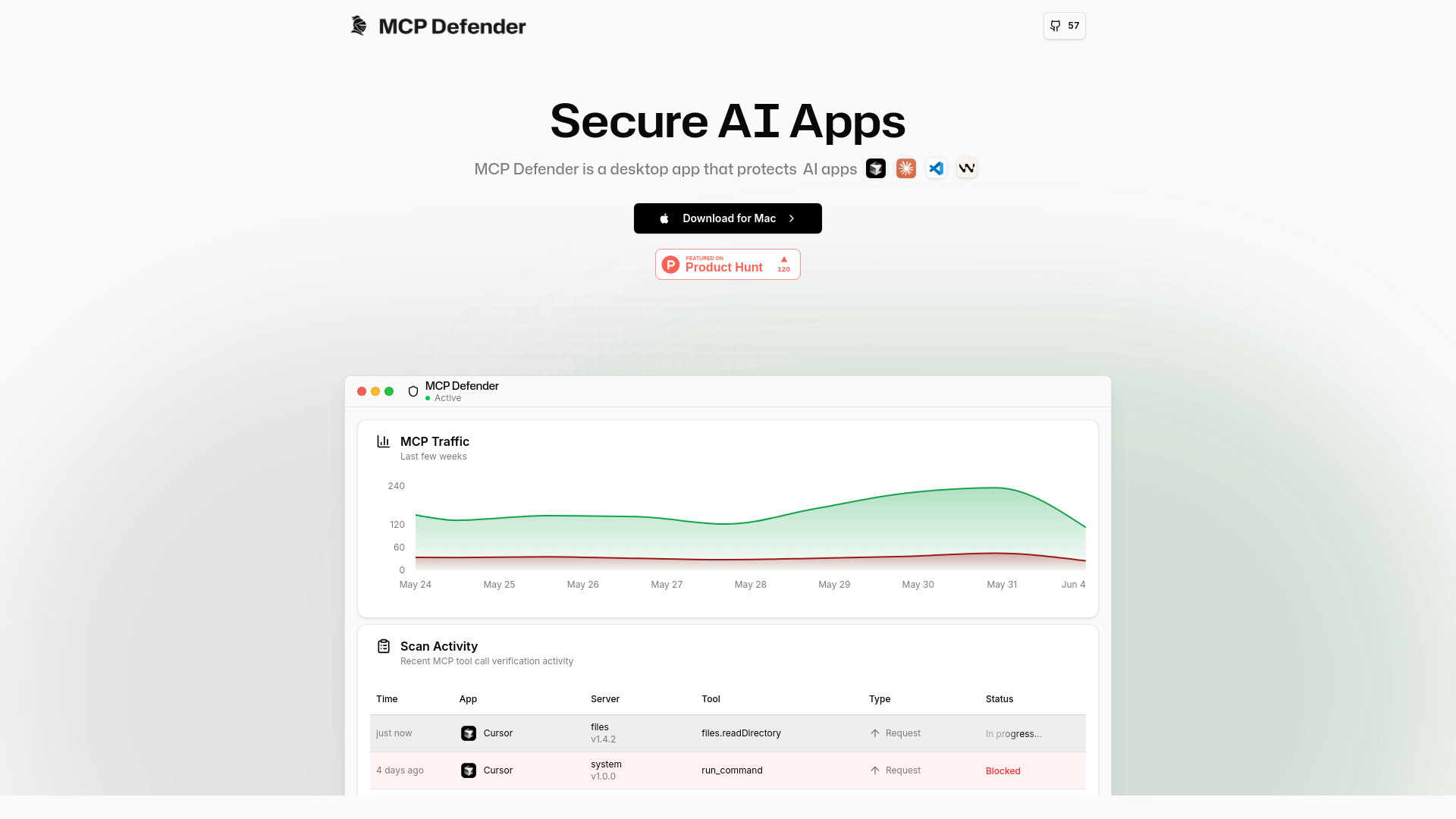
MCP Defender is a desktop application designed to automatically secure AI apps like Cursor, Claude, Visual Studio Code, and Windsurf from various attacks. It functions as an AI Firewall, monitoring and protecting Model Context Protocol (MCP) communications by intercepting tool calls and responses. It verifies these against security signatures and alerts the user if it detects any malicious activity, allowing them to block or allow the action. It provides intelligent LLM-powered threat detection and acts as a secure proxy, analyzing communications in real-time.

MCP Defender screenshot

Access & connections

Where you can use MCP Defender, and what it plugs into.

Platforms

VS Code Desktop

Integrations

Capabilities

What this tool accepts, produces, and is strongest at.

Highlights

  • AI Firewall for AI apps
  • Intelligent LLM-powered Threat Detection
  • Scan Control for managing security signatures
  • Automatic real-time protection of MCP tool calls
  • Intercepts and verifies tool calls and responses
  • Supports multiple AI applications (Cursor, Claude, VS Code, Windsurf)
  • Open Source

FAQ 7

What is MCP Defender?
MCP Defender is a desktop application designed to automatically secure AI apps like Cursor, Claude, Visual Studio Code, and Windsurf from various attacks. It functions as an AI Firewall, monitoring and protecting Model Context Protocol (MCP) communications by intercepting tool calls and responses. It verifies these against security signatures and alerts the user if it detects any malicious activity, allowing them to block or allow the action. It provides intelligent LLM-powered threat detection and acts as a secure proxy, analyzing communications in real-time.
How to use MCP Defender?
MCP Defender is a desktop application that users download and install. Once active, it automatically acts as a secure proxy between your AI applications and MCP servers. It analyzes all communications for potential threats in real-time. If malicious activity is detected, it alerts the user, who can then choose to block or allow the action. It supports managing security signatures used during scanning.
What is MCP Defender?
MCP Defender is a desktop app that automatically secures AI apps by acting as an AI Firewall, monitoring and protecting Model Context Protocol (MCP) communications from various attacks.
What types of threats does MCP Defender protect against?
It protects against common AI security threats such as Prompt Injection, Credential Theft, Arbitrary Code Execution, and Remote Command Injection.
Which AI applications are supported by MCP Defender?
Currently, Cursor, Claude Desktop, Visual Studio Code, and Windsurf are supported, with more coming soon.
Is MCP Defender open source?
Yes, MCP Defender is open source and available on GitHub.
How does MCP Defender protect AI apps?
It acts as a secure proxy between your AI applications and MCP servers, analyzing all communications for potential threats in real-time and alerting you to malicious activity.
MCP Defender

